

Transactions
Every Query Tool tab decides for itself when its statements commit. This page explains the three commit modes, the menu that sets them, Commit and Rollback, and how pgjumbo shows a transaction that is open or has failed. The tab’s connection itself (its process id, its settings, what happens when it is lost) is on A tab’s session.
The three commit modes
Section titled “The three commit modes”| Mode | When statements commit |
|---|---|
| Auto-commit | Each statement commits by itself as soon as it succeeds, as in psql. |
| Smart commit | Reads commit by themselves. The first statement that writes begins a transaction, and everything you run after it stays in that transaction until you commit or roll back. |
| Manual commit | Every statement goes into a transaction. The first one you run begins it, and it stays open, run after run, until you commit or roll back. |
Smart commit reads each statement with PostgreSQL’s own parser. A write is an INSERT, UPDATE, DELETE or MERGE,
also inside a WITH, and a COPY … FROM. A SELECT that calls a function which writes is not seen as a write: with
no transaction open, it commits by itself.
Your own BEGIN, START TRANSACTION, COMMIT, END, ROLLBACK, ABORT, SAVEPOINT, RELEASE and
PREPARE TRANSACTION run as you wrote them in every mode, and pgjumbo adds nothing around them. A BEGIN you run in
Auto-commit opens a transaction too.
A new tab starts in the mode that SettingsRunning queriesTransactionsNew Query Tool tabs says: Auto-commit (the default), Smart or Manual. The setting reaches the tabs you open from then on; a tab that is open keeps its mode until you change it in its own menu. See Settings.
The Transaction menu
Section titled “The Transaction menu”The toolbar’s Transaction menu is the button named after the tab’s mode. It belongs to the tab in front, and what you choose in it changes that tab’s session only.
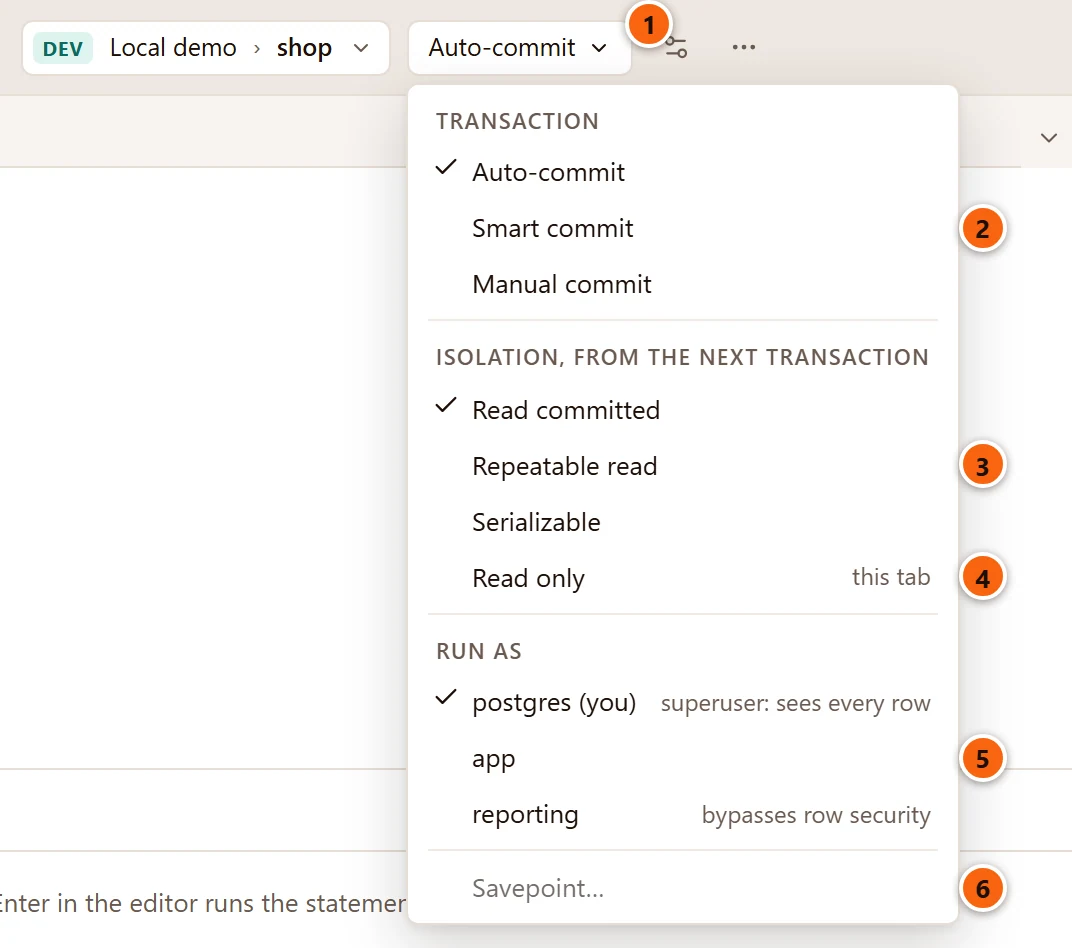
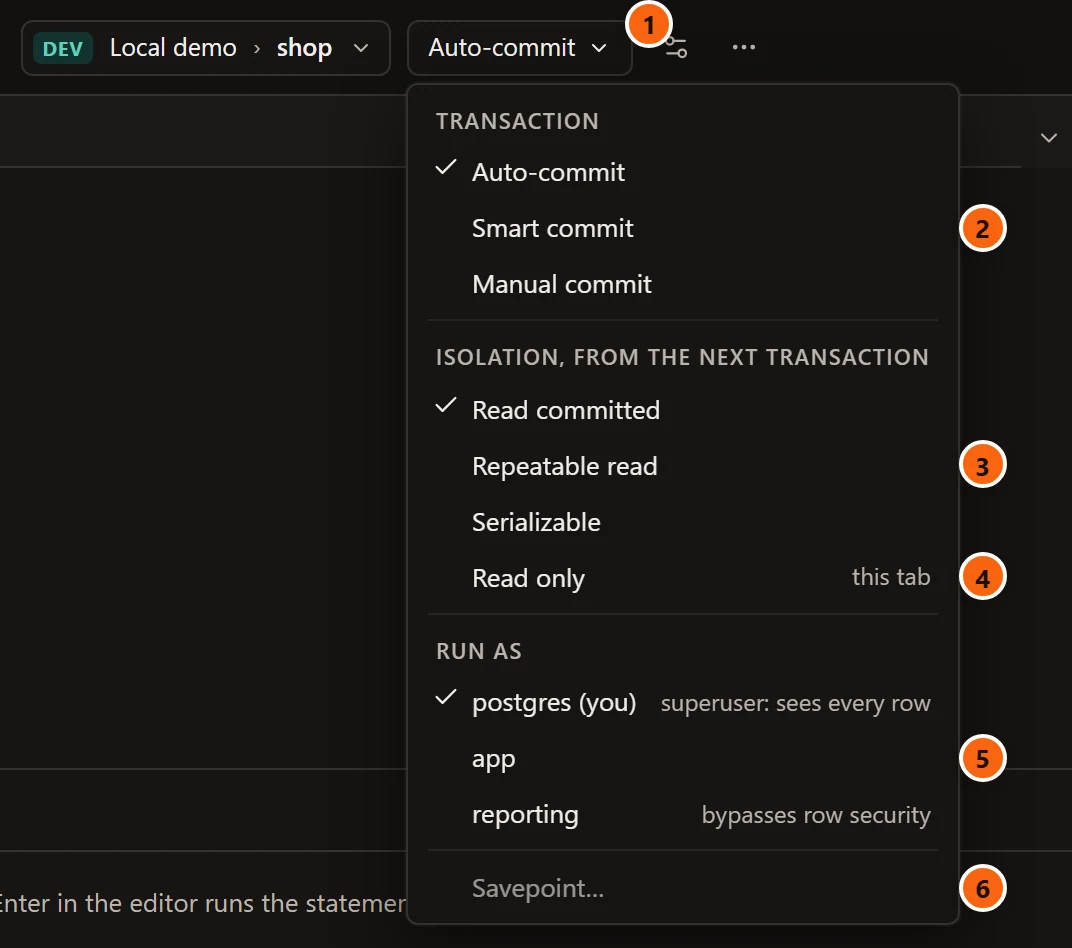
- 1 The button says the tab’s mode: Auto-commit, Smart commit or Manual commit. In a window narrower than about 1,440 pixels the toolbar drops its labels and the button is only its arrow; hover it for the mode and what it does. It is greyed while the tab runs.
- 2 Under TRANSACTION, the three modes. The change applies from the next statement. Auto-commit is greyed while a transaction is open in Smart commit or Manual commit: commit or roll back first.
- 3 Under ISOLATION, FROM THE NEXT TRANSACTION: Read committed, Repeatable read or Serializable. The transaction that is open keeps the level it began with.
- 4 Read only, for this tab: the tab’s next transactions start read-only, and PostgreSQL refuses a write in them. See Make one tab read-only.
- 5 Under RUN AS, the role the tab’s statements run as. See Run as another role.
- 6 Savepoint… adds a named savepoint to the open transaction. It is greyed while no transaction is open and in a failed one. See The Transaction view.
Isolation and Read only are the session’s default_transaction_isolation and default_transaction_read_only,
and Run as is SET ROLE. pgjumbo reads the three from the session each time the menu opens. When they cannot
be read, for example because the server does not answer within three seconds, the isolation levels and
Read only are greyed and no roles are listed.
A change you make in this menu inside an open transaction lasts only if that transaction commits, as a SET does.
The Query menu has part of this: Commit, Rollback and Auto-commit, ticked while the tab is in that mode. Choosing it while it is ticked moves the tab to Manual commit; choosing it while it is not moves the tab to Auto-commit, which a transaction open in the tab has to end first. Smart commit is only in the toolbar’s menu.
A tab that has no session (it waits for its server, or its connection was lost) has no mode to set. In the menu’s place the toolbar shows the mode the tab will have again, such as Manual commit, as plain words, and the menu comes back with the session. See A tab’s session.
Make one tab read-only
Section titled “Make one tab read-only”Tick Read only to keep a tab from writing while you look around. A READ ONLY tag then shows beside the menu
and in the status bar, and a statement that writes fails with PostgreSQL’s
cannot execute … in a read-only transaction (SQLSTATE 25006). Under that error pgjumbo adds a note with a button
that turns Read only off again; see Help inside pgjumbo.
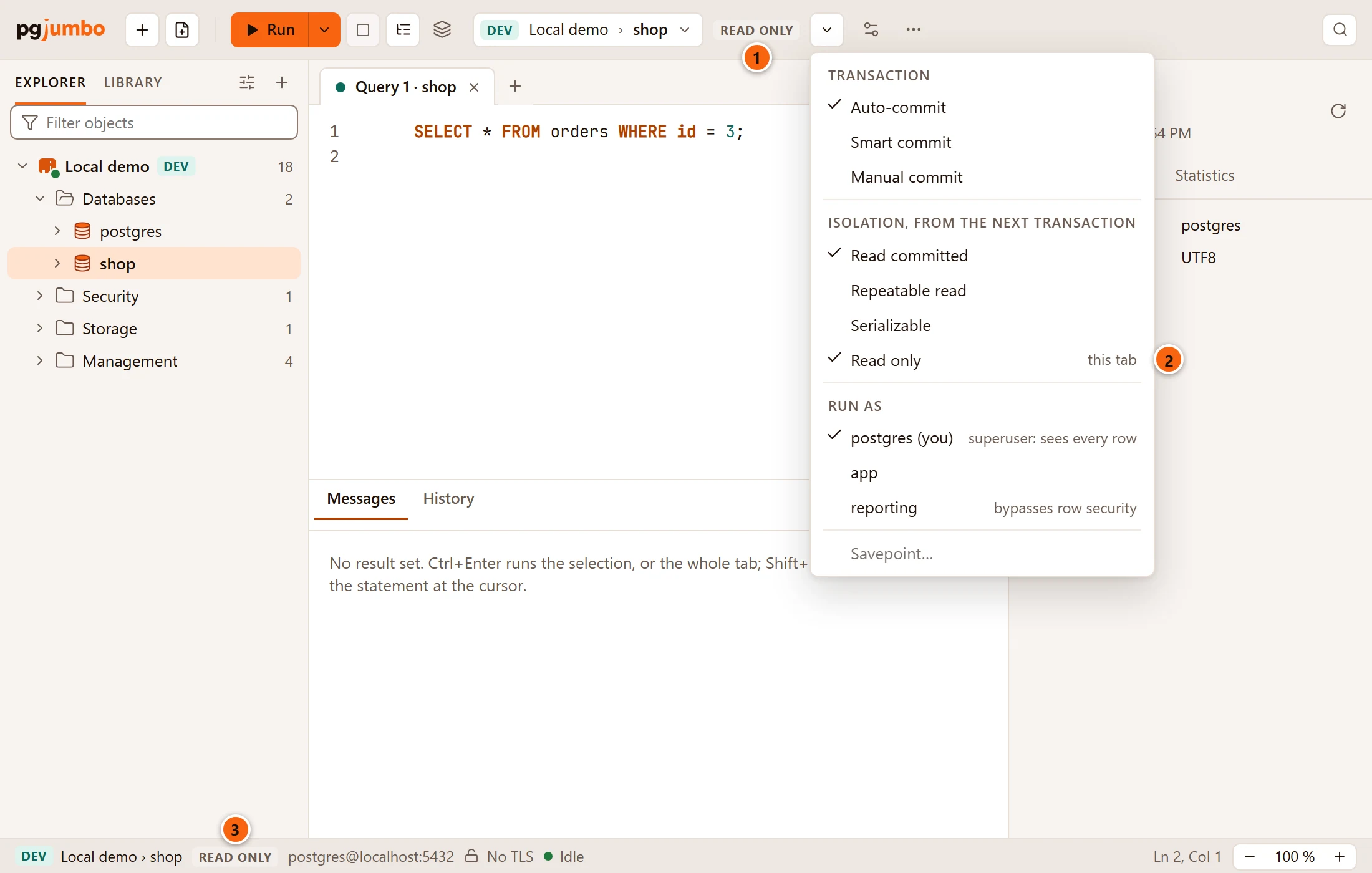
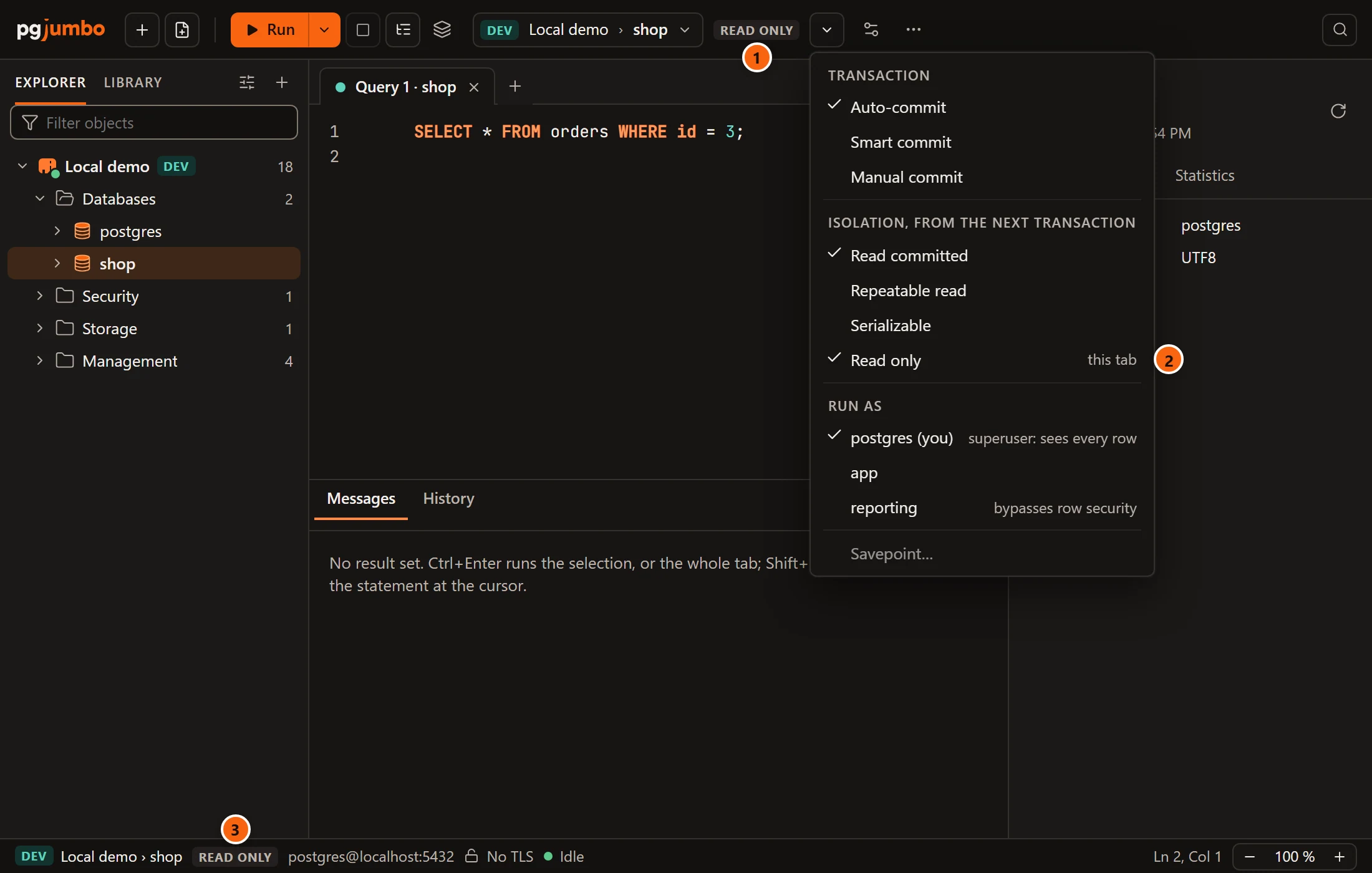
- 1 The READ ONLY tag beside the menu. Hover it for
This tab's session is read-only: writes are refused. The commit-mode menu turns it off. - 2 Read only, ticked.
- 3 The same tag in the status bar, after the server and the database.
On a server saved with Read-only sessions, every tab starts with Read only ticked. Unticking it there asks once:
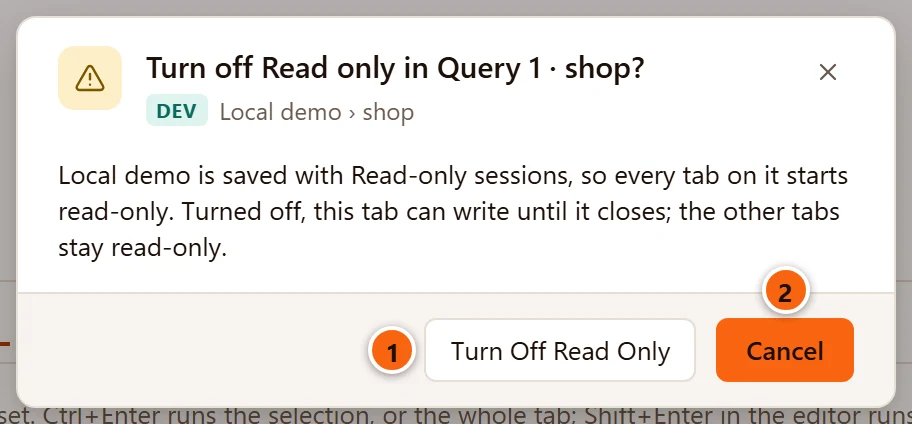
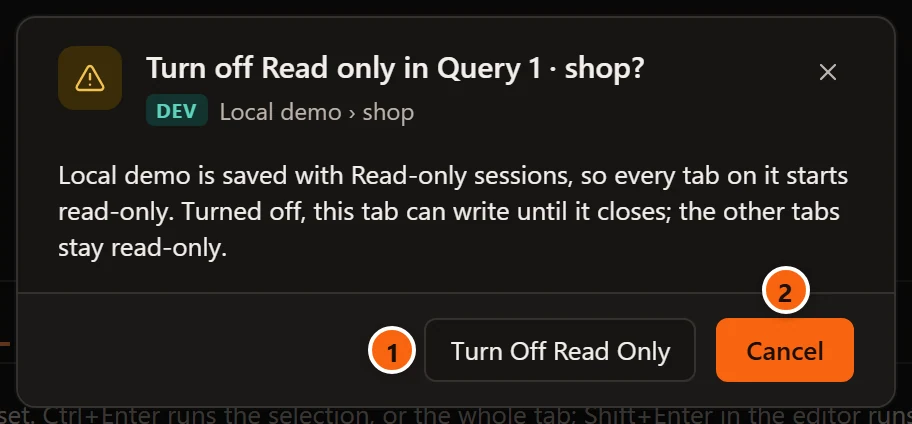
- 1 Turn Off Read Only lets this tab write until it closes. The server’s other tabs stay read-only, and so does the next tab you open.
- 2 Cancel is the default: Enter and Esc leave the tab as it was.
Read-only sessions is a choice of the saved connection, explained on Connection settings. Tagging a server Production does not turn it on.
Run as another role
Section titled “Run as another role”Run as lists your login role first, marked (you), then the roles it is a member of, and ticks the one the tab acts as. Choose a role and the tab’s statements run as it, with that role’s privileges; choose your login role to go back. While the tab acts as another role, the status bar says so, such as as reporting.
Beside a role, a grey note says when it sees past row security. Production servers explains the notes. The menu lists twelve roles at most; when you have more, its last item, such as 5 more in Session Settings…, opens the dialog that lists them all.
Commit and roll back
Section titled “Commit and roll back”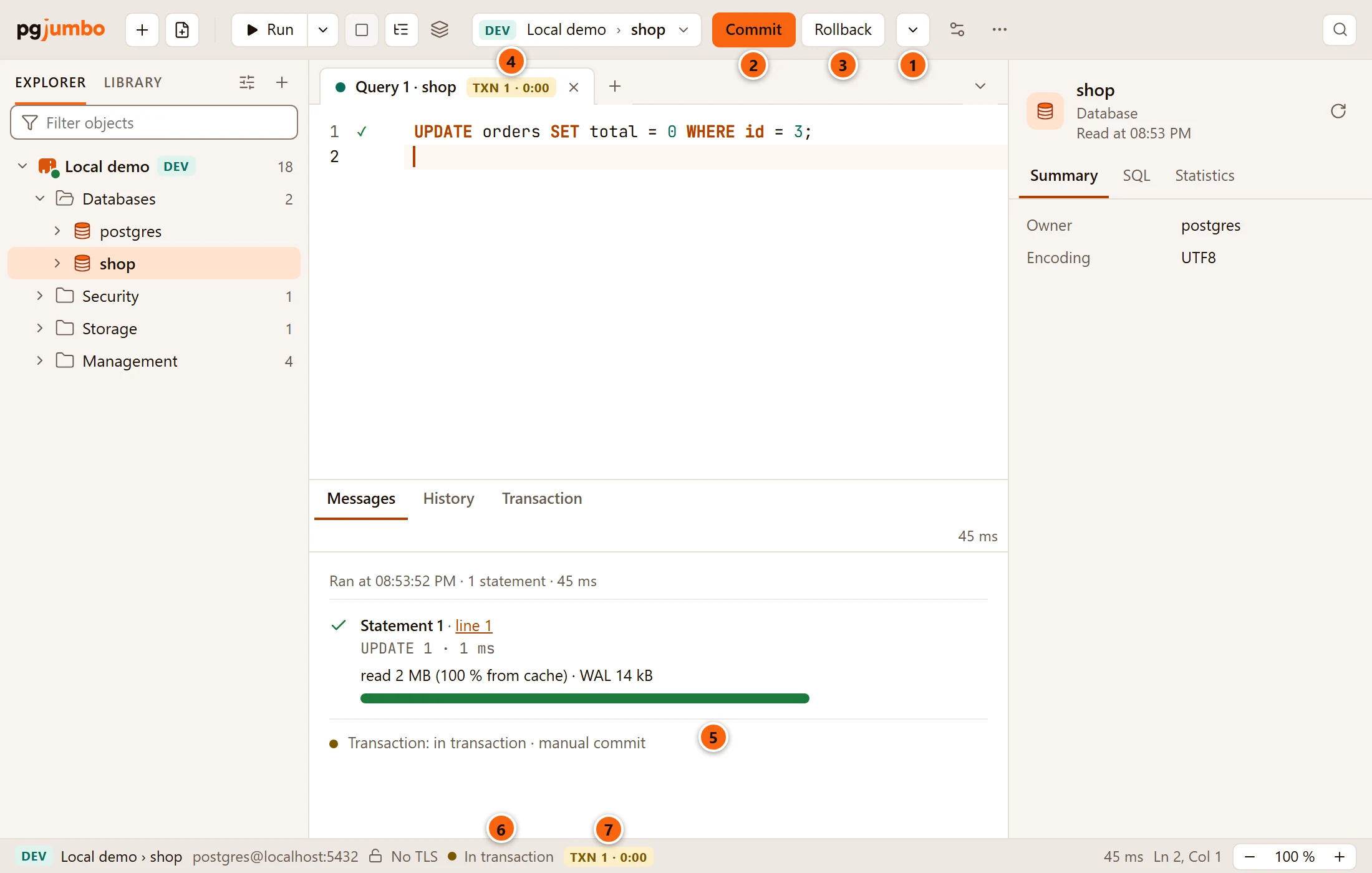
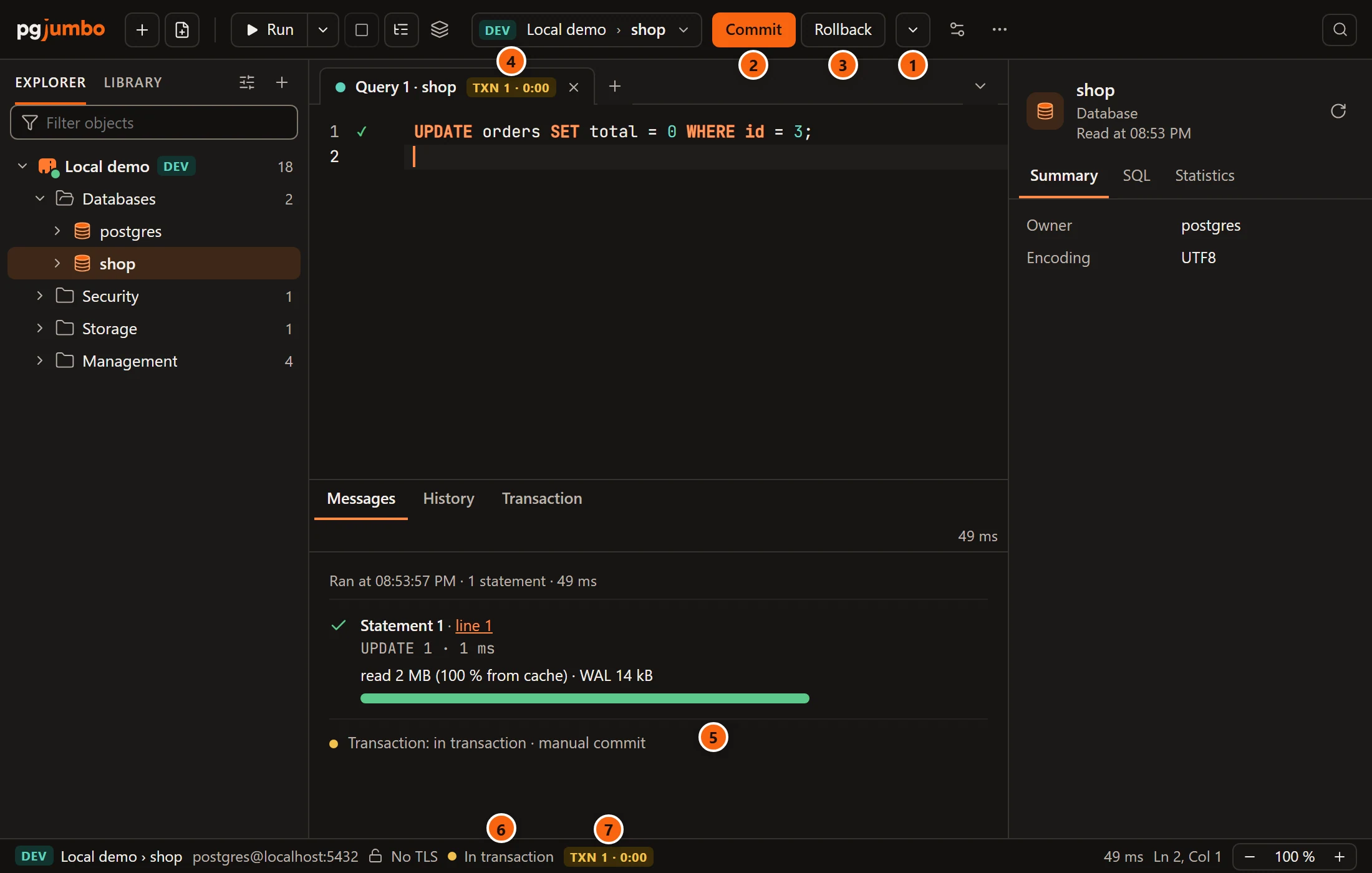
- 1 The Transaction menu, here in Manual commit. The window in the picture is narrow, so the button is only its arrow.
- 2 Commit sends
COMMIT. While a transaction is open it is the filled button, and Run becomes a plain one. - 3 Rollback sends
ROLLBACK. - 4 The badge on the tab: the transaction’s statements and how long it has been open.
- 5 The last line of Messages gives the session’s state and the tab’s mode:
Transaction: in transaction · manual commit. - 6 The status bar says In transaction.
- 7 The same badge in the status bar.
Commit and Rollback show in the toolbar in Smart commit and Manual commit, and in Auto-commit
whenever a transaction is open, your own BEGIN included. They are also QueryCommit and
QueryRollback. Neither has a key of its own; you can give them one in
Change the shortcuts.
| Button | Greyed when |
|---|---|
| Commit | No transaction is open, the transaction has failed, the tab runs, or a rehearsed write waits. |
| Rollback | No transaction is open, the tab runs, or a rehearsed write waits. |
After either one, Messages adds an entry Transaction with COMMIT · 3 ms (or ROLLBACK) under it. If the
server refuses, its error shows there instead. A rehearsed write is ended in its own
Rehearsal tab; until then the two buttons’ tooltip says
A rehearsal is waiting: Commit or Roll Back it in the Rehearsal view.
The badge of an open transaction
Section titled “The badge of an open transaction”While a transaction is open, the tab and the status bar carry a badge such as TXN 3 · 4:12: three statements kept in the transaction, open for 4 minutes 12 seconds. A statement that failed, or that you rolled back, does not count.
- Hover the badge for the whole sentence, with the locks the transaction holds:
Transaction open for 4:12 with 3 statements, holding 2 locks: Commit or Rollback ends it. - It turns red once the transaction has been open five minutes. An open transaction holds its locks and keeps
VACUUMfrom cleaning up behind it, so do not leave one open over lunch. - It turns red and reads TXN FAILED when the transaction has failed. Its tooltip is then
The transaction failed after 3 statements: roll it back to go on.
The status bar gives the session’s state in words beside it: In transaction, or Failed, roll back to continue. The other states are on A tab’s session.
While the transaction is open, a Transaction tab beside Messages lists it statement by statement, with the locks each one took, and can roll back to any of them. See The Transaction view.
Commands that cannot run inside a transaction
Section titled “Commands that cannot run inside a transaction”PostgreSQL runs a few commands only outside a transaction:
VACUUMCREATE INDEX CONCURRENTLY,DROP INDEX CONCURRENTLYandREINDEX … CONCURRENTLYREINDEX DATABASEandREINDEX SYSTEMCREATE DATABASEandDROP DATABASECREATE TABLESPACEandDROP TABLESPACEALTER SYSTEMCLUSTERwithout a tableDISCARD ALLCOMMIT PREPAREDandROLLBACK PREPARED- The forms of
CREATE,ALTERandDROP SUBSCRIPTIONthat make, drop or refresh a replication slot.ALTER SUBSCRIPTION … DISABLE, a rename or a new owner run inside a transaction like any statement.
What pgjumbo does with one depends on the tab’s mode and on whether a transaction is open.
| When you run one | What happens |
|---|---|
| No transaction is open, in Auto-commit or Smart commit | It runs at once, as any statement that is not a write. |
| No transaction is open, in Manual commit | The tab asks first: Run this outside a transaction? |
| A transaction is open, in any mode | It is refused before it is sent, and the transaction stays as it was. |
| An earlier statement of the same run begins a transaction | Nothing is sent, and the tab says which statement is in the way. |
Manual commit asks first
Section titled “Manual commit asks first”Manual commit holds every statement for Commit or Rollback, and it cannot hold one of these: such a command takes effect as soon as it runs. So the tab asks before anything is sent.
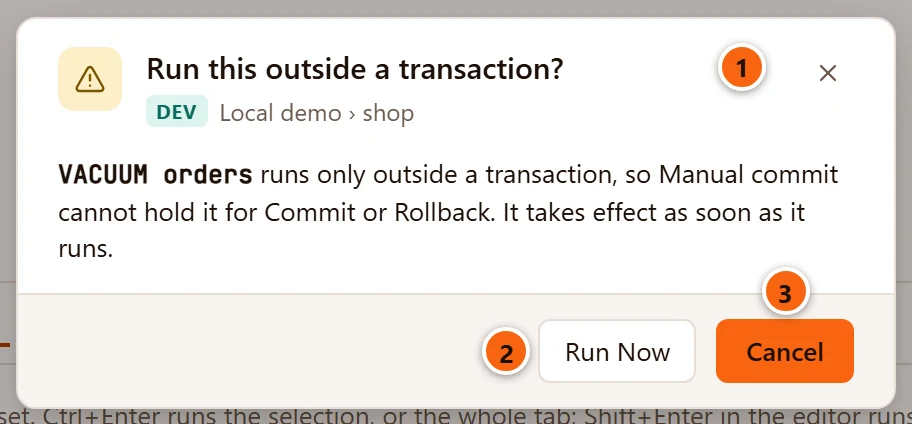
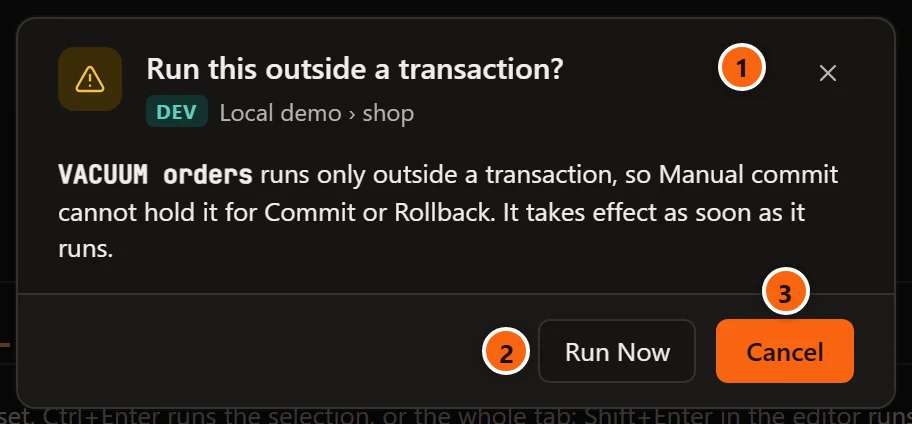
- 1 The question, with the server and the database under it and the statement in the sentence below. When the run holds several such commands the title counts them, such as Run these 2 outside a transaction?, and the dialog lists them.
- 2 Run Now runs the whole run. The command goes outside a transaction, and Messages says so:
Ran outside a transaction: Manual commit could not hold it. - 3 Cancel sends nothing. It is the default: Enter, Esc and the ×
cancel too, and
Nothing was run.shows beside the result tabs for a few seconds.
A transaction is open
Section titled “A transaction is open”With a transaction open, the server would refuse the command and fail the whole transaction with it. pgjumbo
refuses it first, in every mode: after Smart commit’s first write, in Manual commit, and after your own BEGIN in
Auto-commit.
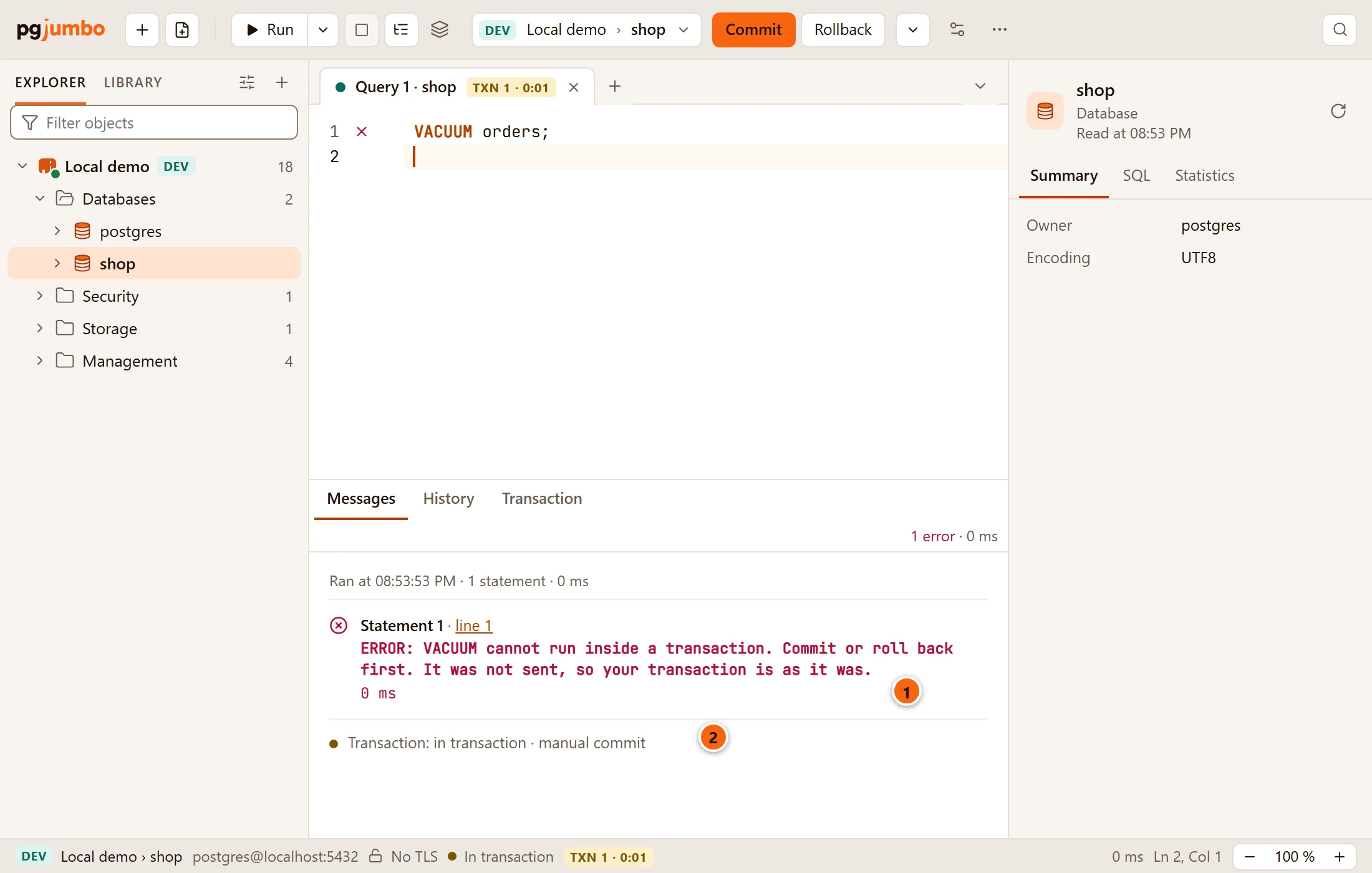
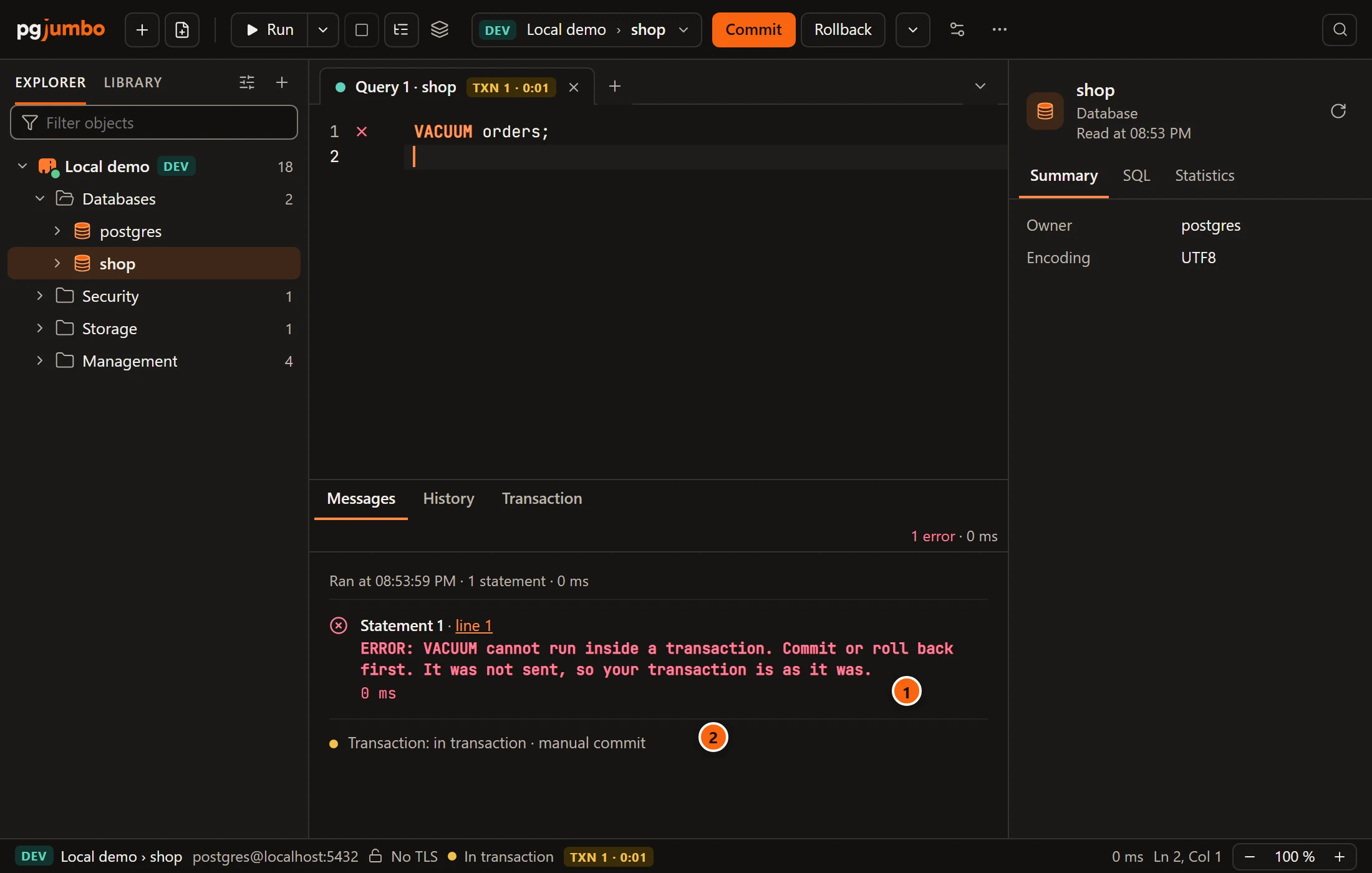
- 1 The refusal names the command:
VACUUM cannot run inside a transaction. Commit or roll back first. It was not sent, so your transaction is as it was. - 2 The transaction is still open and has not failed.
Commit or roll back, then run the command again.
An earlier statement begins the transaction
Section titled “An earlier statement begins the transaction”A run can put such a command behind a statement that begins a transaction: Manual commit’s first statement, Smart
commit’s first write, or your own BEGIN. The command could not run when the run reaches it, so the tab says so before
anything is sent.
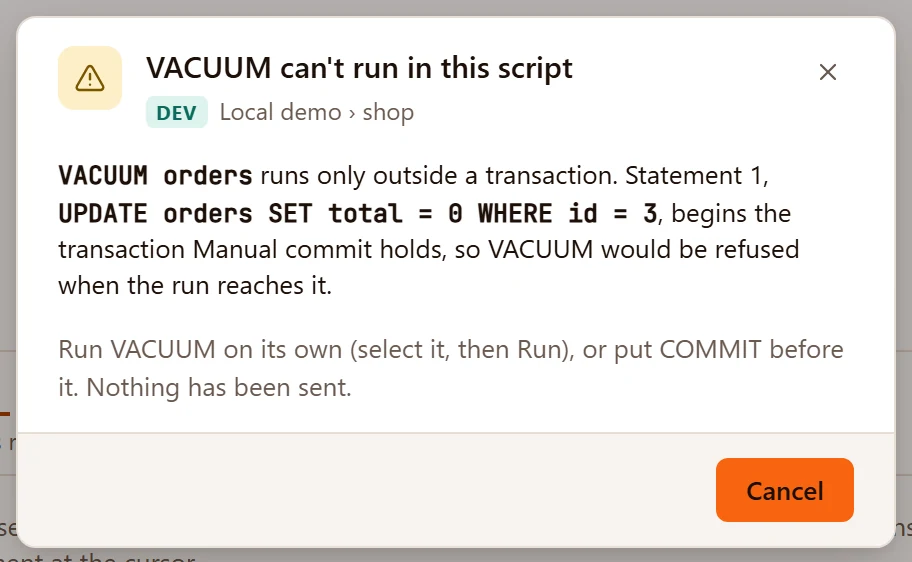
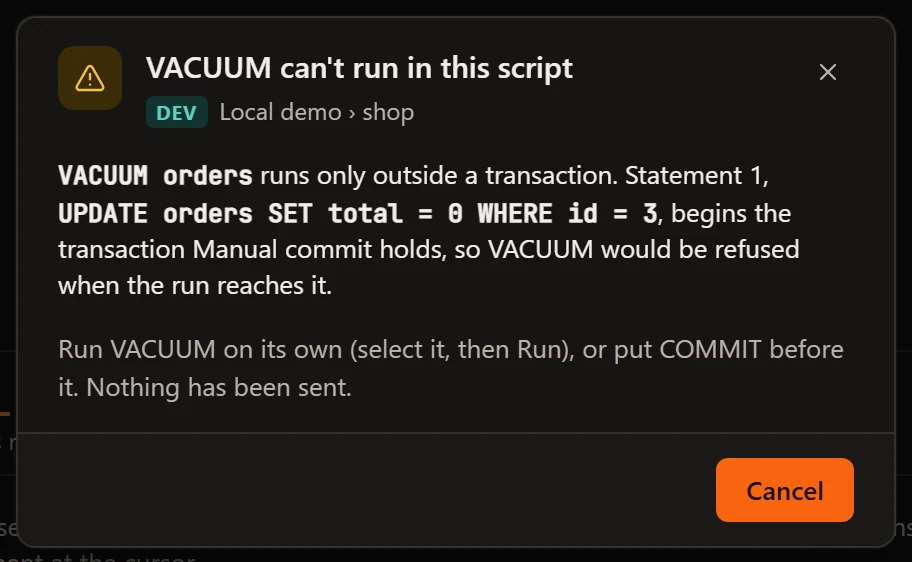
The dialog names the command and the statement that begins the transaction, and its only button is Cancel.
Select the command and run it on its own, or put COMMIT before it in the script.
When a statement fails inside a transaction
Section titled “When a statement fails inside a transaction”pgjumbo keeps a savepoint before each statement of a short run, so a statement that fails is undone alone and the transaction goes on with what came before it. Messages says so under the error, and the badge does not change. The Transaction view explains the savepoints, their limits and the setting that turns them off.
Without a savepoint, a failure fails the whole transaction, as in psql. That happens when SettingsRunning queriesTransactionsA failed statement undoes only itself is off, in a run of more than 16 statements, and once one transaction has used its 64 savepoints.
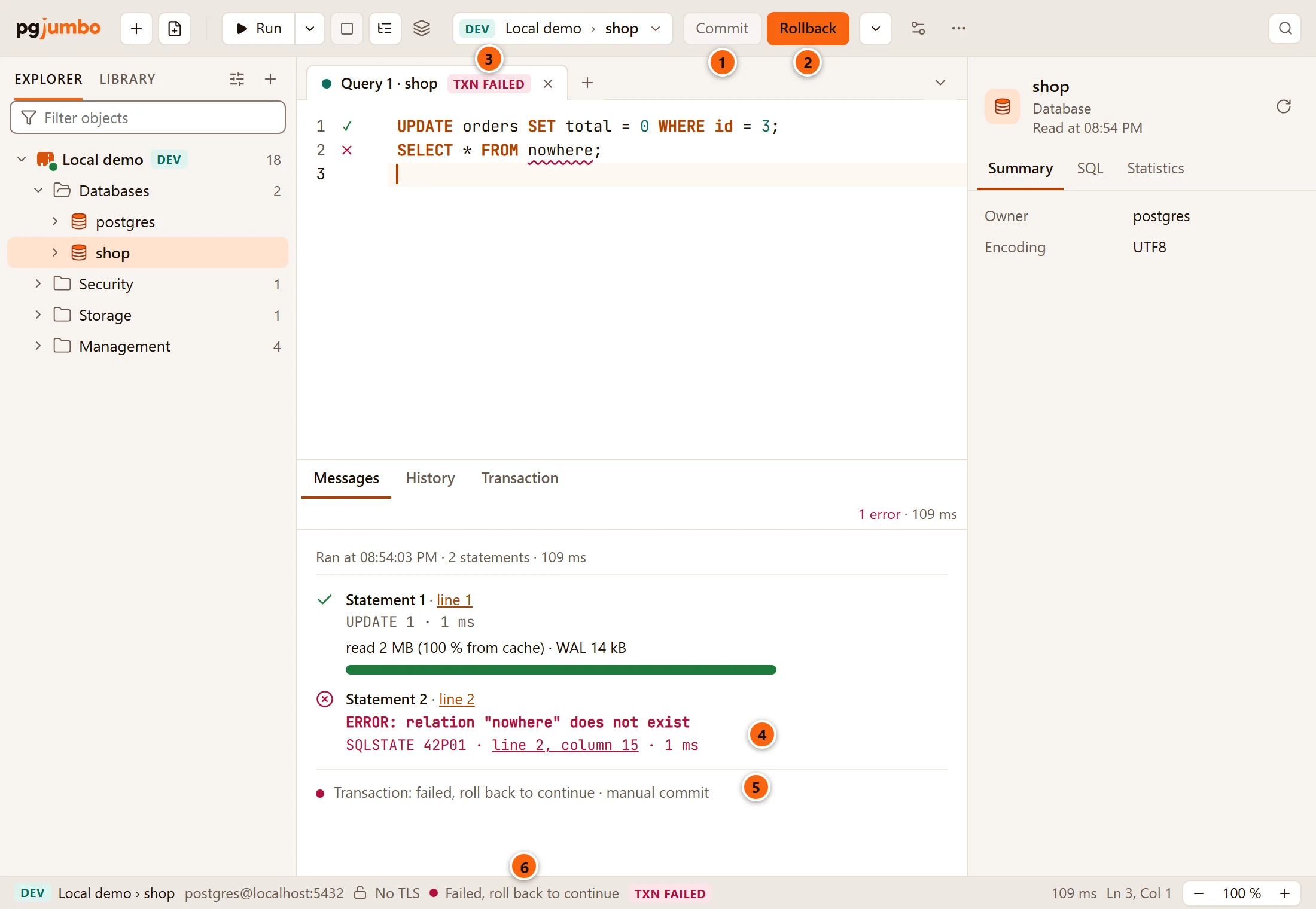
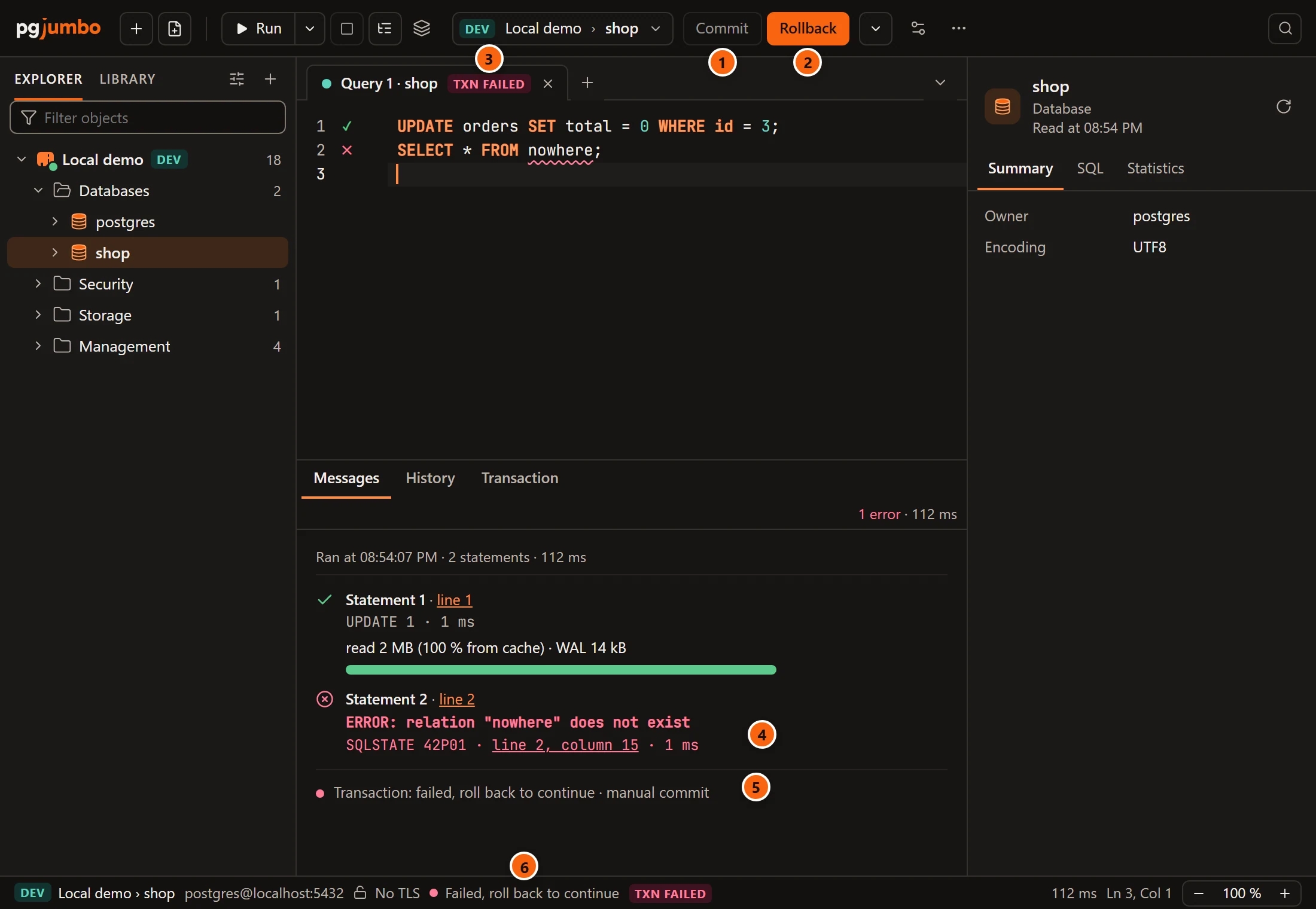
- 1 Commit is greyed: a failed transaction cannot commit.
- 2 Rollback is the filled button.
- 3 The badge on the tab is red and reads TXN FAILED.
- 4 The statement that failed, with PostgreSQL’s error.
- 5
Transaction: failed, roll back to continue · manual commit. - 6 The status bar says Failed, roll back to continue, with the same badge beside it.
Every statement you run now is refused with
current transaction is aborted, commands ignored until end of transaction block (SQLSTATE 25P02) until you roll
back: click Rollback, choose QueryRollback, or run ROLLBACK. A COMMIT you type in a failed
transaction ends it as a rollback; that is PostgreSQL’s rule.
What a run does after a failure (stop, stop and roll back, or go on to the next statement) is the run’s own choice, on Run SQL.
Close, quit or move with a transaction open
Section titled “Close, quit or move with a transaction open”pgjumbo asks before an open transaction is lost. Closing the tab and quitting ask whether to commit or roll back; see Drafts, closing and quitting. Moving the tab to another database or server asks too, because the move closes the tab’s session; see The Query Tool.