
Copy a database
Copy Database makes a new database, on the same server or on another server you are connected to, and copies a
database into it. pgjumbo creates the new database first, then runs pg_dump on the source and pipes its output
straight into psql on the target, as one job. No file is written in between.
Open the dialog
Section titled “Open the dialog”Right-click a database in the Explorer and choose TasksCopy Database….
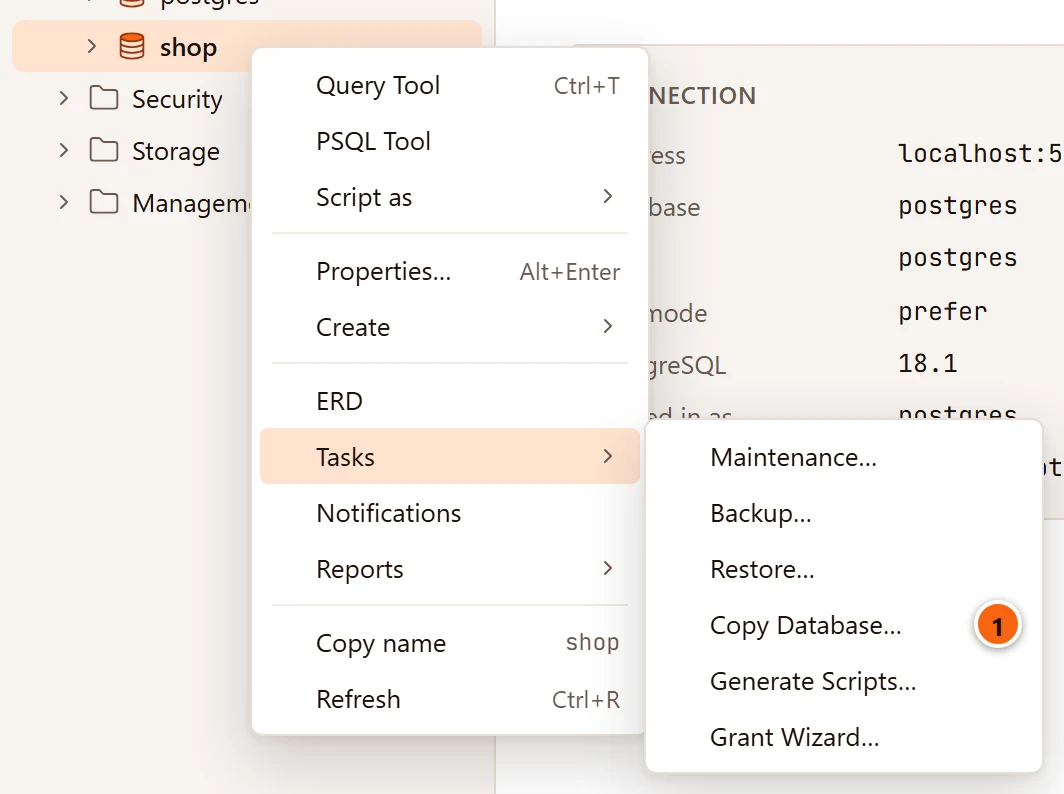
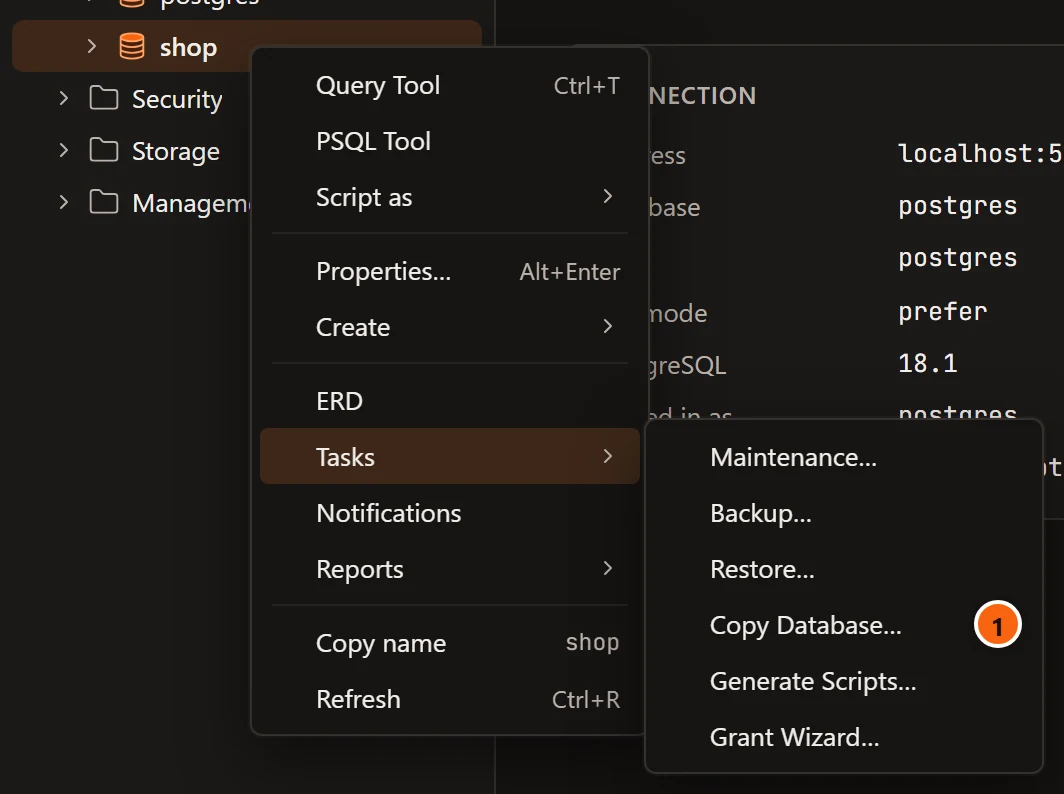
- 1 Copy Database… opens the dialog for that database.
It is not in the menu bar, and it is not offered on template databases. While the dialog looks for the programs it says “Looking for pg_dump and psql…”. Both come from where the Backup dialog finds them; see Where pg_dump and the other programs come from.
The Copy Database dialog
Section titled “The Copy Database dialog”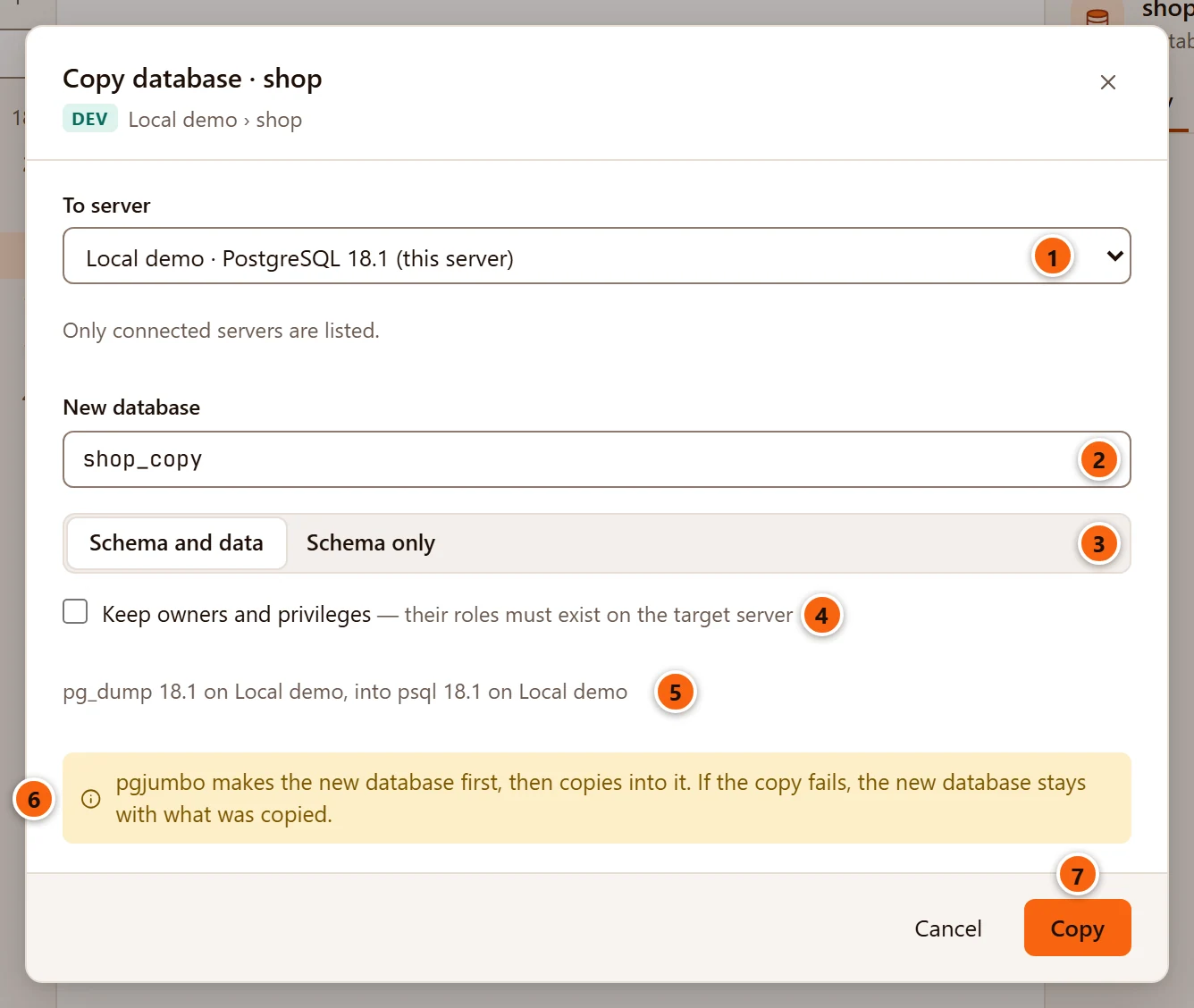
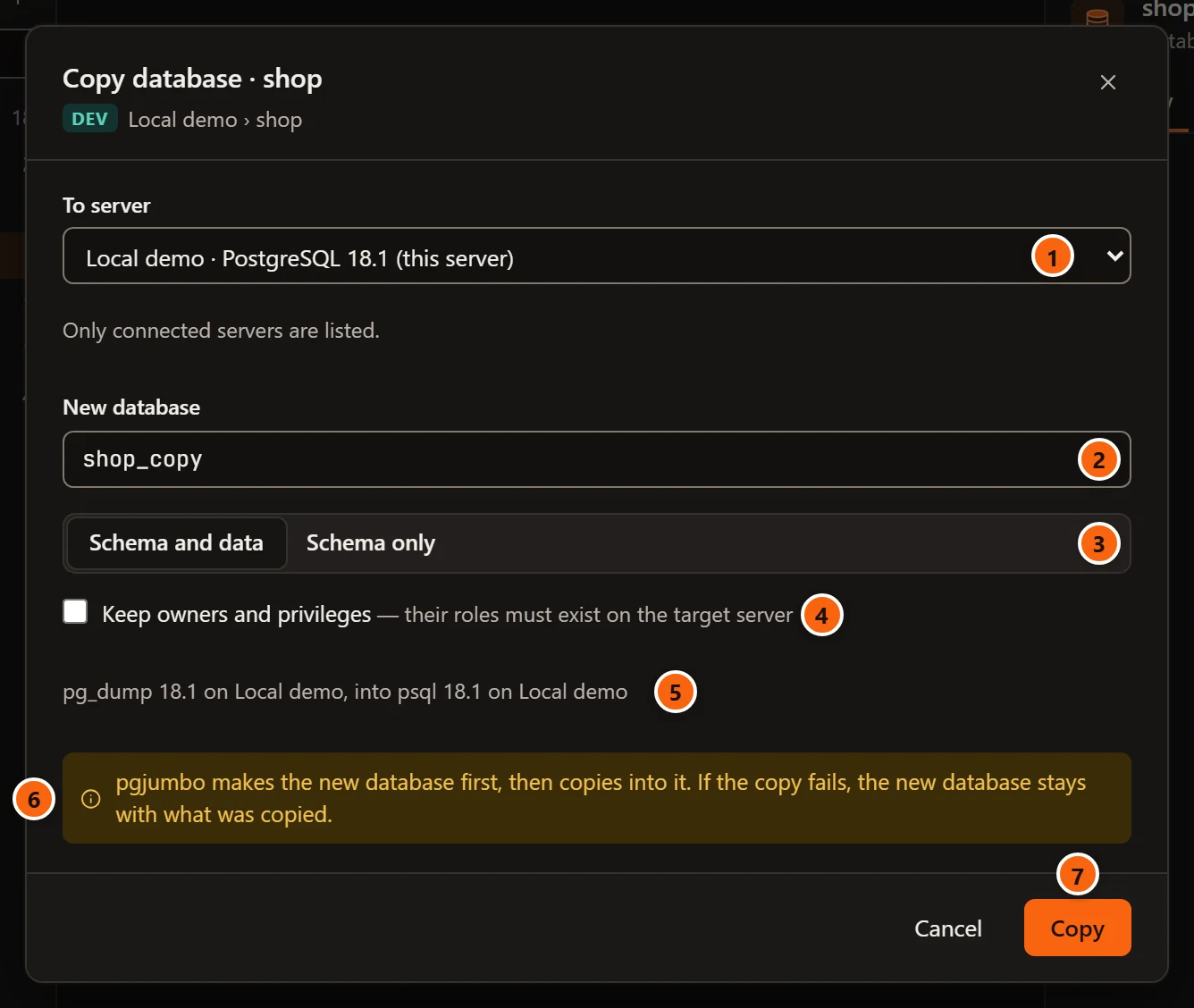
- 1 To server: the server the copy goes to, as name · PostgreSQL version. The line under it says “Only connected servers are listed.”: the list holds the servers you are connected to when the dialog opens, the database’s own server among them, marked (this server) and chosen at first. To copy to another server, connect it in the Explorer first, then open the dialog.
- 2 New database: the copy’s name, database
_copyto start with. It may hold up to 63 characters, and must not be in use on the target server. On the database’s own server it must differ from the database’s name. - 3 Schema and data copies everything; Schema only copies the tables’ structure and the other
objects without their rows (
--schema-only). - 4 Keep owners and privileges: see Owners and privileges.
- 5 The two programs pgjumbo will run:
pg_dumpand its version on the source server,psqland its version on the target. If one cannot be used, a warning says why in its place, and Copy stays greyed out. - 6 pgjumbo makes the new database before it copies anything. If the copy fails, the new database stays, holding what was copied so far.
- 7 Copy starts. It stays greyed out while the name is empty or a program is missing, and on a server that asks first until the name is typed (see On a Production server). Enter in New database does the same once Copy is available.
Cancel, the × and Esc close the dialog without copying. If the copy cannot start, the reason shows in red beside the buttons; the usual ones are below.
| Message | Why |
|---|---|
| “There is a database named shop_copy on that server already: choose another name.” | The target has a database with that name. |
| “Give the copy another name than the database it copies.” | Same server, same name. |
| “A database name holds at most 63 bytes; PostgreSQL would cut this one short.” | The name is too long once written in UTF-8 (letters with accents take two bytes or more). |
The server’s error, such as permission denied to create database |
CREATE DATABASE failed on the target. |
pg_dump must be at least as new as the source server, as for a backup. psql may be any version.
Owners and privileges
Section titled “Owners and privileges”| Keep owners and privileges | What the copy holds |
|---|---|
| Unticked (when the dialog opens) | Every object belongs to the role the target server’s connection signs in as, and no GRANT is copied (pg_dump --no-owner --no-privileges). Use it to copy to a server whose roles differ. |
| Ticked | Owners and privileges as they are on the source. Their roles must exist on the target server: psql stops at the first statement that names a missing role, and the copy fails there. |
The new database itself always belongs to the role the target server’s connection signs in as.
On a Production server
Section titled “On a Production server”When the target server is tagged Production, or Staging with Staging servers ask before destructive statements too ticked in Settings, the copy needs the new database’s name typed.
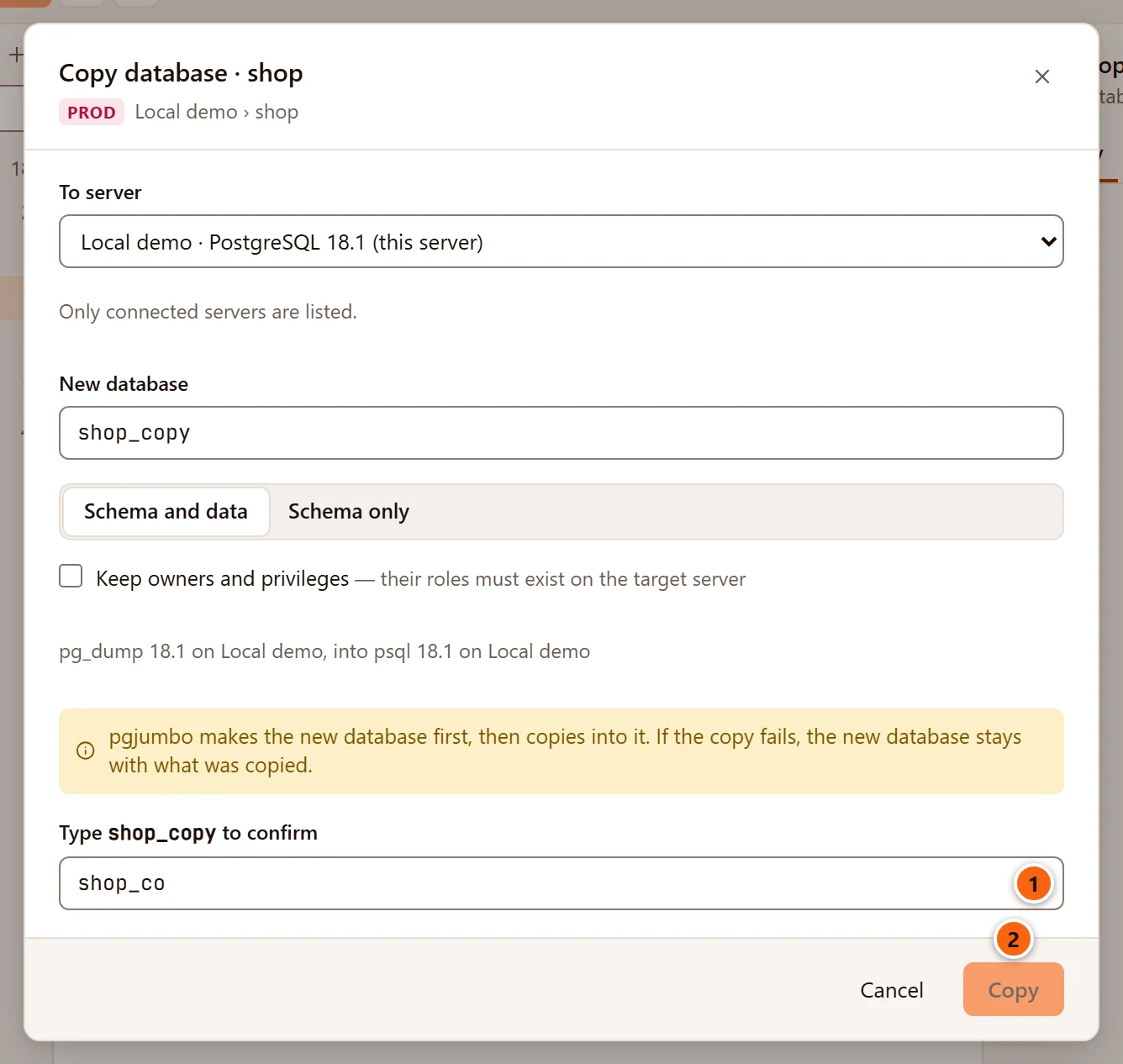
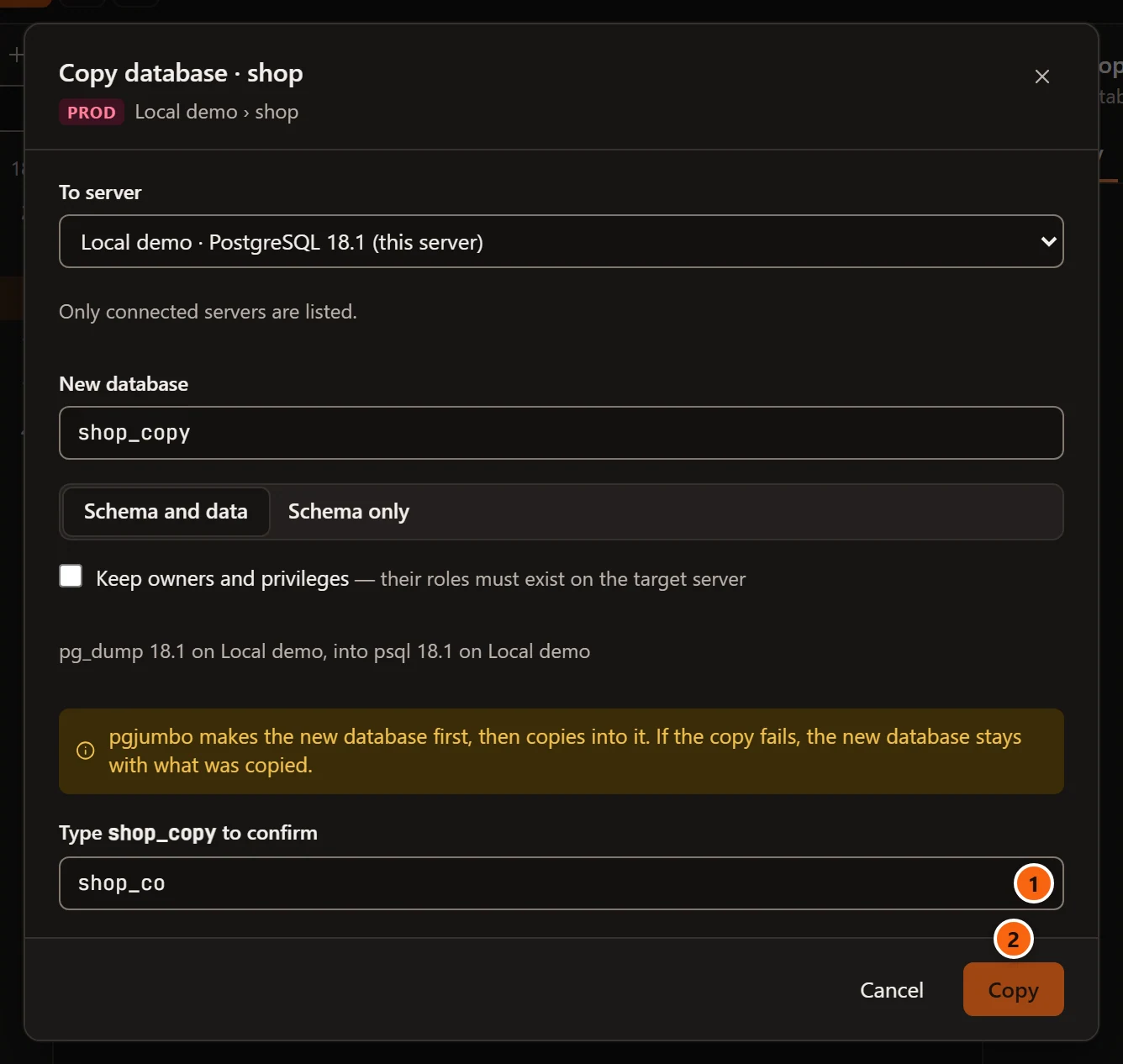
- 1 Type new name to confirm: type the name in New database exactly. The field follows the name: change the name and you type the new one.
- 2 Copy stays greyed out until the names match; pgjumbo checks again before it starts.
It is the target server that counts: copying from a Production server to a Dev one asks nothing.
A target server with Read-only sessions ticked, which choosing Production does by default, refuses
CREATE DATABASE (“cannot execute CREATE DATABASE in a read-only transaction”), and the copy cannot start. See
Read-only sessions.
What pgjumbo runs
Section titled “What pgjumbo runs”-
pgjumbo reads the source database’s encoding.
-
On the target server, on a connection of its own to the database the server’s connection names, it checks that no database of that name exists, then creates the new one from
template0with the source’s encoding:CREATE DATABASE shop_copy TEMPLATE template0 ENCODING 'UTF8'The name is quoted by the server when it needs quotes. The new database’s locale is the one
template0has on the target server. -
It starts one job that runs
pg_dumpon the source and pipes what it writes intopsqlon the new database:Terminal window pg_dump --dbname=dbname='shop' --format=plain --no-owner --no-privileges | psql --dbname=dbname='shop_copy' --no-psqlrc --set=ON_ERROR_STOP=1 --echo-errors --file=---schema-onlyjoinspg_dump’s options for Schema only, and--no-owner --no-privilegesleave when you tick Keep owners and privileges.
Each program connects with its own server’s connection: its host and port, its SSH tunnel, its password (in a
temporary password file only you can read, deleted when the job ends) and its read-only setting, as a backup does
(see Follow the backup). Both show up in their server’s sessions
as pgjumbo/backup. psql stops at the first error.
pg_dump from PostgreSQL 17 on writes SET transaction_timeout = 0;, which a server older than 17 does not know.
pgjumbo always leaves that line out of what reaches psql, so a newer pg_dump can copy into an older server.
Whatever the source database needs must be on the target server too, such as the extensions it uses: CREATE EXTENSION fails, and the copy with it, when the target does not have them.
Follow the copy
Section titled “Follow the copy”Copy turns the dialog into the job’s view.
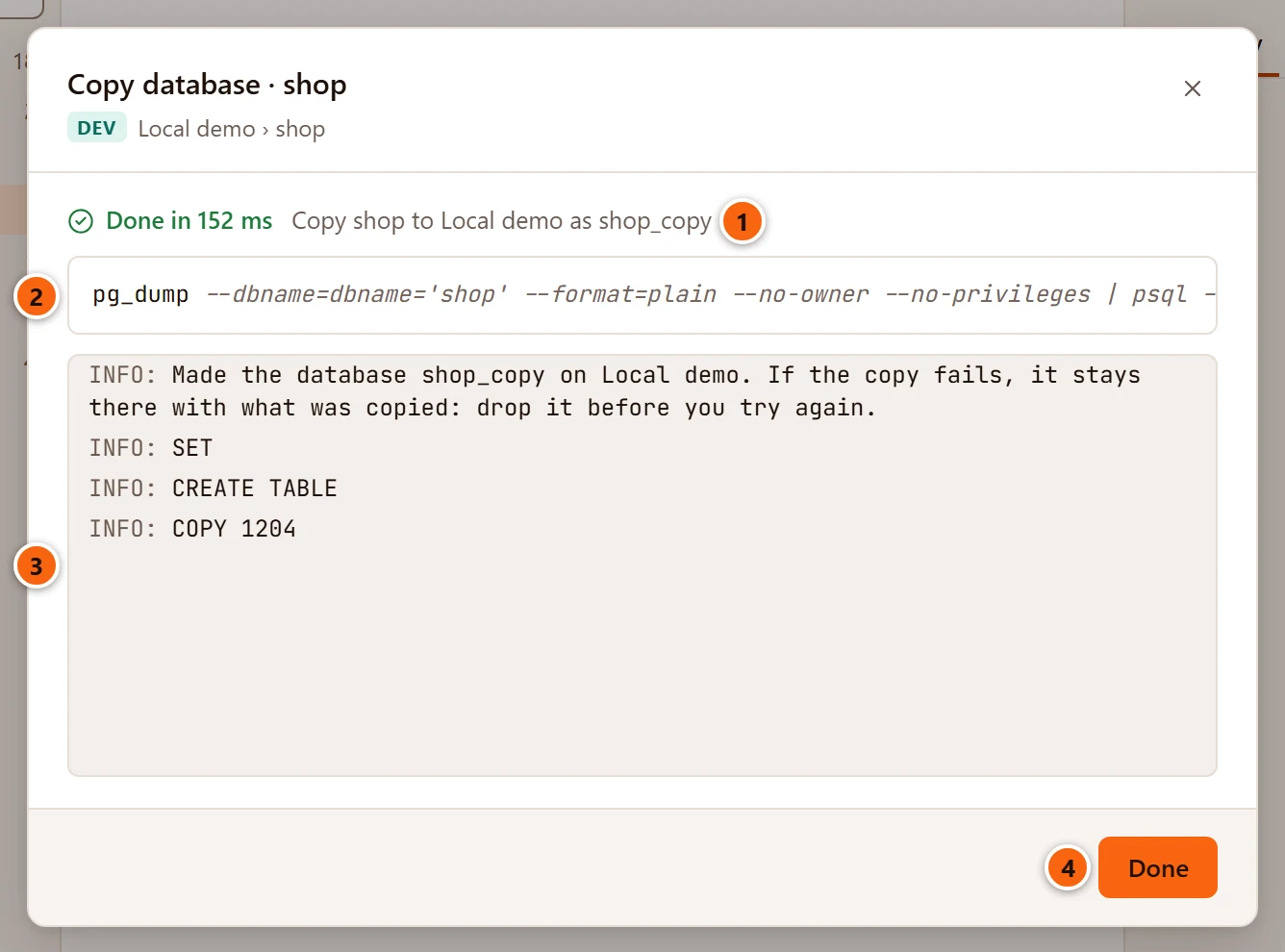
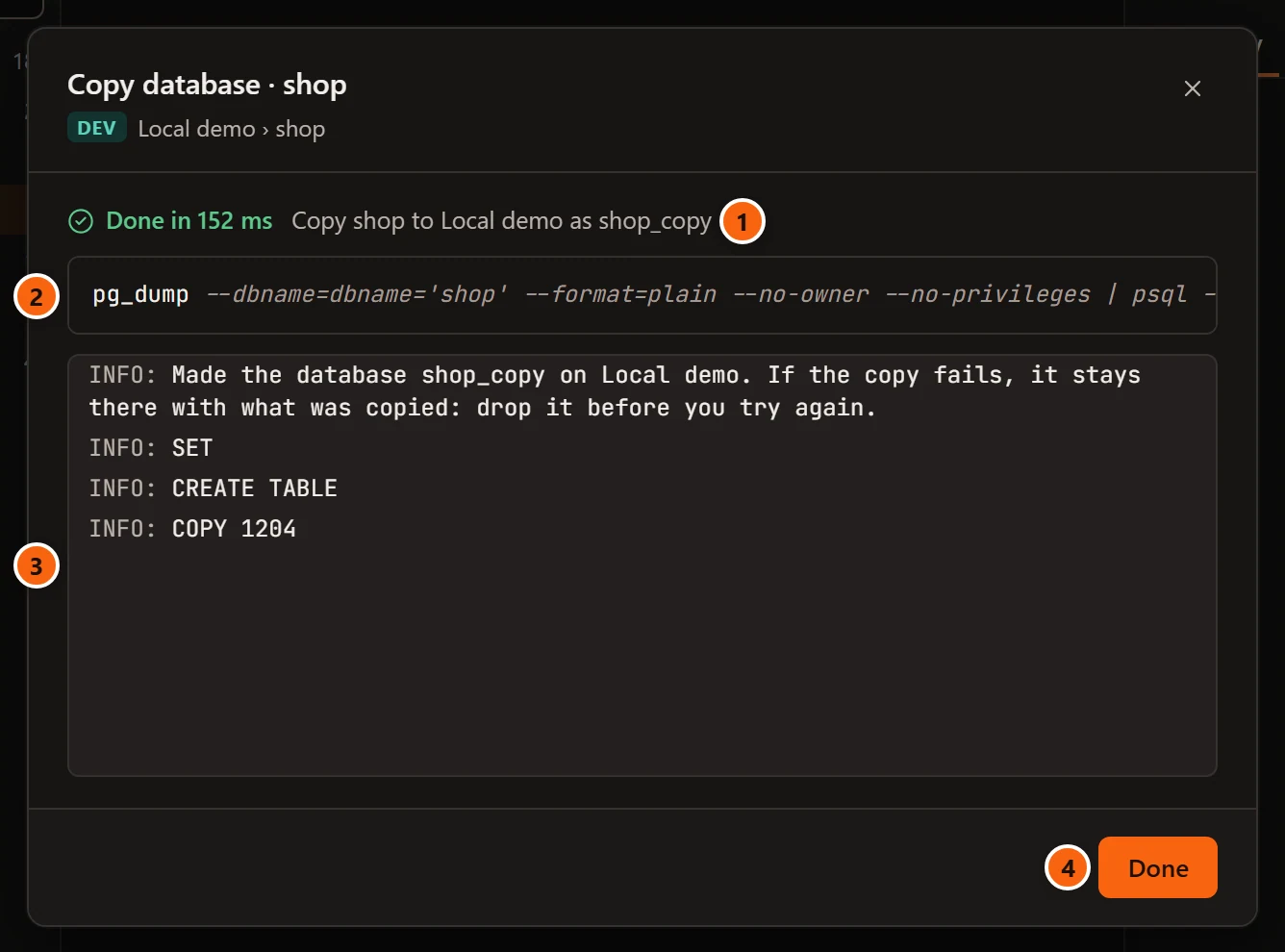
- 1 The state, and the job’s title: Copy database to server as new name.
- 2 The two command lines, joined by
|. They hold no password. - 3 The messages. The first one is pgjumbo’s: “Made the database shop_copy on Local demo. If the copy fails,
it stays there with what was copied: drop it before you try again.” What
psqlandpg_dumpwrite follows. - 4 Done closes the dialog.
While the job runs, Cancel job stops both programs and Run in background closes the dialog; the job stays in the Jobs panel, listed under the target server and the new database. See Maintenance and jobs.
When the copy succeeds while the dialog is still open, the new database appears under its server’s Databases in the Explorer. After Run in background it does not: right-click Databases and choose Refresh to list it.