

Runbooks
A runbook is a page of your knowledge base that says how to deal with a problem that comes back: when it happens, what to check, what to run and how to verify it. When the page holds SQL in fenced code blocks, pgjumbo shows it as a runbook: each block becomes a step that you run on a server and database you choose, one step at a time, with its result under it. Nothing runs by itself, and there is no Run all.
Runbooks need no Assistant: the knowledge base and its runbooks work whether the Assistant is on or not.
Write a runbook
Section titled “Write a runbook”A runbook is a Markdown file like any other in the knowledge base, usually in its runbooks folder. That folder starts
with runbooks/TEMPLATE.md, the outline of one, with the sections When it happens, Check, Fix and
Verify, or undo. Copy it to a file of its own, such as runbooks/pending-orders.md, in your file manager or another
editor, then fill it in there or in the file’s tab with Edit (see
Read and edit a file). The Assistant can also propose a runbook for a
fix worth repeating, as a Knowledge card that writes nothing until you save it (see
Write up a conversation).
Each step is a code block marked sql:
## Check
The orders still pending, oldest first:
```sqlSELECT id, customer_id, created_at, total FROM orders WHERE status = 'pending' ORDER BY created_at;```- Only blocks marked
sqlare steps. A block of another language, or of none, stays text. - A step is named by the heading or the line just above its block, without a list mark, a step number already there or a colon at its end: the block above is named The orders still pending, oldest first. With nothing above it, a step is named Step 1, Step 2 and so on.
- Steps are numbered 1, 2, 3 in the page’s order.
- A block may hold several statements: they run together, as one step.
- Blocks in the page’s Log section are never steps (see The Log).
Open a page as a runbook
Section titled “Open a page as a runbook”Open the page from the Library’s Knowledge section (see
Browse it in the Library). When it holds at least one sql
block, its header offers two views:
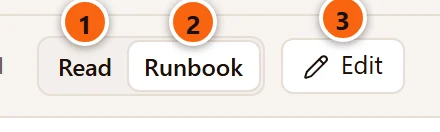
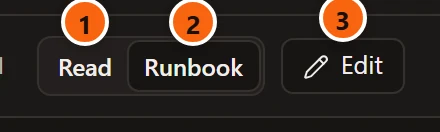
- 1 Read shows the page as formatted Markdown, as for any file. A page opens on Read.
- 2 Runbook shows its steps.
- 3 Edit shows the whole file as text, in either view; Save or Cancel brings back the view you were on.
The runbook
Section titled “The runbook”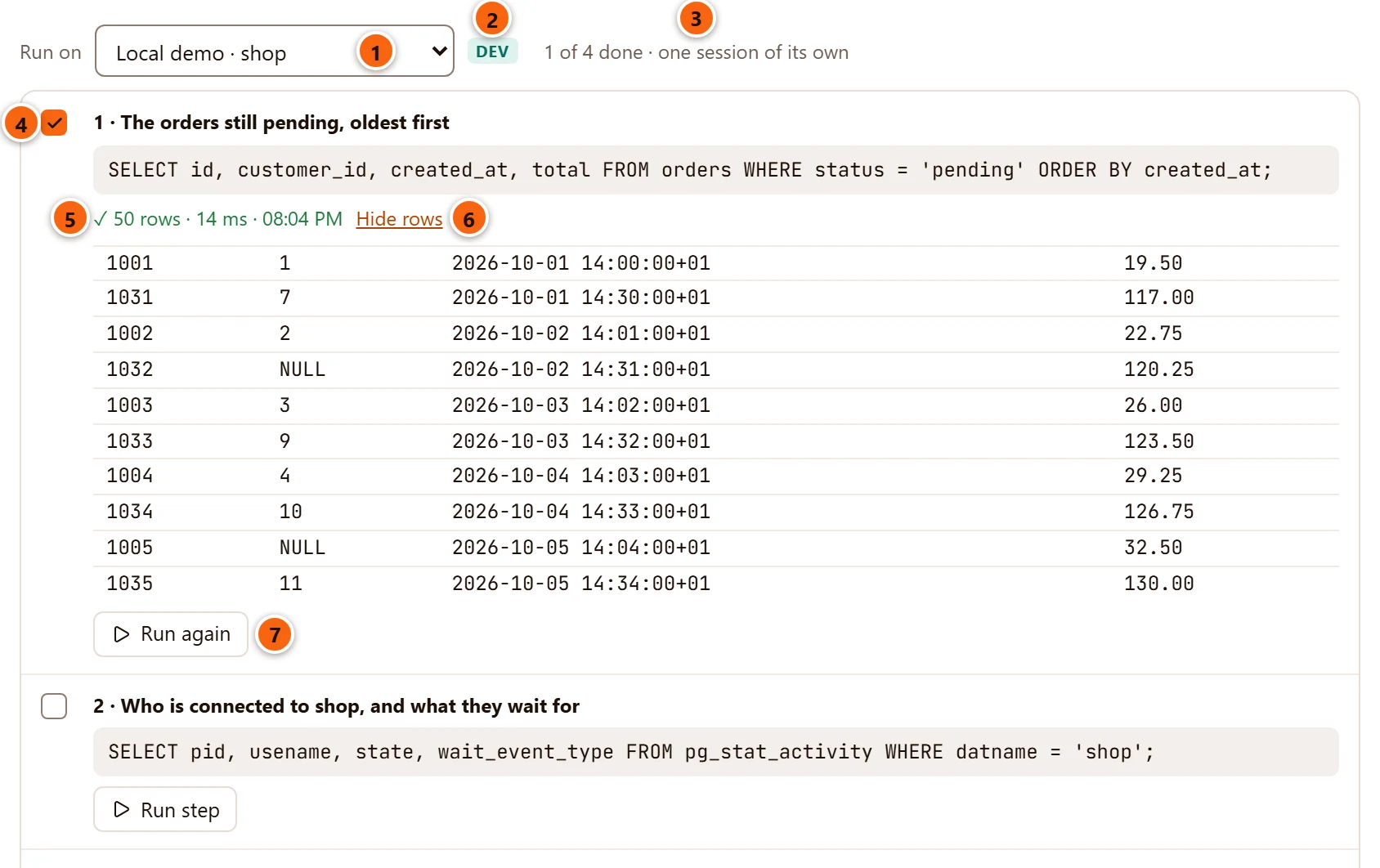
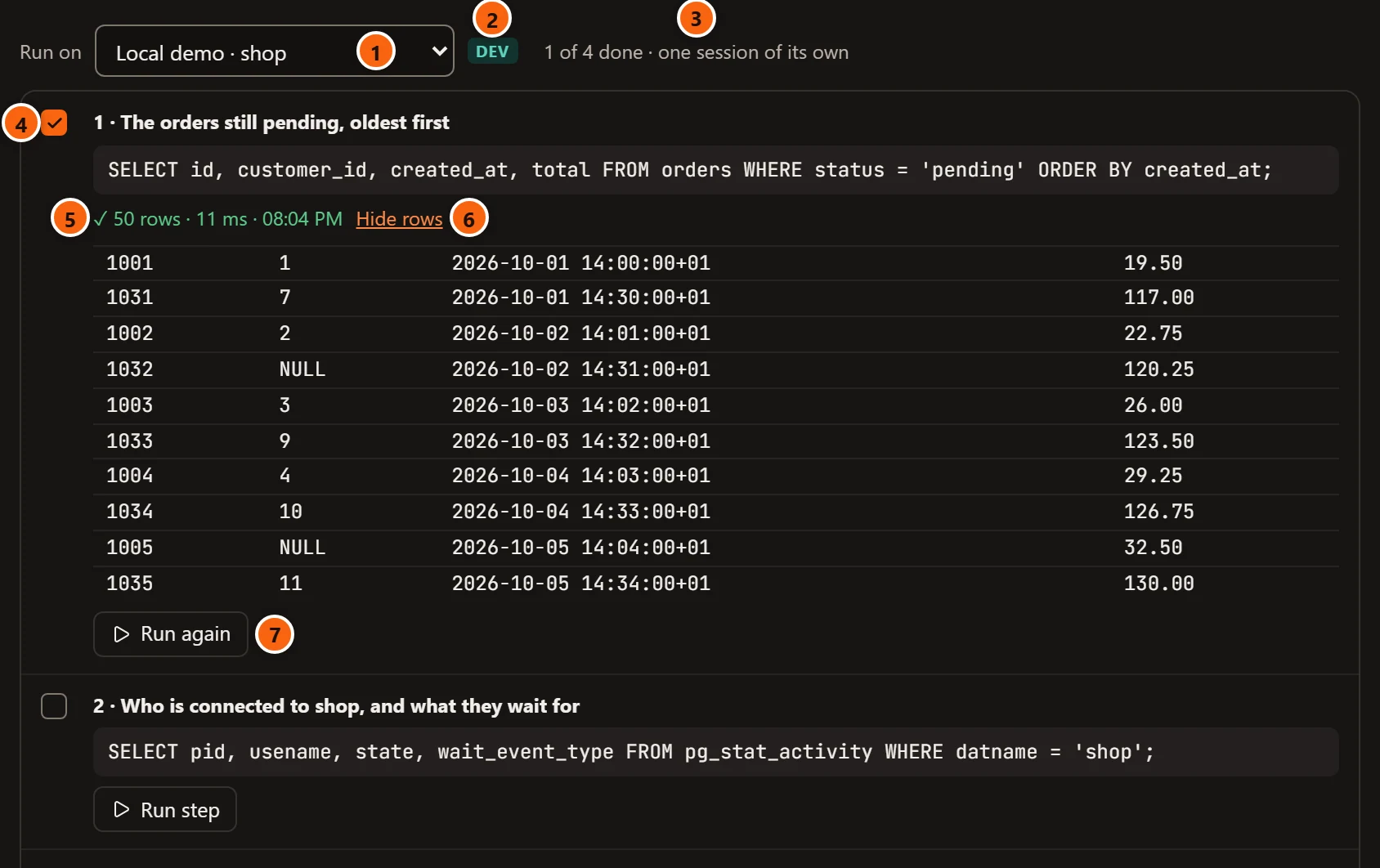
- 1 Run on: the server and database the steps run on. See Choose where it runs.
- 2 The chosen server’s environment: DEV, STAGING or PROD.
- 3 How many steps you have ticked, of how many, and a reminder that the runbook has a session of its own.
- 4 The box beside each step is a tick for you to set when you have done the step. pgjumbo never ticks it, and running a step does not tick it either.
- 5 What came of the step’s last run, and when, in your computer’s time. See Run a step.
- 6 Show rows lists the first 10 rows of what the step returned, as text, with
NULLfor an empty value; Hide rows hides them. - 7 Run again runs the step once more; before its first run the button says Run step.
Under the steps a line says it again: “There is no Run all: each step runs when you press its button. Its result stays under it, and its tick is yours to set.”
Results and ticks last while the runbook shows. Switching to Read, using Edit or closing the tab clears them; what stays is the page’s Log.
Choose where it runs
Section titled “Choose where it runs”Run on lists the databases of every server you have connected, as server · database, such as
Local demo · shop. The first is chosen when the runbook opens; choose another before you run a step. A server you
connect while the runbook is open joins the list, and your choice stays. With no server connected the list says
Connect a server first, and no step can run. The list is greyed out while a step is checked, runs or waits for your
answer.
The runbook opens a session of its own on the chosen database, never a Query Tool tab’s, so a transaction you have open in a tab is not touched. Choosing another database closes that session and opens one there; closing the runbook closes it.
Run a step
Section titled “Run a step”-
Read the step’s SQL.
-
Click Run step. The button says Checking… while pgjumbo looks at the SQL, then Running….
-
If pgjumbo asks first, read the question and click Run step 3 (with the step’s number), or Cancel. See Which steps ask first.
-
Read the result under the step, and tick its box when you are done with it.
Under a step that ran, a line says what came of it:
| The line says | What it means |
|---|---|
| ✓ 50 rows · 11 ms · 07:22 PM | The step ran. The rows are those its last statement returned or changed (an UPDATE gives the rows it updated); a command that counts no rows, such as VACUUM, says done. Then how long it took and when it ran. |
| The error’s first line, in red | The step failed, with PostgreSQL’s message, such as relation "orders" does not exist. |
Each run replaces the step’s result. Only one step runs at a time: while one is checked or runs, the other steps’ buttons are greyed out. If pgjumbo cannot check a step (the session cannot be opened, for example), nothing runs and the reason shows above the steps.
Which steps ask first
Section titled “Which steps ask first”Nothing in a runbook runs without your click on its button, and some steps also ask before they run:
| The step | Asks first |
|---|---|
| Any step on a server tagged Production | Always. See On a Production server. |
A step that may change data or the database: INSERT, UPDATE or DELETE (with a WHERE too), DROP, VACUUM, a write inside a WITH, and every other statement that is not a read |
Yes, on every server. |
| SQL pgjumbo cannot read as a statement, such as one with a typing error | Yes. |
A read that calls a function a read-only transaction cannot stop: ending or cancelling sessions (pg_terminate_backend, pg_cancel_backend), reloading the configuration (pg_reload_conf), set_config, advisory locks, resetting statistics, pg_notify, creating, dropping or reading from replication slots, dblink |
Yes. |
Any other read: SELECT, SHOW, a WITH that only reads |
No. It runs read-only first (see A read that writes after all). |
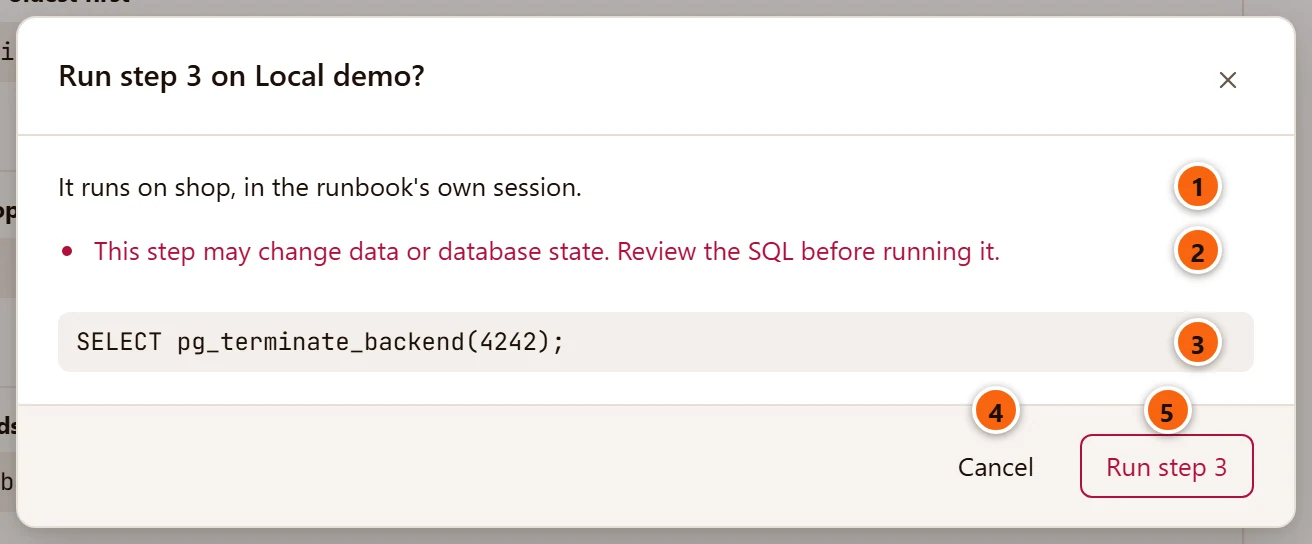
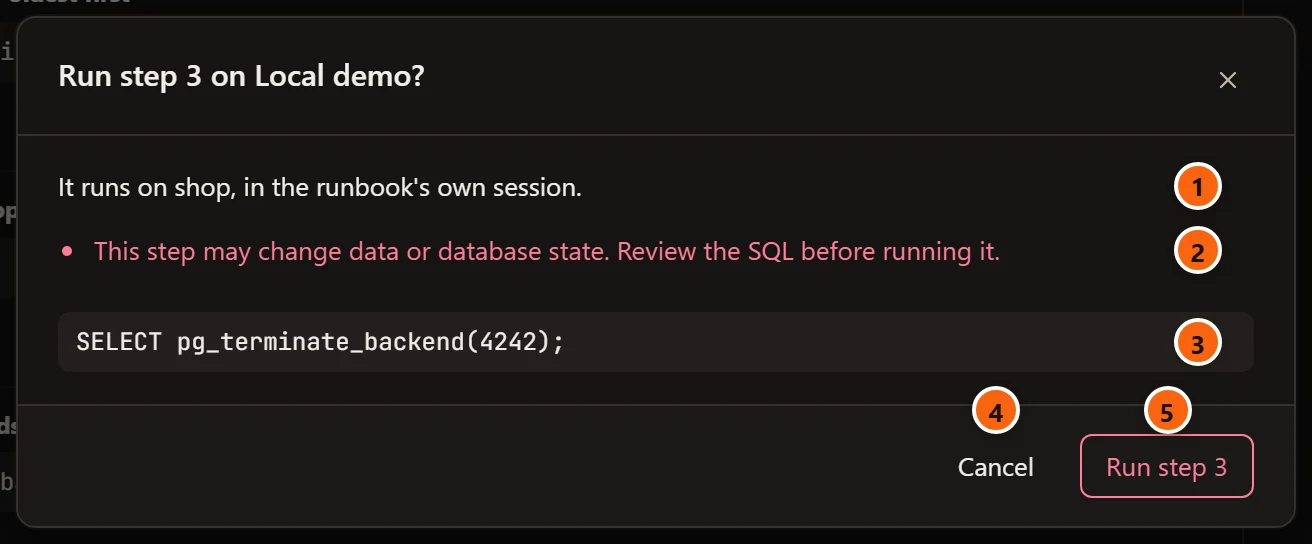
- 1 Where it runs: “It runs on shop, in the runbook’s own session.” On Production it starts with “Local demo is a Production server.”
- 2 Why it asks: “This step may change data or database state. Review the SQL before running it.” On a server that asks before destructive statements (Production, and Staging when SettingsSafetyBy environmentStaging asks before destructive statements is on; see Settings) it names what is destructive instead, such as “it deletes every row”, “it empties tables” or “it drops objects”.
- 3 The SQL, whole.
- 4 Cancel (or Esc) runs nothing and puts you back on the step’s button.
- 5 Run step 3 runs the step as it is written.
The question’s title names the step and the server: Run step 3 on Local demo?
A read that writes after all
Section titled “A read that writes after all”A step that does not ask runs in a read-only transaction, so PostgreSQL itself refuses anything in it that writes, such
as a function that changes a table or nextval() on a sequence. When that happens, nothing is written and the step asks
as above, saying why: “This step writes: PostgreSQL refused it in a read-only run (…). Nothing was written; its reads ran
once, and run again with it.” Confirm it and the step runs as written, its reads a second time.
pgjumbo looks only at the step’s own SQL. When a step calls a function of yours that itself ends sessions, reloads the configuration or calls one of the other functions in the table above, the step does not ask, and a read-only transaction cannot stop those calls. Read a step’s functions before you run it on a server that matters.
On a Production server
Section titled “On a Production server”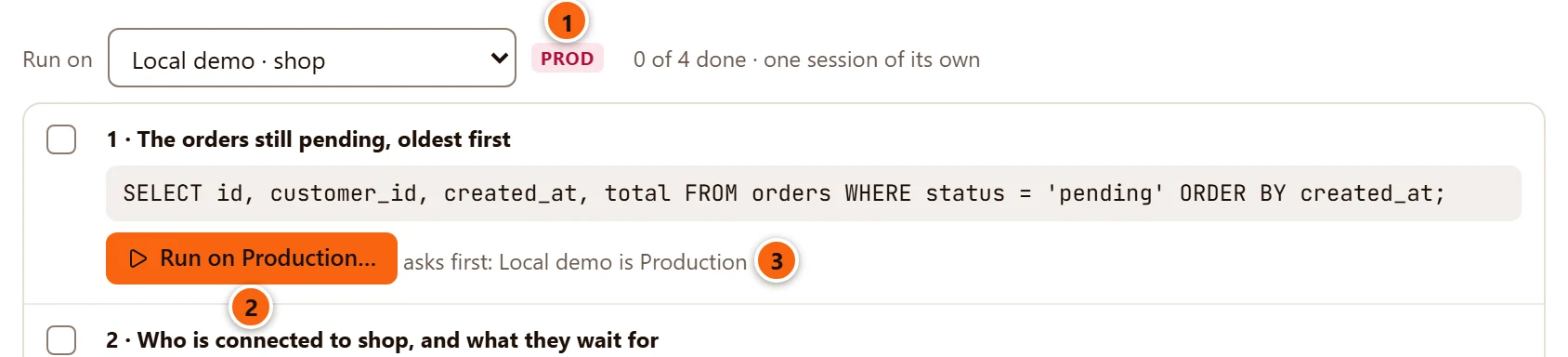
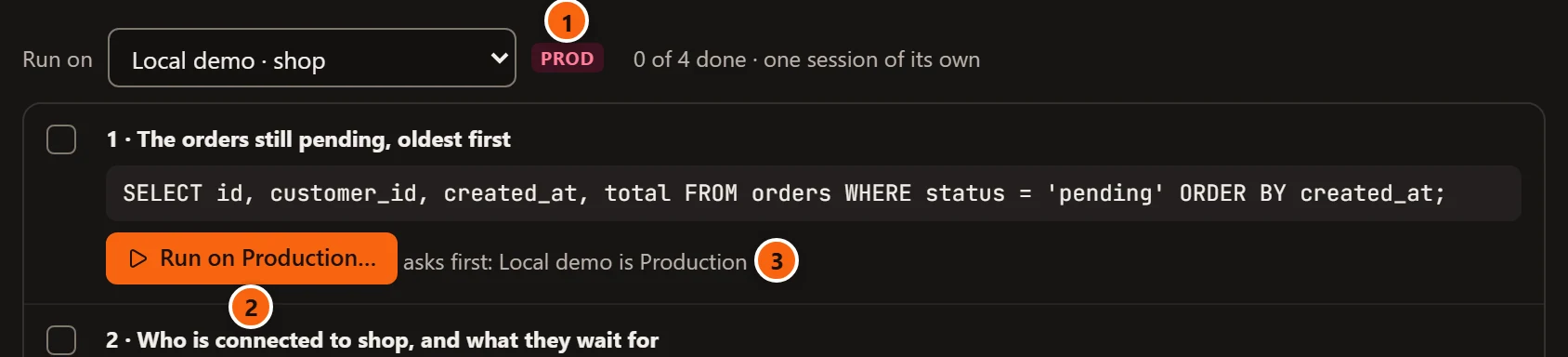
- 1 The PROD tag of the chosen server. See Production servers.
- 2 Every step’s button reads Run on Production…, even after it ran, and every step asks first, a plain
SELECTtoo. - 3 Until the step has run, a line beside it says so: “asks first: Local demo is Production”.
The Log
Section titled “The Log”Each run of a step adds a line to the page’s Log section. The first run adds the section, as ## Log at the end of
the page; later runs add their lines to it.


- 1 The Log section, at the end of the page.
- 2 A line for each run: when it ran, in your computer’s time, the server and database, the step’s number and what came of it.
In the file the lines read like this:
## Log
- 2026-11-13 19:24 · Local demo/shop · step 1 · 50 rows · 11 ms- 2026-11-13 19:31 · Local demo/shop · step 3 · failed: must be a superuser to terminate superuser process
A line never holds the step’s SQL or its rows. A run that failed is logged too, with failed: and the error’s first
line; a step you cancelled is not, since it did not run. The line is written into the file at once, with any password
in it masked as in every file pgjumbo writes in the knowledge base. If the file cannot be written, the line above the
steps says “The Log could not be written:” and why; the step ran all the same.
The Log is part of the page: read it in Read, and edit it or delete lines with Edit like any other text.