

Format SQL
Format SQL lays out the SQL in a Query Tool tab: clauses on lines of their own, lists broken where they are long, keywords in one case. It changes spacing, line breaks and the case of keywords, nothing else, and it checks every statement before it puts it back. Nothing runs, and the tab does not need to be connected.
Format a tab or a selection
Section titled “Format a tab or a selection”Press ⇧ ⌘ F (Ctrl+Shift+F on Windows and Linux), or choose one of these:
- QueryFormat SQL;
- Format SQL in the toolbar’s More menu (the ⋯ button);
- Format SQL on the editor’s right-click menu, which reads Format Selection while text is selected.
With text selected, pgjumbo lays out the selection and leaves it selected. With nothing selected, it lays out the whole tab. Either way it works statement by statement.
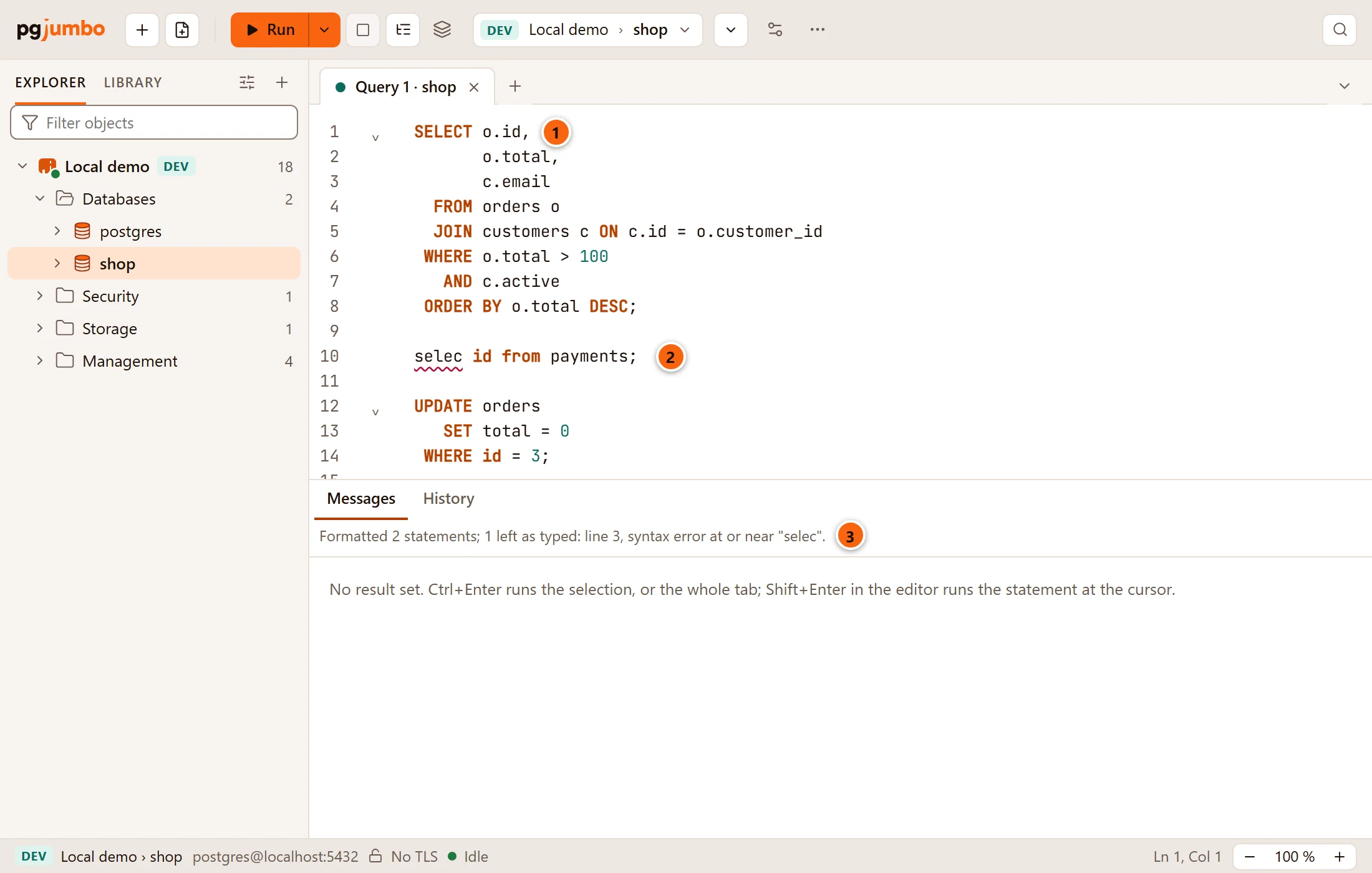
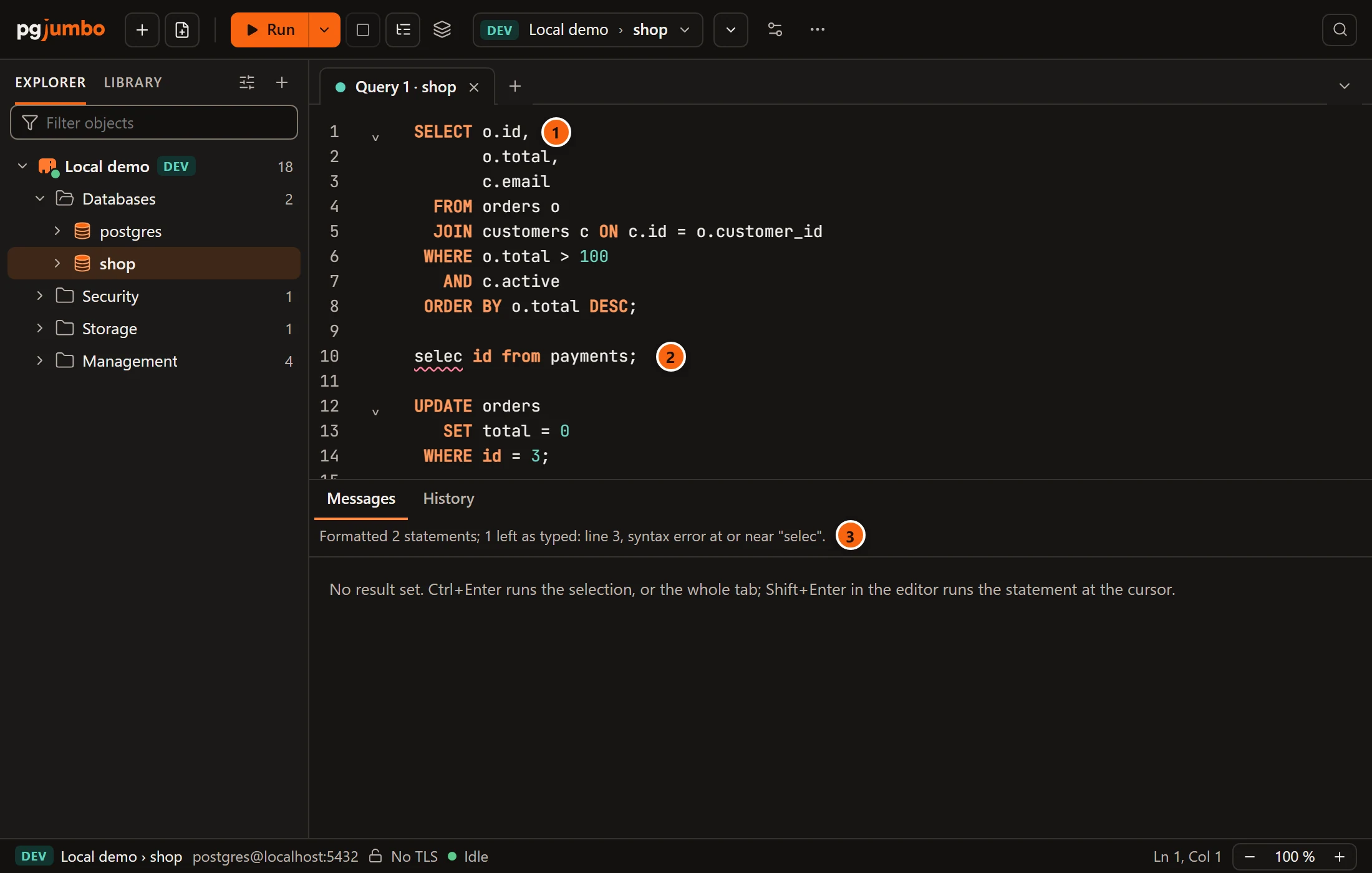
- 1 A statement laid out as Settings › Format SQL says: here the default layout, with keywords in capitals lined up on a river.
- 2 A statement pgjumbo could not read stays exactly as you typed it. The red underline is the editor’s own syntax check.
- 3 What Format SQL did, beside the result tabs for a few seconds (longer for a long message, and as long as the pointer rests on it).
The whole change is one step: ⌘ Z (Ctrl+Z on Windows and Linux) takes it back. If you go on typing in the text while pgjumbo works, it leaves your text alone and changes nothing. Bookmarks inside the text stay on the lines they marked; those outside move with the text as always.
What it checks first
Section titled “What it checks first”Before a laid-out statement goes back into the editor, pgjumbo reads it and the statement you typed with PostgreSQL’s own scanner, built into pgjumbo, and compares them word for word. Only a statement that reads exactly the same goes in. A statement that does not parse, or that would read differently once laid out, stays as you typed it.
What lies between statements also stays as it was: their semicolons, the comments between them and the blank lines that end them. Strings, quoted names, comments, casts and dollar-quoted bodies are never changed, whatever the Keywords setting says.
The messages
Section titled “The messages”| The tab says | What happened |
|---|---|
Formatted 2 statements. |
Every statement was laid out. |
Formatted 2 statements; 1 left as typed: line 3, syntax error at or near "selec". |
Some were laid out; the first one left as typed is named by the line it started on before Format SQL changed the text, and why. (and 2 more) follows when there are others. |
Nothing to format. |
Every statement was laid out that way already. |
Nothing to format; 1 left as typed: line 3, … |
Nothing changed, and a statement could not be read. |
Could not format: and the reason |
pgjumbo could not lay out the text at all. The text stays as it was. |
The reason a statement was left as typed is one of these:
| Reason | What to do |
|---|---|
PostgreSQL’s message, such as syntax error at or near "selec" |
Fix the statement and format again. |
laid out, it would not read the same |
The layout would change what the statement says, so pgjumbo kept yours. Nothing is wrong with it. |
it could not be laid out: and the formatter’s message |
pgjumbo’s layout does not know this statement. It stays as you typed it. |
Choose how SQL is laid out
Section titled “Choose how SQL is laid out”SettingsFormat SQL holds seven choices and a preview of a sample statement, laid out as they are set. Every change applies at once, to the preview and to the next Format SQL. See Settings for every setting’s place and default.
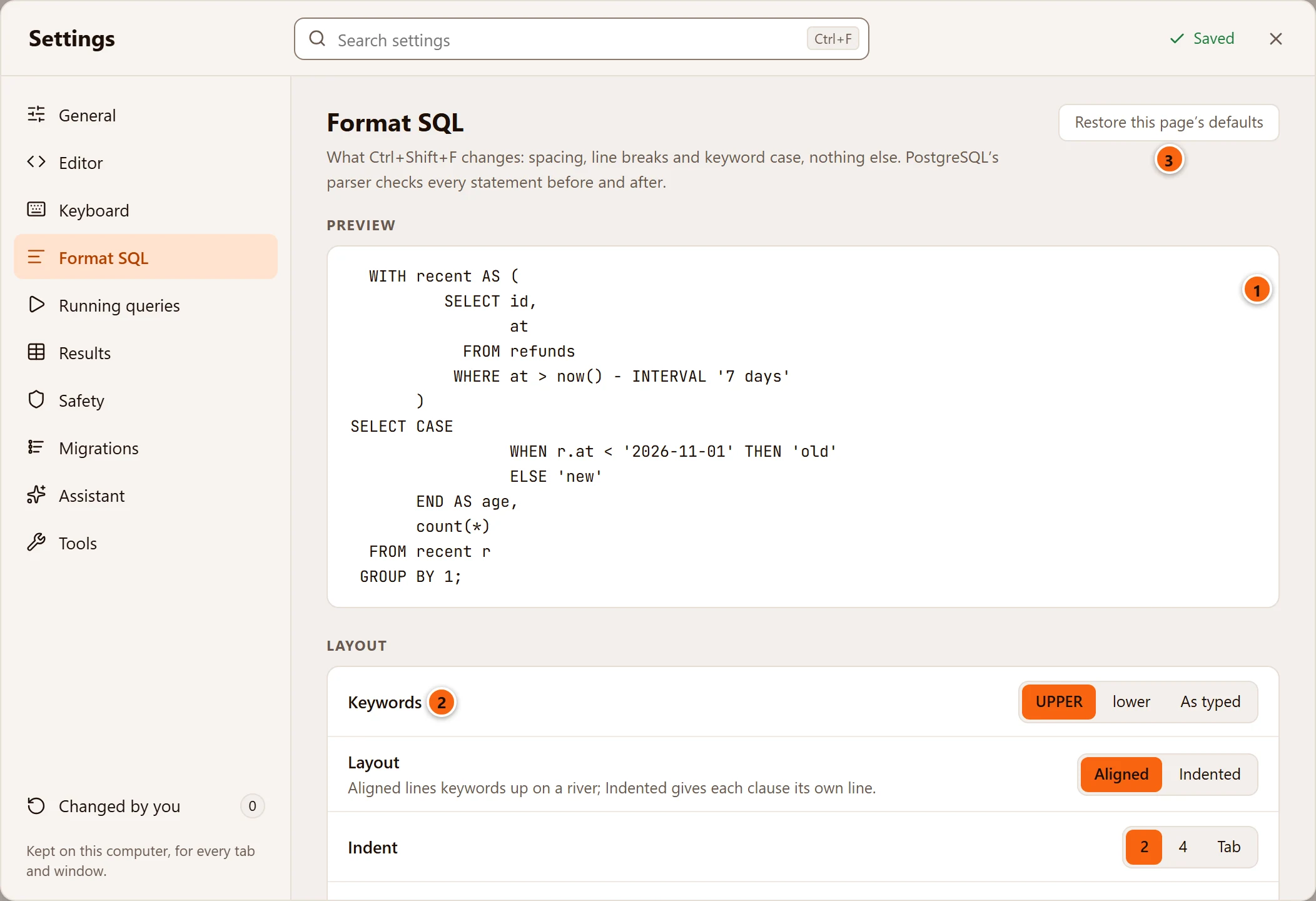
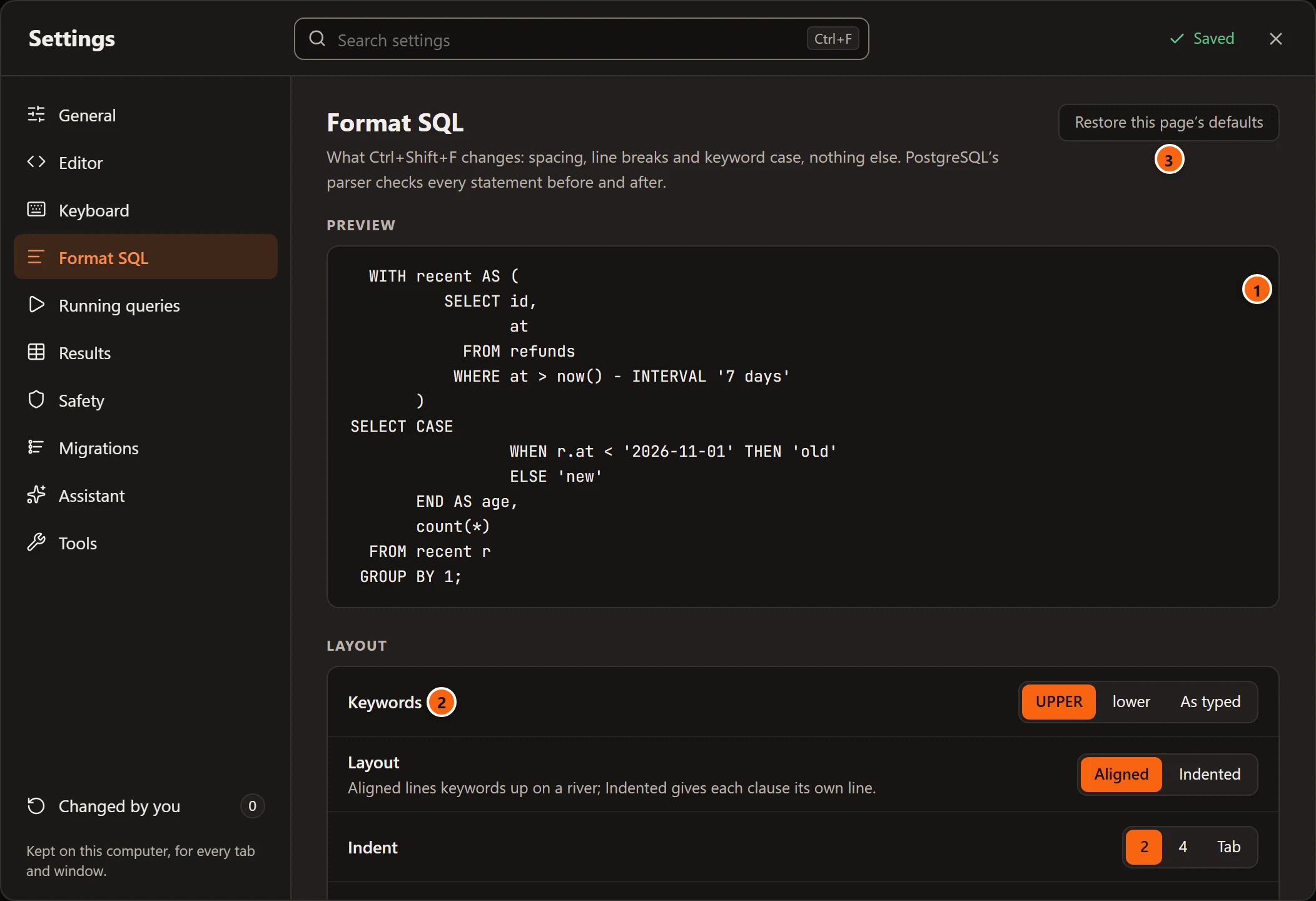
- 1 Preview: a
WITHquery with aCASE, a function call and aGROUP BY, laid out by the same formatter ⇧ ⌘ F (Ctrl+Shift+F on Windows and Linux) uses. - 2 The choices, explained below.
- 3 Restore this page’s defaults puts all seven back. It is greyed out while none is changed.
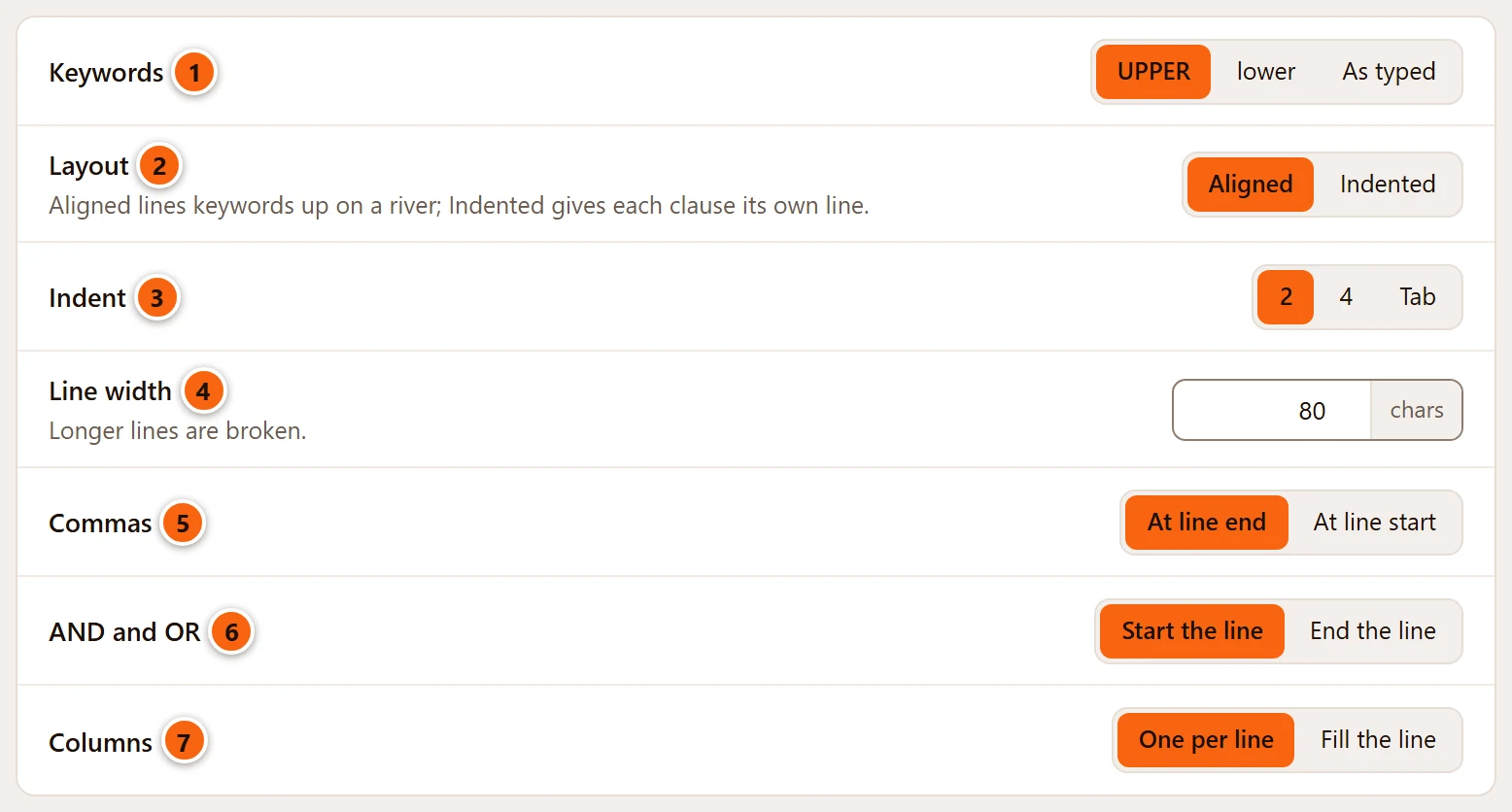
| Setting | Choices | What it does | |
|---|---|---|---|
| 1 | Keywords | UPPER (default), lower, As typed | The case of SQL’s keywords and type names. A MERGE’s own words follow it too: MATCHED, BY SOURCE, and the INSERT, UPDATE or DELETE after THEN. As typed leaves each keyword as you wrote it. |
| 2 | Layout | Aligned (default), Indented | Aligned lines the keywords up on a river: SELECT, FROM, WHERE end in one column and what follows them starts in the next. Indented puts each clause’s keyword on a line of its own and indents what follows it. |
| 3 | Indent | 2 (default), 4, Tab | How far a nested line is indented: spaces, or a tab character. |
| 4 | Line width | 40 to 200 chars, 80 by default | A line longer than this is broken. A number outside the range is refused and the field says so: Between 40 and 200 chars. Not saved: it stays 80 chars. |
| 5 | Commas | At line end (default), At line start | Where the comma of a list goes when each item has a line. At line start the comma sits two columns before its item, or, with Tab, at the item’s own indent, so a list stays inside its clause. |
| 6 | AND and OR | Start the line (default), End the line | Where AND and OR go when a condition is broken over lines. |
| 7 | Columns | One per line (default), Fill the line | A select list with each column on a line of its own, or as many columns on a line as the width allows. |
This is the preview’s statement with Layout at Indented and Commas at At line start:
WITH recent AS ( SELECT id , at FROM refunds WHERE at > now() - INTERVAL '7 days' )SELECT CASE WHEN r.at < '2026-11-01' THEN 'old' ELSE 'new' END AS age, count(*)FROM recent rGROUP BY 1;The same statement with the defaults, and Columns at Fill the line:
WITH recent AS ( SELECT id, at FROM refunds WHERE at > now() - INTERVAL '7 days' )SELECT CASE WHEN r.at < '2026-11-01' THEN 'old' ELSE 'new' END AS age, count(*) FROM recent r GROUP BY 1;