

psql commands in the editor
The Query Tool understands the psql commands people type out of habit. pgjumbo answers them itself from the catalog, so they work with no psql installed, and each answer is a result like any other. It never runs psql for them. For psql itself, with everything it can do, open a PSQL Tool.
Type a command
Section titled “Type a command”A line that starts with a backslash is one command. It runs to the end of its line, with or without a semicolon, and it can sit among SQL statements: Run takes them in order, and Run Statement runs the command the cursor is on.
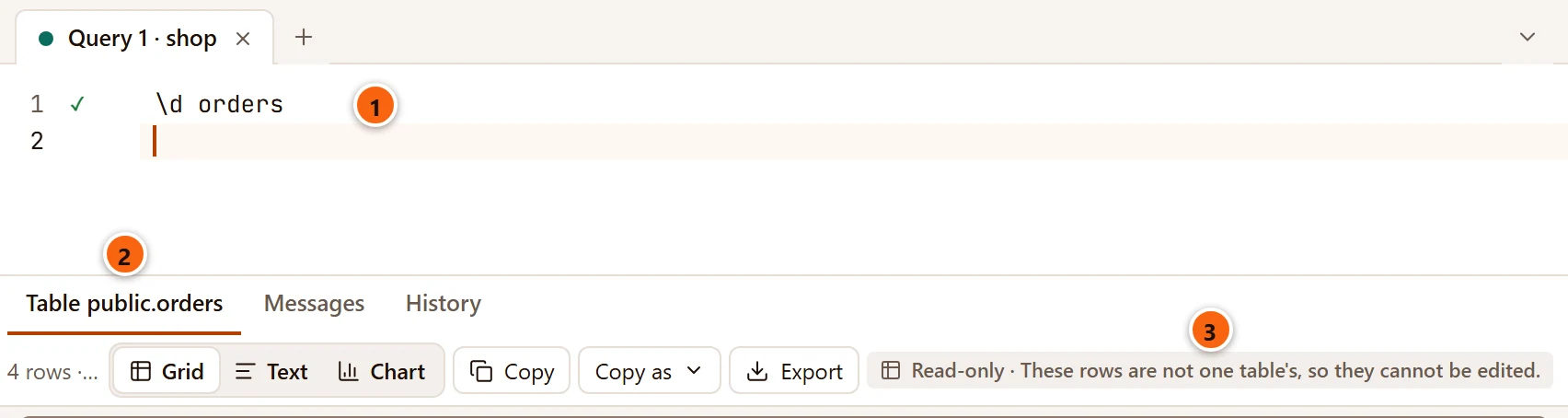
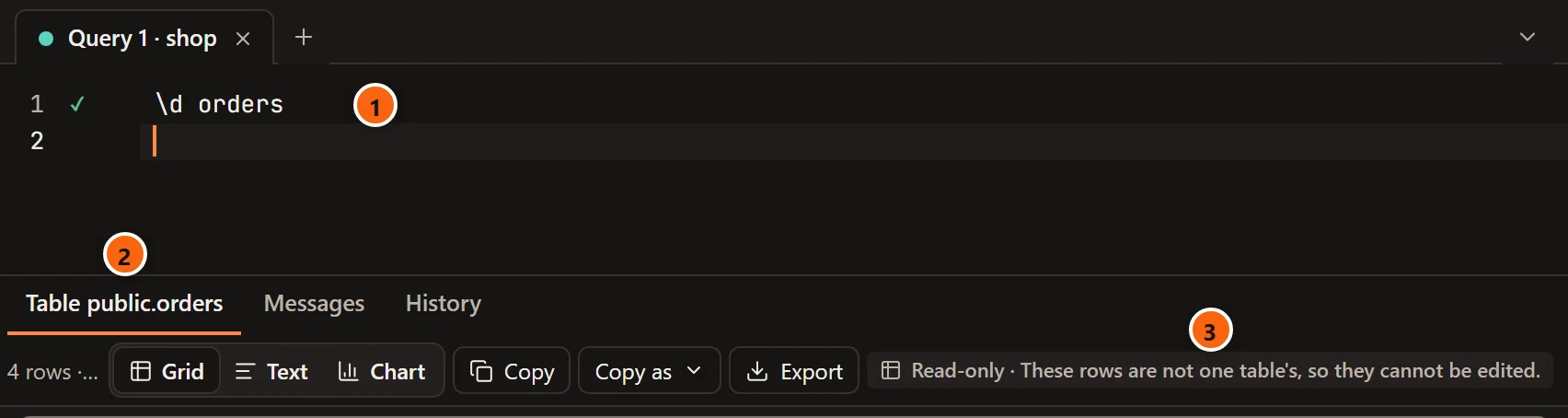
- 1 The command, with a check once pgjumbo has answered it.
- 2 The answer is a result whose tab is named after what it shows, here Table public.orders, where a query’s result would be named Data Output.
- 3 The rows cannot be edited, as they come from the catalog. You can sort, filter, copy and export them like any other result; see The results grid.
In Messages, a command’s line shows the command and its time (\d · 1 ms) where a statement shows its command
tag.
The commands pgjumbo answers
Section titled “The commands pgjumbo answers”| Command | What it shows | The result is named |
|---|---|---|
\d |
The tables, partitioned tables, views, materialized views, sequences and foreign tables. Columns: Schema, Name, Type, Owner. | List of relations |
\d name |
Each relation the name matches, described. See Describe a table. | Table public.orders and the like |
\dt |
Tables and partitioned tables. | List of relations |
\dv |
Views. | List of relations |
\dm |
Materialized views. | List of relations |
\di |
Indexes. | List of relations |
\ds |
Sequences. | List of relations |
\df |
Functions and procedures: Schema, Name, Result data type, Argument data types and Type (func, proc, agg or window). |
List of functions |
\dn |
Schemas: Name, Owner. | List of schemas |
\l (or \list) |
The server’s databases: Name, Owner, Encoding, Collate, Ctype. | List of databases |
\du (or \dg) |
Roles: Role name and Attributes, such as Superuser, Create role, Create DB. |
List of roles |
\dx |
The database’s extensions: Name, Version, Schema, Description. | List of installed extensions |
\x, \x on, \x off |
Turns the record view on or off. See Expanded display. | |
\set name value, \set, \unset name |
Gives :name a value, lists the values, takes one back. See \set and \unset. |
Variables (for \set alone) |
\watch, \watch 10 |
Starts Watch on the statement before it. |
What the lists leave out, as psql does:
- Without a schema in the pattern,
\d,\dt,\dv,\dm,\di,\dsand\dflist only what the tab’s search path shows, and nothing of the system schemas. \dnalone leaves out the schemas whose names start withpg_andinformation_schema;\dualone leaves out the roles whose names start withpg_. Name one in a pattern to see it.
Name patterns
Section titled “Name patterns”A name after a command reads as psql reads it.
| Pattern | Matches |
|---|---|
orders |
The relation orders on the search path. Unquoted names are read in lower case. |
ord* |
Every name that starts with ord. * stands for any characters, ? for any one character. |
public.* |
Everything in the schema public. A dot separates the schema from the name. |
"Mixed" |
The name exactly as written, capitals included. |
A + after a command is read as the plain command: \d+ orders answers as \d orders does.
Describe a table
Section titled “Describe a table”\d with a name describes each relation the name matches, the first ten of them, in several results. Each has a tab
of its own, and a section with nothing in it is left out.
| Result | Columns | For |
|---|---|---|
| Table public.orders (or Partitioned table, View, Materialized view, Sequence, Foreign table, Index and the name) | Column, Type, Collation, Nullable, Default | Every kind |
| Indexes | Index, Definition (with PRIMARY KEY, UNIQUE and INVALID where they apply) |
Tables and materialized views |
| Constraints | Kind (Check, Foreign key or Exclusion), Constraint, Definition | Tables and foreign tables |
| Referenced by | Table, Constraint, Definition: the foreign keys of other tables that point at this one | Tables and foreign tables |
| Triggers | Trigger, Definition | Tables, views and foreign tables |
| View definition | The view’s SELECT |
Views and materialized views |
When nothing matches, the command fails with Did not find any relation named "orders".
A table’s own tab shows the same facts and lets you change them.
Expanded display
Section titled “Expanded display”\x makes every result of the tab open as a record: one row at a time, a line for each column, as psql’s expanded
display shows it. \x alone switches it, \x on and \x off say which. The tab confirms with
Expanded display is on: each result opens as a record. \x off turns it off. or Expanded display is off.
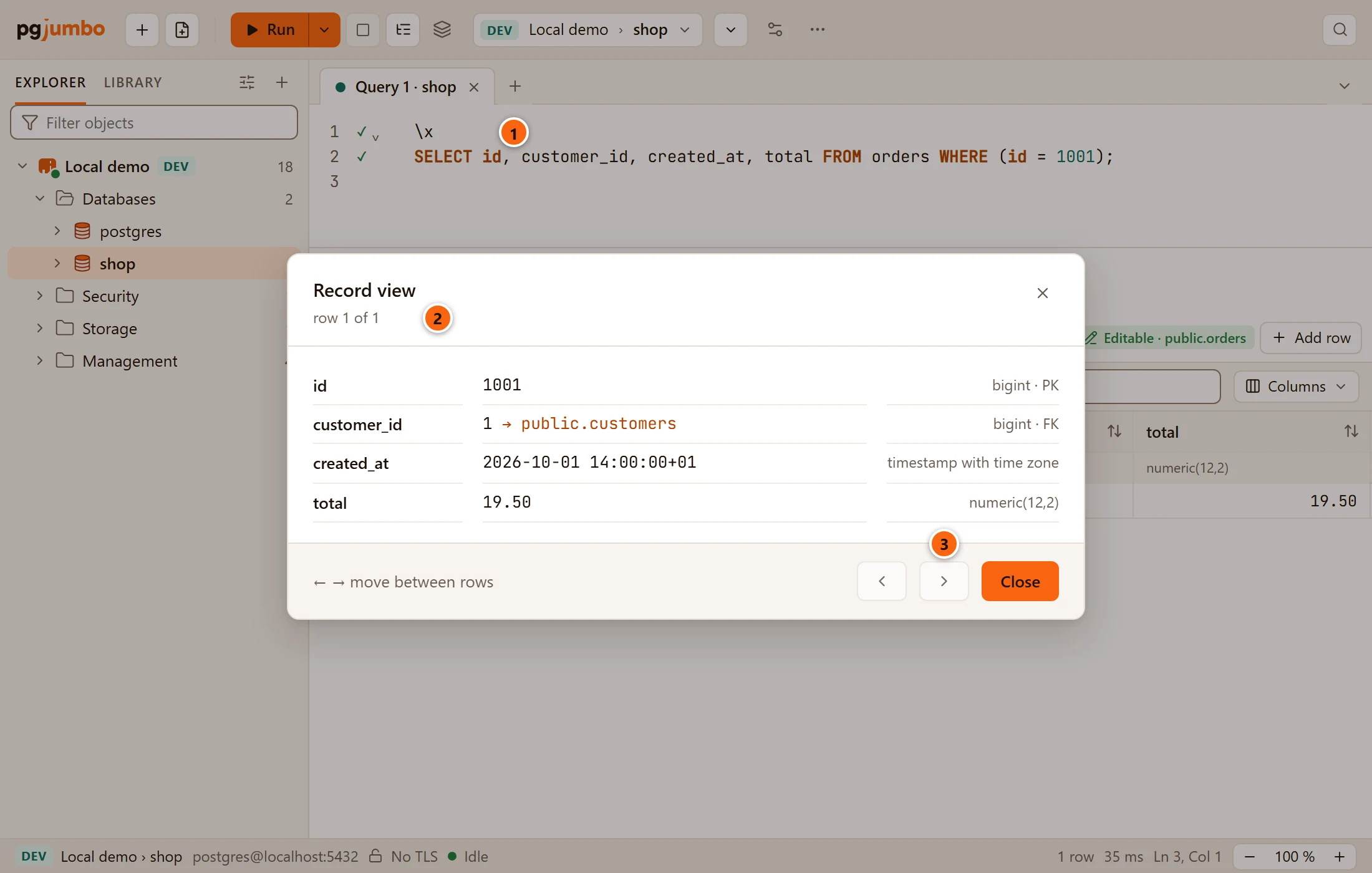
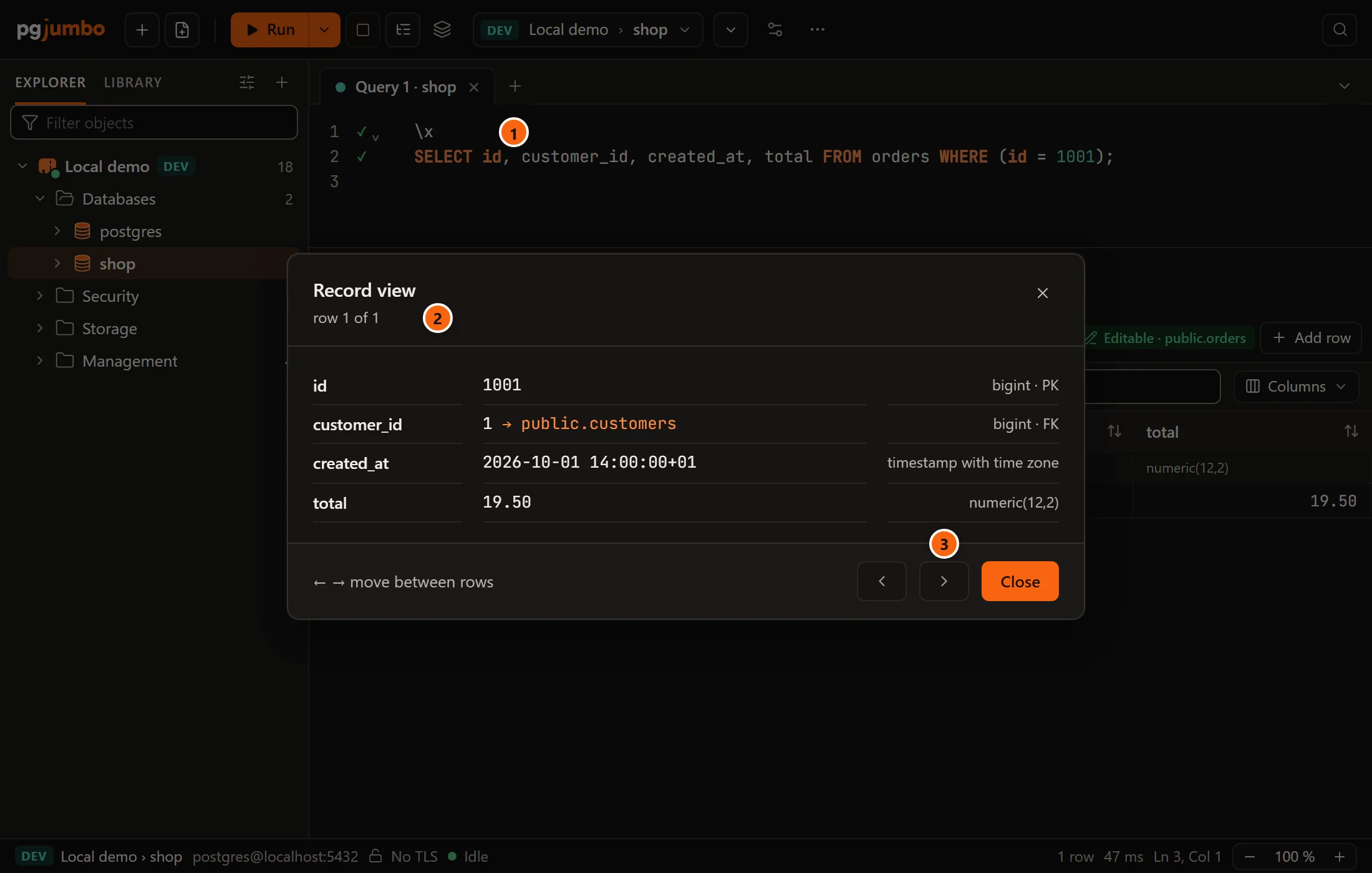
- 1
\x, before the query whose rows you want to read one at a time. - 2 The record view opens on the result’s first row and says which row it is.
- 3 The arrows, or ← and →, move between rows. Close goes back to the grid.
It stays on for the tab until \x off. Values, the record view and the cell viewer
explains the record view, which you can also open on any row without \x.
\set and \unset
Section titled “\set and \unset”\set name value gives the parameter :name a value for the rest of the tab’s session, so Run does not ask for
it in the Values for this query dialog.
\set since '2026-10-01'\set status paid
SELECT id, total FROM orders WHERE status = :status AND created_at >= :since;- The name takes letters, digits and
_. The value is what follows it, as written, or between single quotes with''for a quote inside. - A
\setearlier in a script counts for the statements after it, and the value stays for later runs of the tab. \setalone lists what you have set, in a result named Variables with the columns Name and Value.\unset nametakes one back, and Run asks for it again.- The values belong to the tab’s session. A new session, after Reconnect or a move to another database, starts without them.
\watch
Section titled “\watch”\watch on a line after a statement starts Watch on that statement, every 5 seconds;
\watch 10 every 10 seconds, from 1 to 3,600. psql’s \watch i=2 form reads the same. With no statement above it,
it fails with \watch runs the statement before it again: put one above it.
The rest of psql
Section titled “The rest of psql”Any other backslash command fails, and names itself first, so that one line among thousands of a pasted script is easy to find:
\copy is psql's own: pgjumbo answers \d, \dt, \dv, \dm, \di, \ds, \df, \dn, \l, \du, \dx, \x, \set, \unset and \watch itself. For the rest of psql, use the PSQL Tool (on a database's menu).
The script stops there or goes on, as the tab’s When a statement fails says. A command given something it does not take says what it takes:
| Message | Why |
|---|---|
\x takes on or off, not “maybe”. |
\x with another word after it. |
\watch takes the seconds between runs, 1 to 3600. |
\watch with something that is not such a number. |
\set takes a name of letters, digits and _, then its value. |
A name with other characters. |
For \copy, \i, \c, \e and everything else, open psql itself: ToolsPSQL Tool, or PSQL
Tool on a server’s or a database’s right-click menu in the Explorer. See PSQL Tool. To
load or save a table’s rows from a file without psql, see
Import and export table data.
Where the commands are refused
Section titled “Where the commands are refused”Run on several databases runs only SQL. A script with a backslash command fails
there on every database, with
psql meta-commands such as \d are not SQL. Run the query they stand for, or use psql.