

Watch a query
Watch runs the selection, or the whole tab, again every few seconds, so you can follow a count, a queue or a job’s progress as it changes. Only reads are watched: each run goes in a read-only transaction of its own, so even a function that writes is refused by the server.
Start a watch
Section titled “Start a watch”Write the query in a Query Tool, select it if the tab holds more, then use one of these:
| Where | How often it runs |
|---|---|
| QueryWatch | Every 5 seconds. The item is ticked while the tab watches; choosing it again stops the watch. |
| Run’s ⌄ in the toolbar, under Watch: run again every | Every 2 seconds, 5 seconds, 10 seconds, 30 seconds or 60 seconds. |
A \watch line in the editor, after the statement |
Every 5 seconds, or the number you give: \watch 10. Run the statement and the line together. See psql commands in the editor. |
The first run starts at once. pgjumbo watches the text as it was when the watch started: what you type in the editor afterwards is not picked up until you stop the watch and start it again.
While it watches
Section titled “While it watches”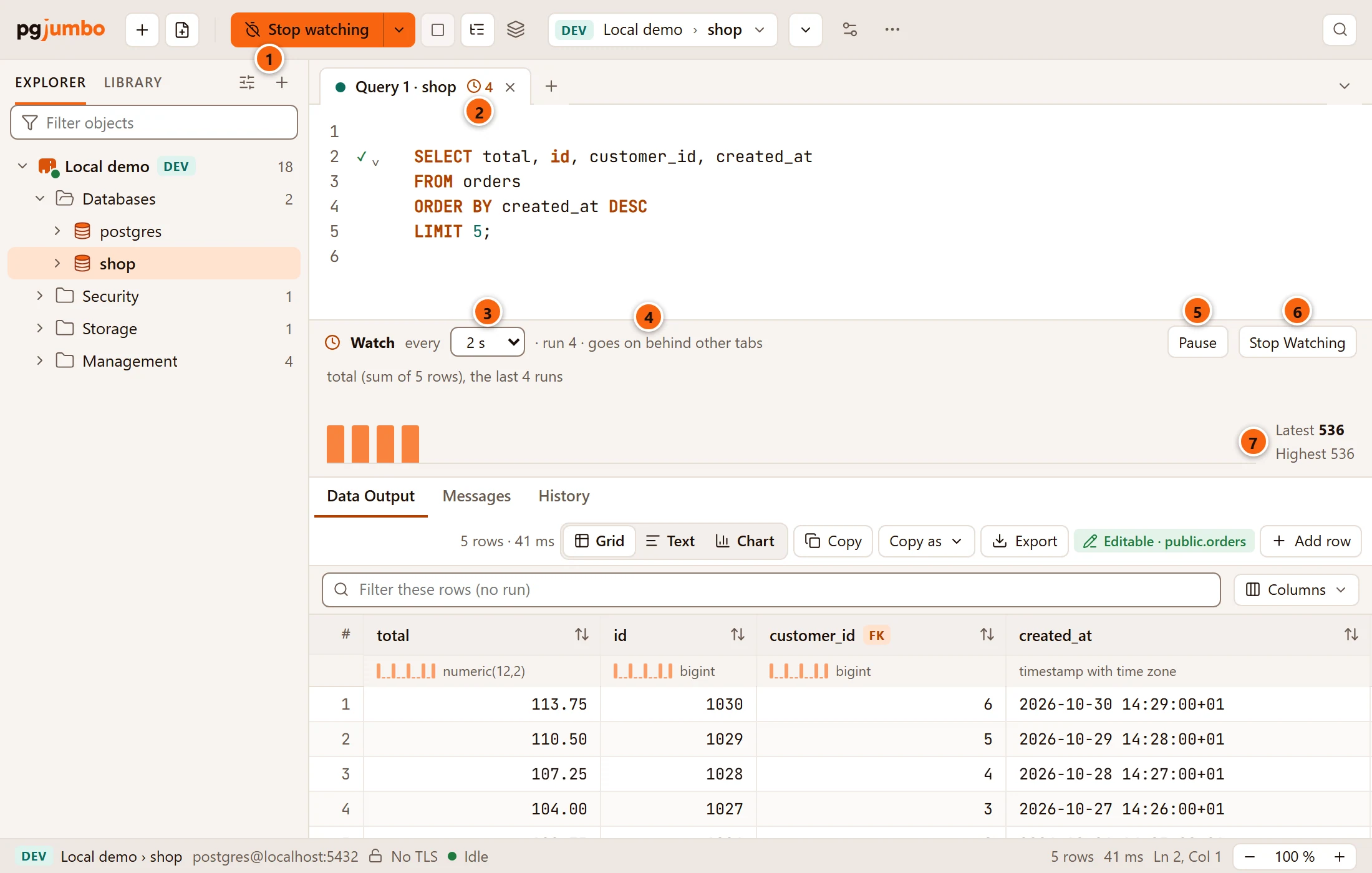
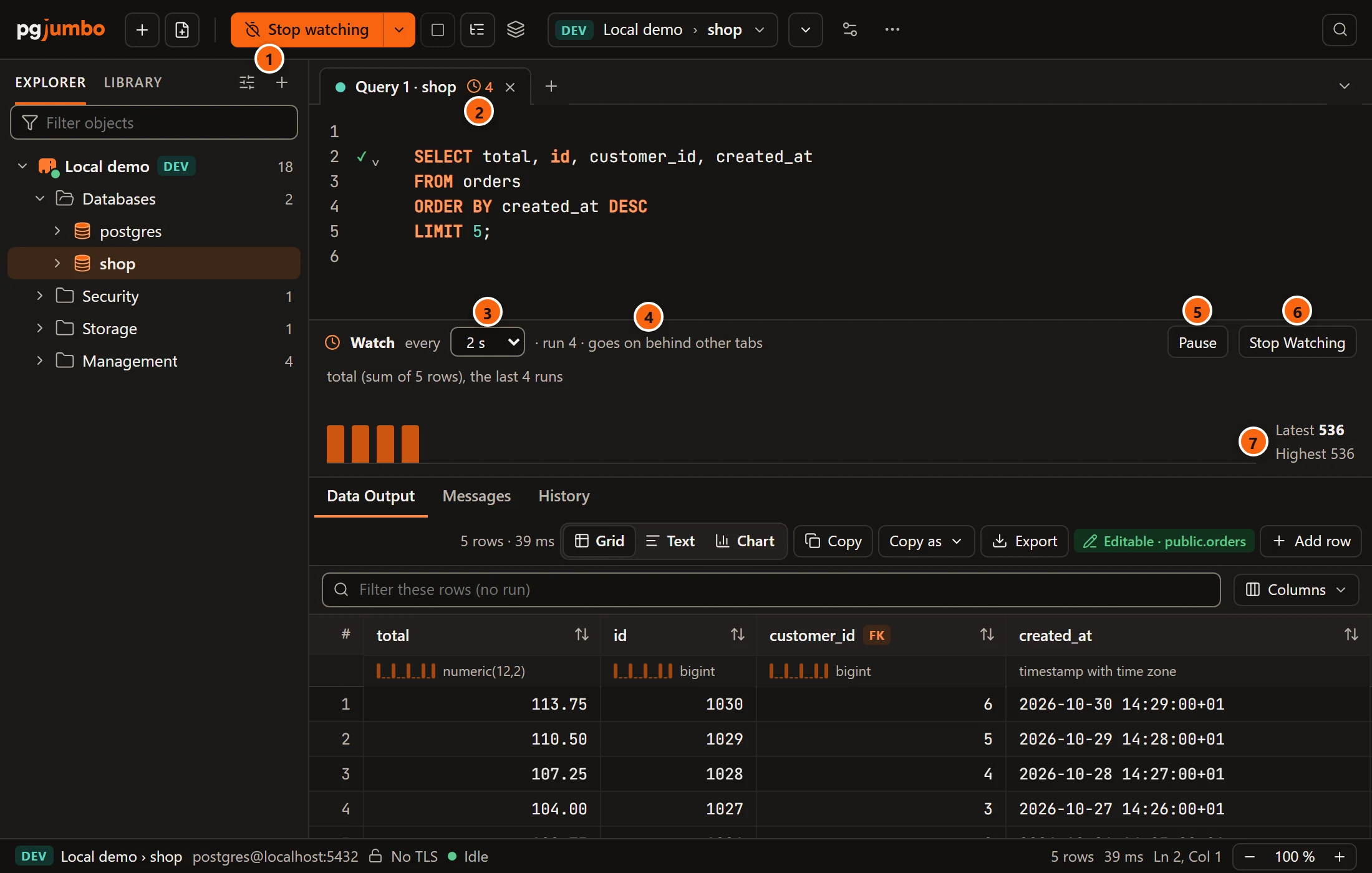
- 1 The toolbar’s Run becomes Stop watching, with the run’s number in a wide window. It ends the watch; the last result stays.
- 2 The tab shows a clock and how many runs it has made, so you see it from any tab. Hover it for
Watching every 2 s, run 4. - 3 How often it runs. Choose another interval here at any time: 2 s, 5 s, 10 s, 30 s or 60 s.
- 4 The run’s number and what the watch is doing (see the table below).
- 5 Pause holds the watch where it is; the button then reads Resume.
- 6 Stop Watching ends it and takes the bar away.
- 7 The chart: the first number column of the first result, one bar for each of the last 30 runs, with the Latest and the Highest value beside them. Hover a bar for its value.
Each run replaces the results of the one before, and the result tab in front stays in front. The watch goes on while another tab is in front.
| The bar says | What it means |
|---|---|
run 4 · goes on behind other tabs |
It waits for its next turn. |
run 4 · running |
A run is under way. |
run 4 · paused |
You paused it. |
run 4 · paused: the last run failed |
A run failed. The reason follows in red, and Messages has it too. |
run 4 · waiting while the window is minimized |
pgjumbo’s window is minimized. The watch goes on when you show it again. |
It also waits, without saying so, while a question of the tab waits for your answer.
What the chart counts
Section titled “What the chart counts”- The chart takes the first column of the first result whose type is a number: an integer,
numeric,real,double precisionoroid. - With one row, the bar is that value and the line over the chart names the column:
waiting, the last 12 runs. - With several rows, the bar is the sum of the column over the rows, and the line says so:
total (sum of 5 rows), the last 4 runs. - A run whose first number column is another one starts the chart again. A result with no number column has no chart.
To chart one number, write the query so that it returns it first, for example
SELECT count(*) AS waiting FROM jobs WHERE state = 'queued'.
Run’s menu while a tab watches
Section titled “Run’s menu while a tab watches”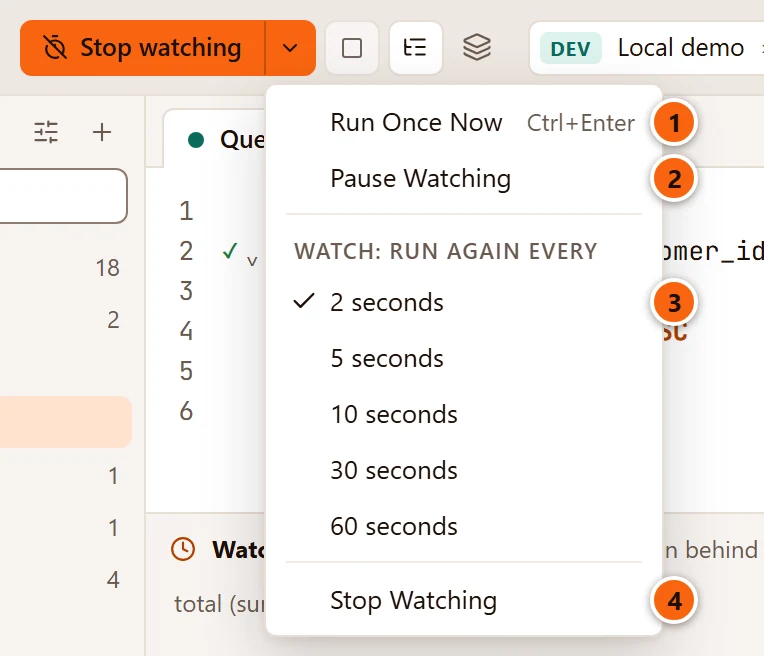
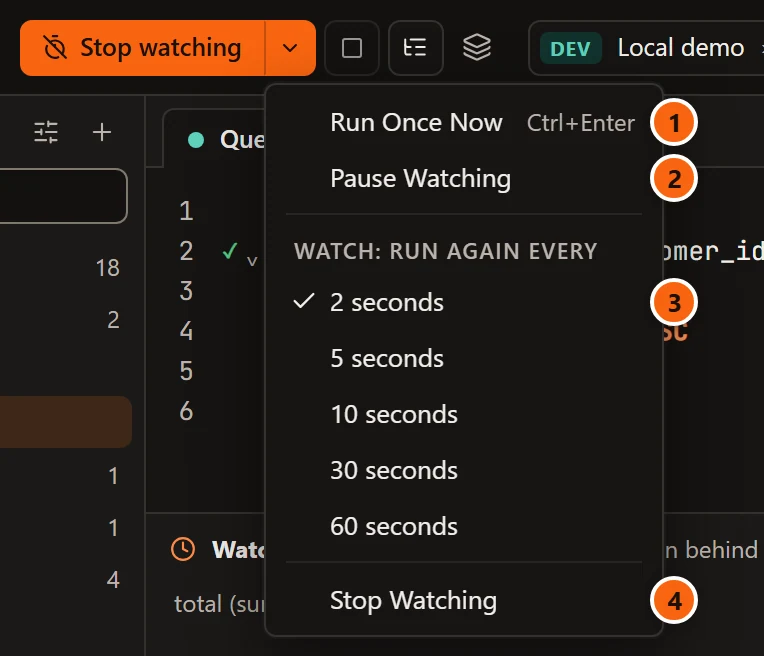
- 1 Run Once Now runs the watched query once more, without waiting for its turn. ⌘ ↩︎ (Ctrl+Enter on Windows and Linux) and QueryRun do the same while the tab watches. It also runs a paused watch once, which stays paused.
- 2 Pause Watching, or Resume Watching while it is paused.
- 3 The interval, with a check beside the one in use.
- 4 Stop Watching. The tab’s right-click menu in the tab strip has the same item, so you can stop a watch that runs behind another tab.
Stop in the toolbar stops the run that is under way, as for any query; the watch then pauses, because that run failed.
What Watch refuses
Section titled “What Watch refuses”Watch never runs a write, never runs inside an open transaction and never runs a query with parameters. When it cannot start, the tab says why beside the result tabs:
| The tab says | What to do |
|---|---|
There is nothing to watch: type a query first. |
The tab, or the selection, is empty. |
Watch runs outside a transaction: commit or roll back the open one first. |
A watch would keep the tab’s transaction open between its runs. End it first; see Transactions. |
Watch runs a query without parameters: put their values in the query first. |
Replace :name, $1 and the like with values. See Parameters. |
Watch would read … every few seconds on …, past Settings › Safety's threshold, so it does not start. (with the estimate and the server’s environment tag) |
On Staging and Production, a read that would cost more than the threshold in SettingsSafetyBy environment is not run again and again. See Before a statement runs. |
A statement that is not a read is refused at the first run, and the watch pauses and says why:
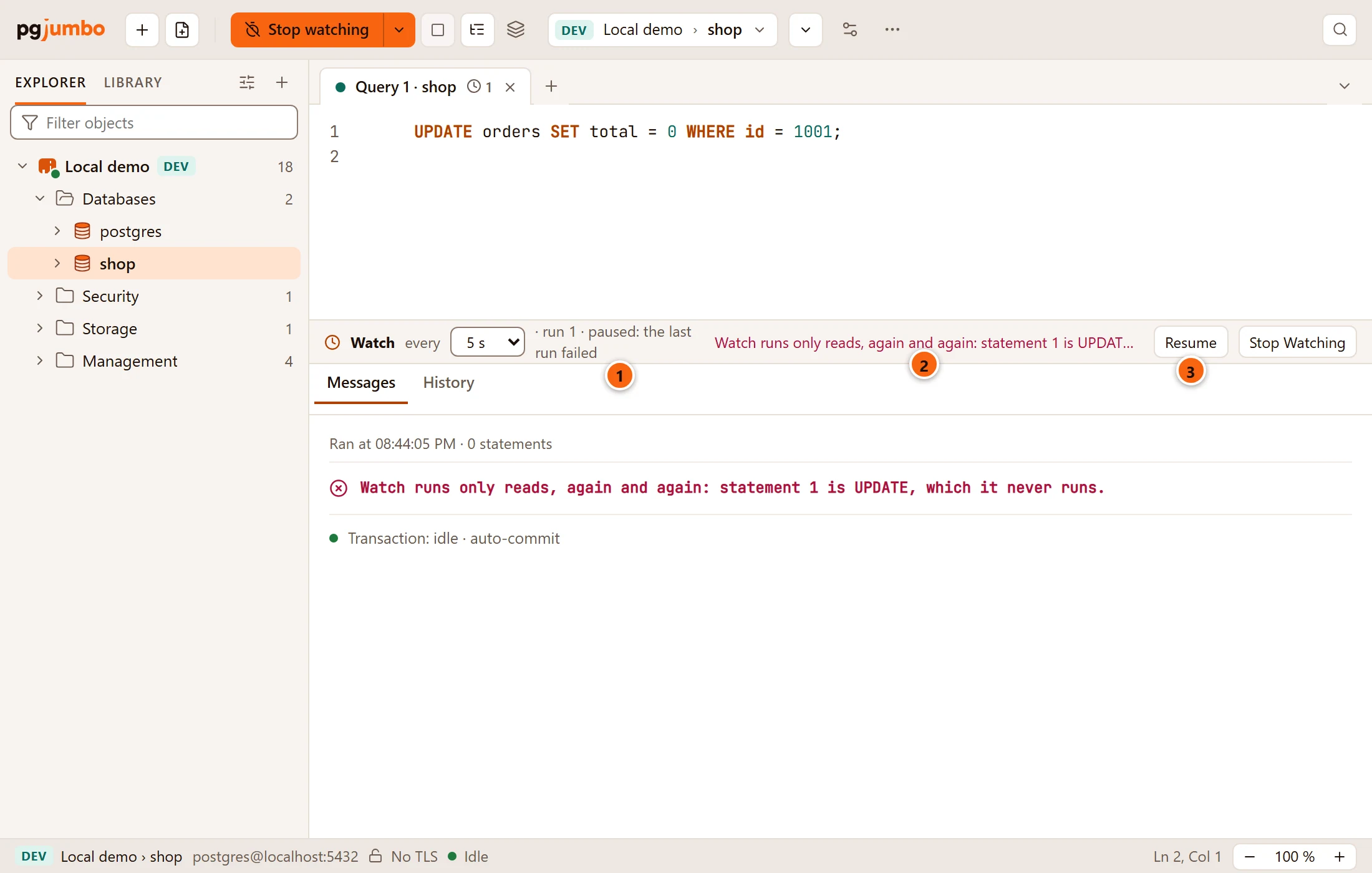
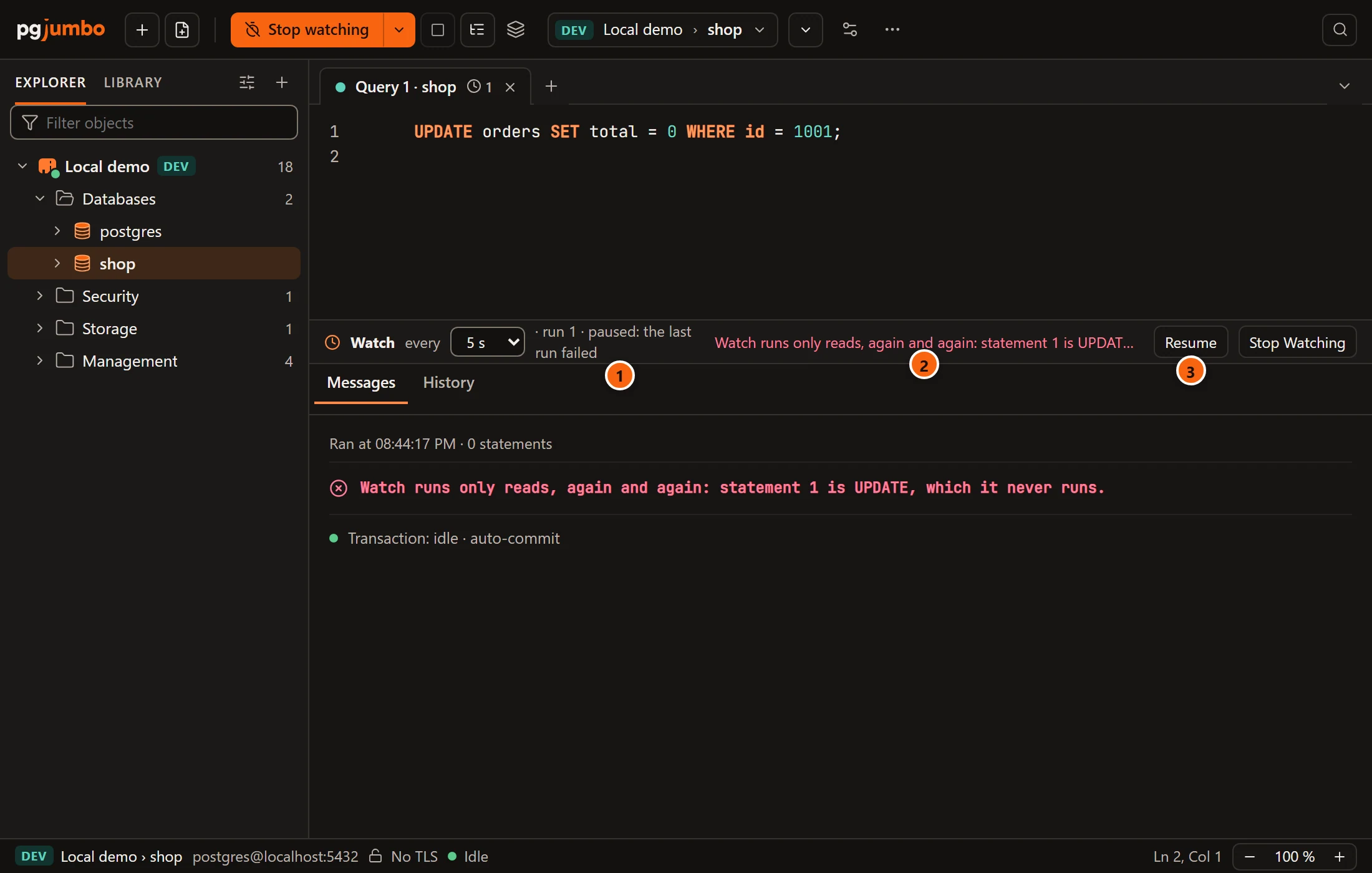
- 1 The watch paused at its first run.
- 2 Why, cut short in the bar; hover it, or read Messages, for the whole sentence.
- 3 Resume tries again at the next turn. Change the query first: stop the watch, edit, and start it again.
| The reason | Why |
|---|---|
Watch runs only reads, again and again: statement 1 is UPDATE, which it never runs. |
INSERT, UPDATE, DELETE, DDL and the like are never watched. |
Watch runs only reads, again and again: statement 1 calls pg_terminate_backend(), which a read-only transaction does not stop, so it never runs it. |
A read that calls something a read-only transaction does not stop would do it at every turn. That covers pg_terminate_backend, pg_cancel_backend, set_config, the advisory lock functions and their kind. |
A function that writes is stopped by the server itself, because each run is a read-only transaction: the run fails
with PostgreSQL’s cannot execute … in a read-only transaction, and the watch pauses.
A data tab has no Watch; its Refresh shows the rows again.