

Save a change as a Prisma migration
When you change a table in its tab and save, pgjumbo runs the change in that database. For a table that a Prisma
project manages, that leaves Prisma’s migrations behind: the next prisma migrate dev on the database stops with
Drift detected and asks to reset it. With the project’s repository
linked to the database, pgjumbo can write the change as a migration for the project
instead of running it.
Nothing runs when you save a migration. pgjumbo writes the migration’s folder where you say, and that is the one thing
it ever writes into your project. It does not apply the migration: you commit the folder and deploy it with
prisma migrate deploy, as you deploy the others.
In Review
Section titled “In Review”A table is one that Prisma manages when a model of the linked schema.prisma is mapped to it. For such a table,
Save always opens Review, even for a change it would otherwise run at once.
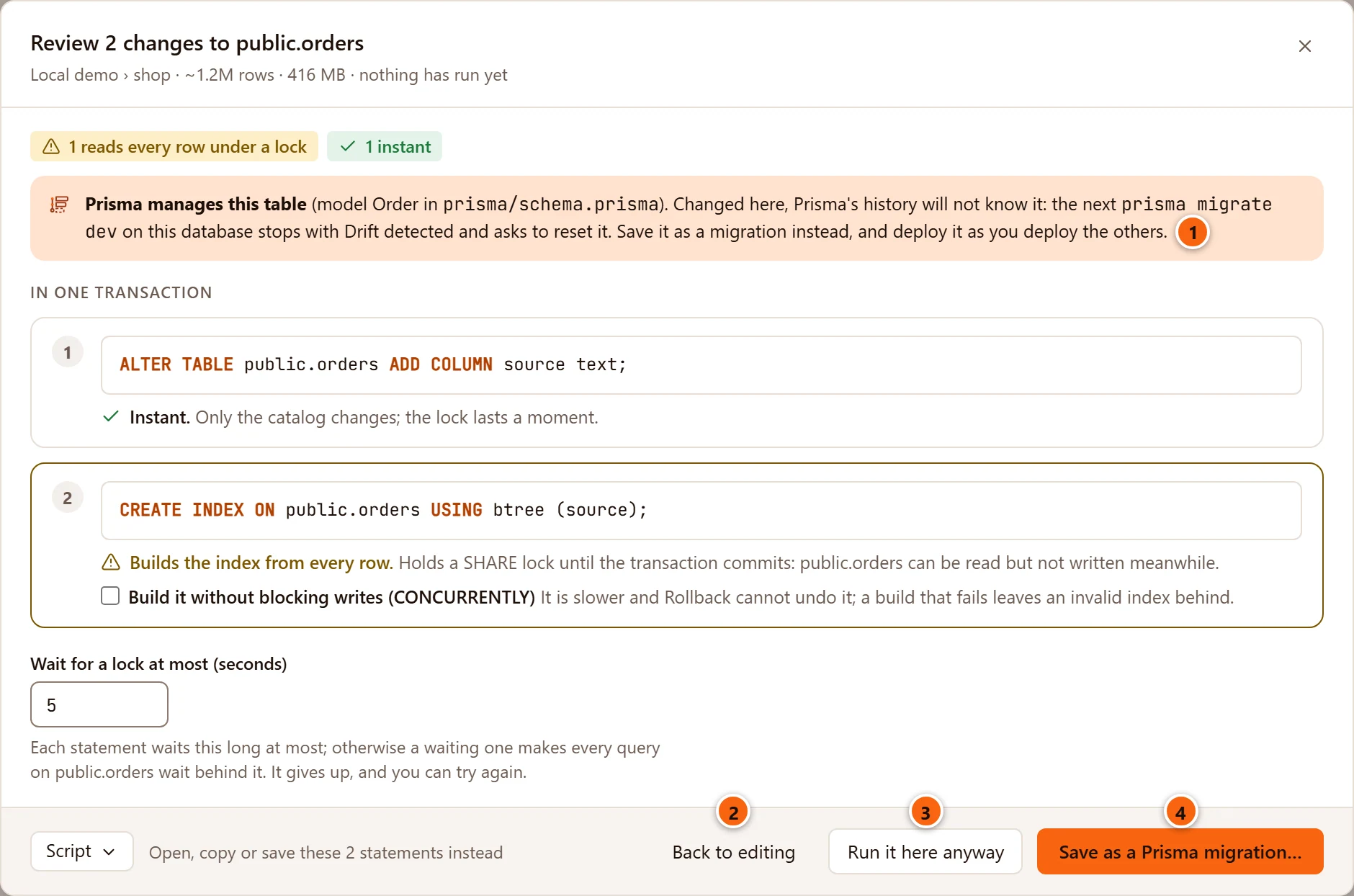
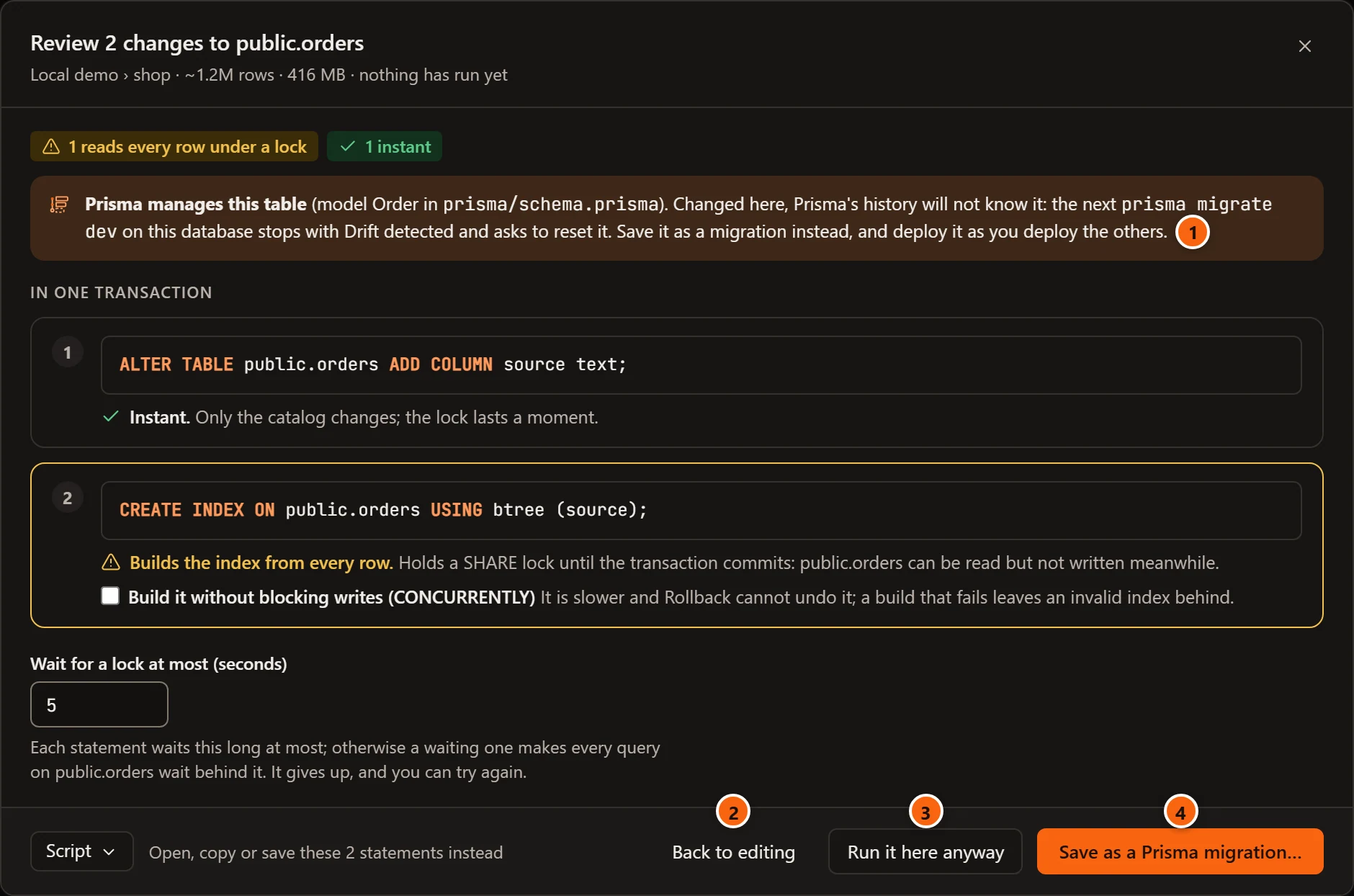
- 1 Prisma manages this table, with the model’s name and the file it is in, and what happens when the table is changed here.
- 2 Back to editing closes Review. Your changes stay in the tab.
- 3 Run it here anyway runs the change in this database, as Review shows it. Prisma’s migrations then do not know of it.
- 4 Save as a Prisma migration… opens the migration to save. Nothing runs. It is the first button, so Enter does the same.
The rest of the sheet is Review as on any table: the statements with their locks and their work, the safer ways to tick, and Wait for a lock at most. What you tick there goes into the migration.
On a server that asks first, the name to type is for Run it here anyway only. Saving a migration needs none, since nothing runs.
Choose which button comes first
Section titled “Choose which button comes first”SettingsMigrationsChanging a table a tool managesWhen I change it in its tab picks what Review puts first. Review offers both ways whichever you choose.
| Choice | What Review does |
|---|---|
| Ask in Review | Save as a Prisma migration… is the first button, with Run it here anyway beside it. pgjumbo starts with this. |
| Always save as a migration | Review opens on the migration, ready to save. Back shows the review. |
| Run it here | Run it here is the first button and what Enter does, with Save as a Prisma migration… beside it. |
Settings has the setting.
The migration
Section titled “The migration”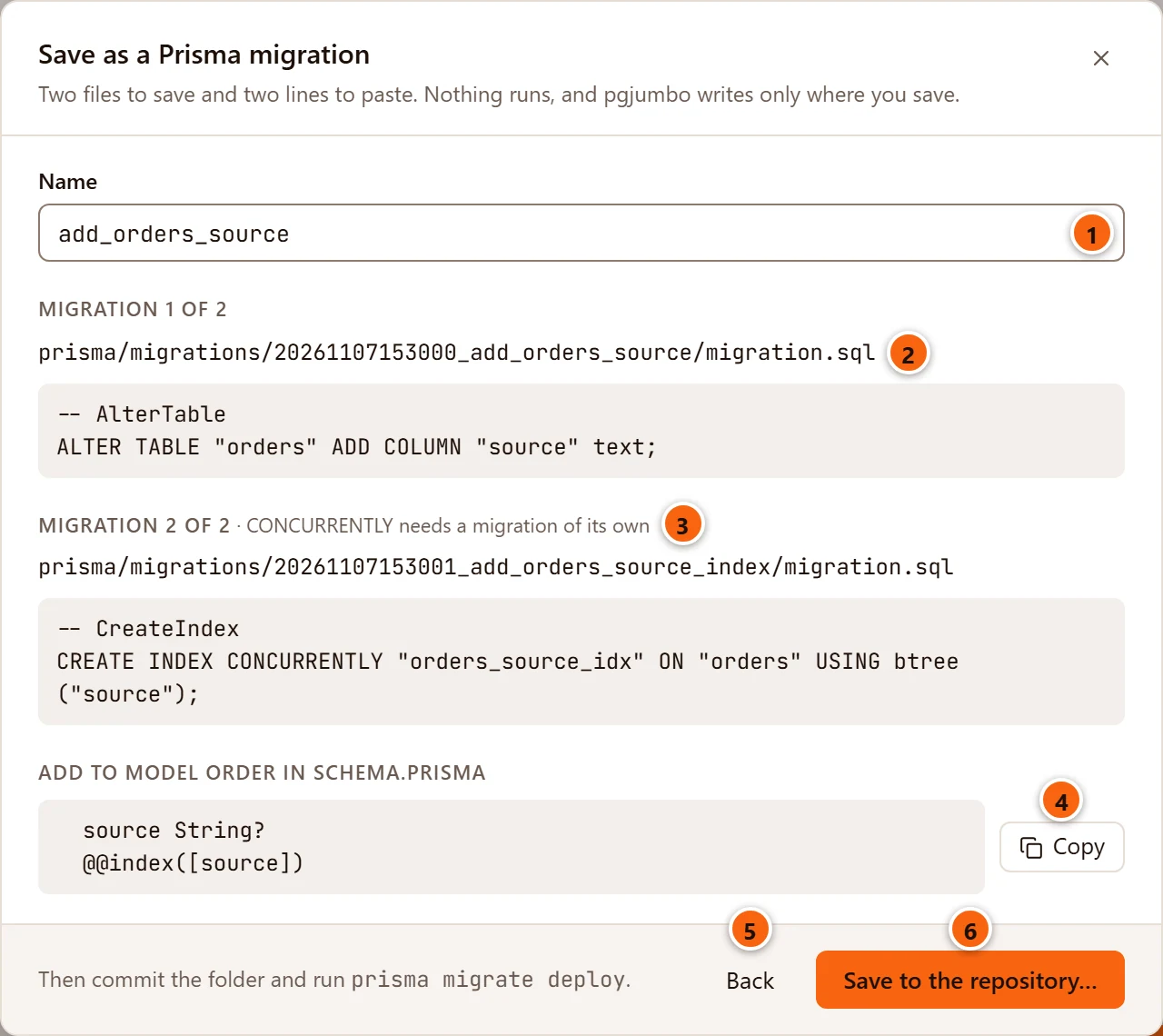
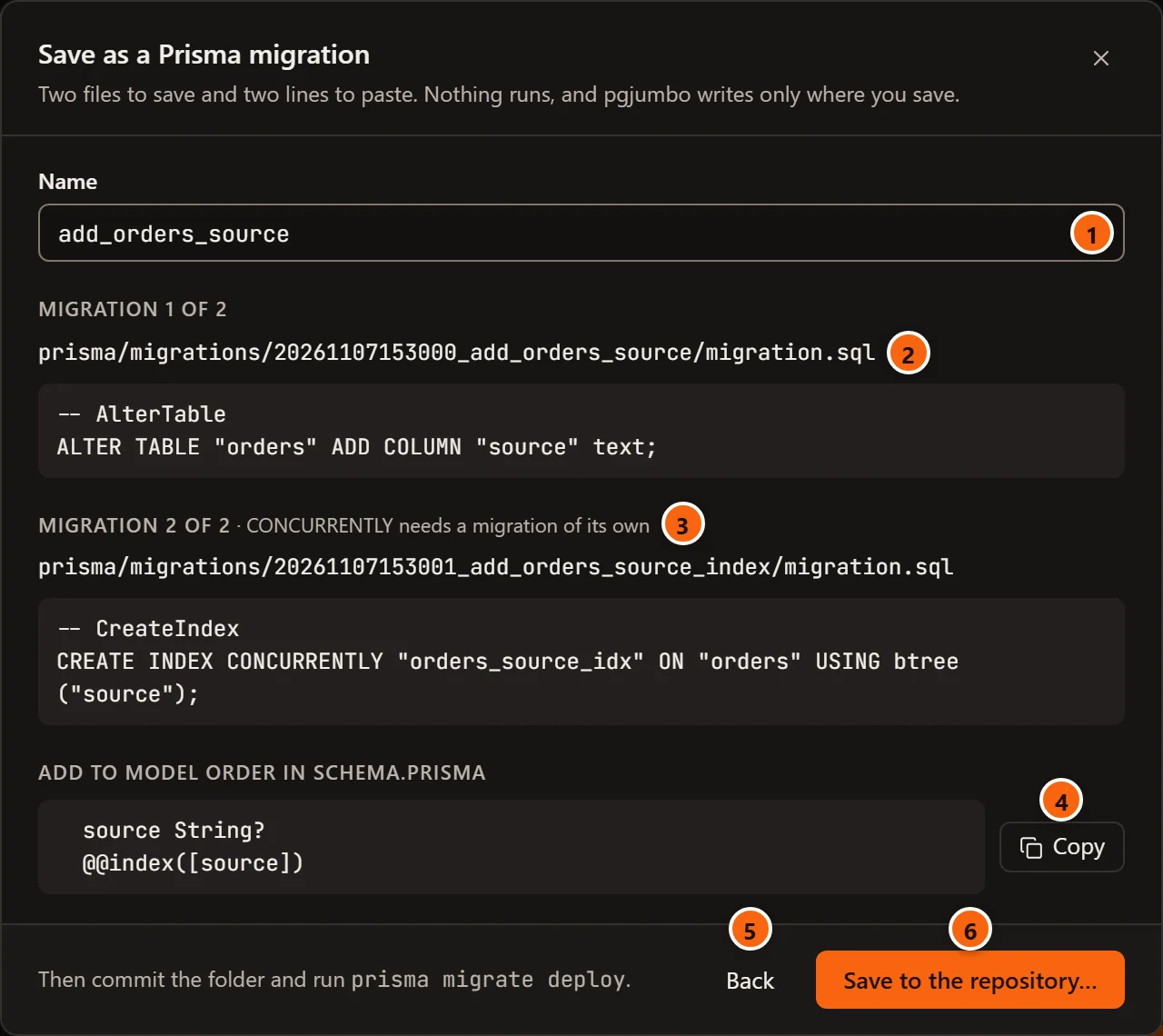
The line under the title counts what there is: “Two files to save and two lines to paste”. It ends with what holds for every migration: nothing runs, and pgjumbo writes only where you save.
- 1 Name: what the folder is called after its time, as Prisma names a migration. pgjumbo offers one,
such as
add_orders_sourcefor one new column; type your own. Spaces and other signs become_, and capitals become small letters. - 2 Each migration, with the place of its
migration.sqlin the repository and its SQL. - 3 A second migration says why it is one. Here the index is built with
CONCURRENTLY, which PostgreSQL does not run inside a transaction. - 4 Add to model: the lines the model needs so that it agrees with the migration. Copy takes them.
- 5 Back returns to Review. Nothing is saved.
- 6 Save to the repository… asks for the folder and writes the migration.
The files
Section titled “The files”The SQL is written as Prisma writes it: every name in double quotes, without its schema unless the model names one,
and under Prisma’s own comments (-- AlterTable, -- CreateIndex). The statements are the ones Review showed, with the
safer ways you ticked. A new index that you gave no name gets the name Prisma would give it, so the migration and the
model agree.
One migration holds the statements that run together. A statement that PostgreSQL runs only by itself, such as
CREATE INDEX CONCURRENTLY, gets a migration of its own. Its heading says why: “CONCURRENTLY needs a migration of its
own”, or “it runs after the one before commits”.
The folder’s time is the time now, or a second after the repository’s newest migration when that is later, so the new folders sort last. A second migration is a second after the first.
The files follow the name a moment after you stop typing.
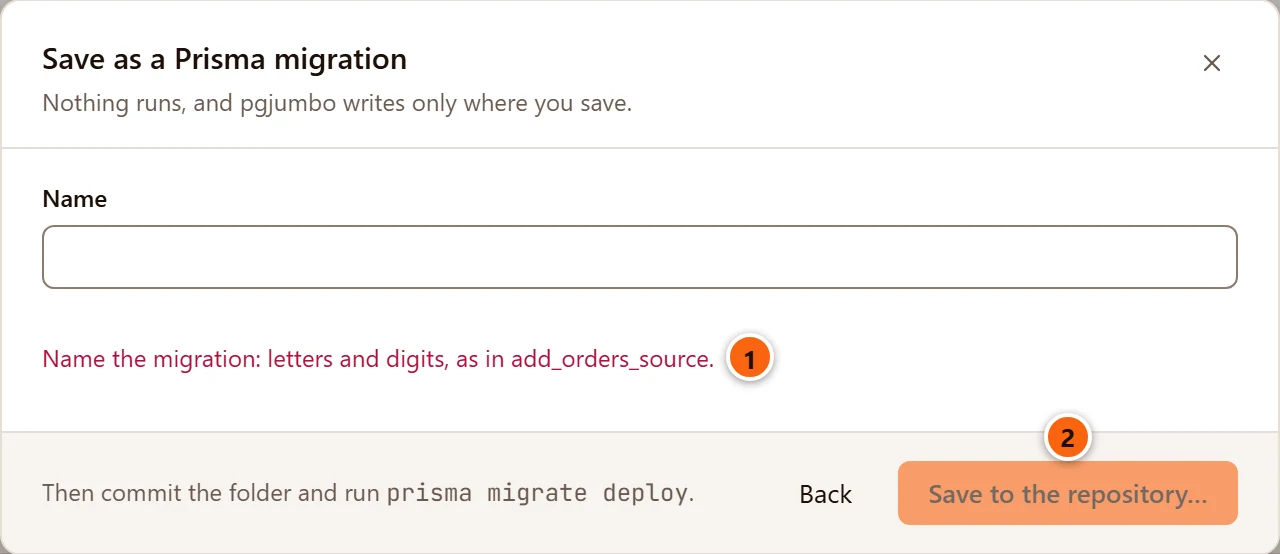
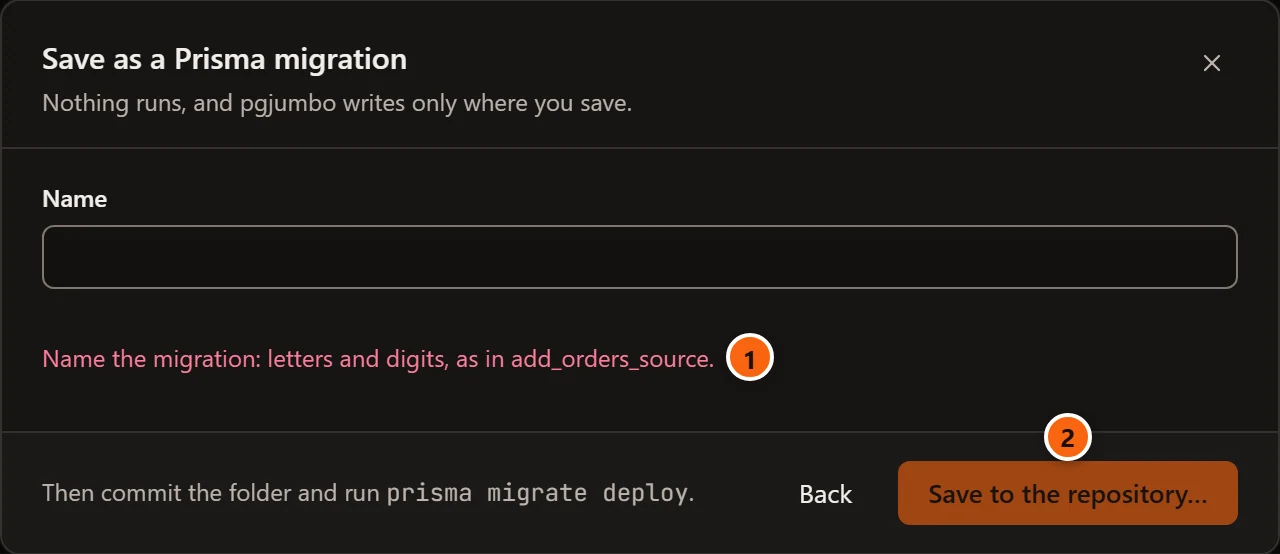
- 1 With the name emptied, or with no letter or digit in it, no file shows and the sheet says what a name needs.
- 2 Save to the repository… is greyed until the name is one a folder can carry.
The model’s lines
Section titled “The model’s lines”Prisma compares its migrations with schema.prisma, so the model has to change too. pgjumbo does not edit your
schema. It shows the lines for you to paste into the model:
- A new column’s field, such as
source String?. - A new index’s
@@index.
What pgjumbo does not write for you is listed in words under For you to write in the model: a changed type, a renamed or dropped column, a foreign key’s relation.
Save to the repository
Section titled “Save to the repository”Save to the repository… opens the system’s folder dialog on the project’s migrations folder, such as
prisma/migrations. Choose it, and pgjumbo writes each migration as a new folder in it, with its migration.sql.
- It never replaces a folder that is already there. When one of the names is taken, nothing is written.
- It writes nothing else: not the schema, not another file.
- Only the project’s migrations folder takes a migration, here or in another working copy of the project. Anywhere else Prisma would never see it, so pgjumbo says so and writes nothing.
- Cancel in the folder dialog saves nothing and leaves the sheet as it was.
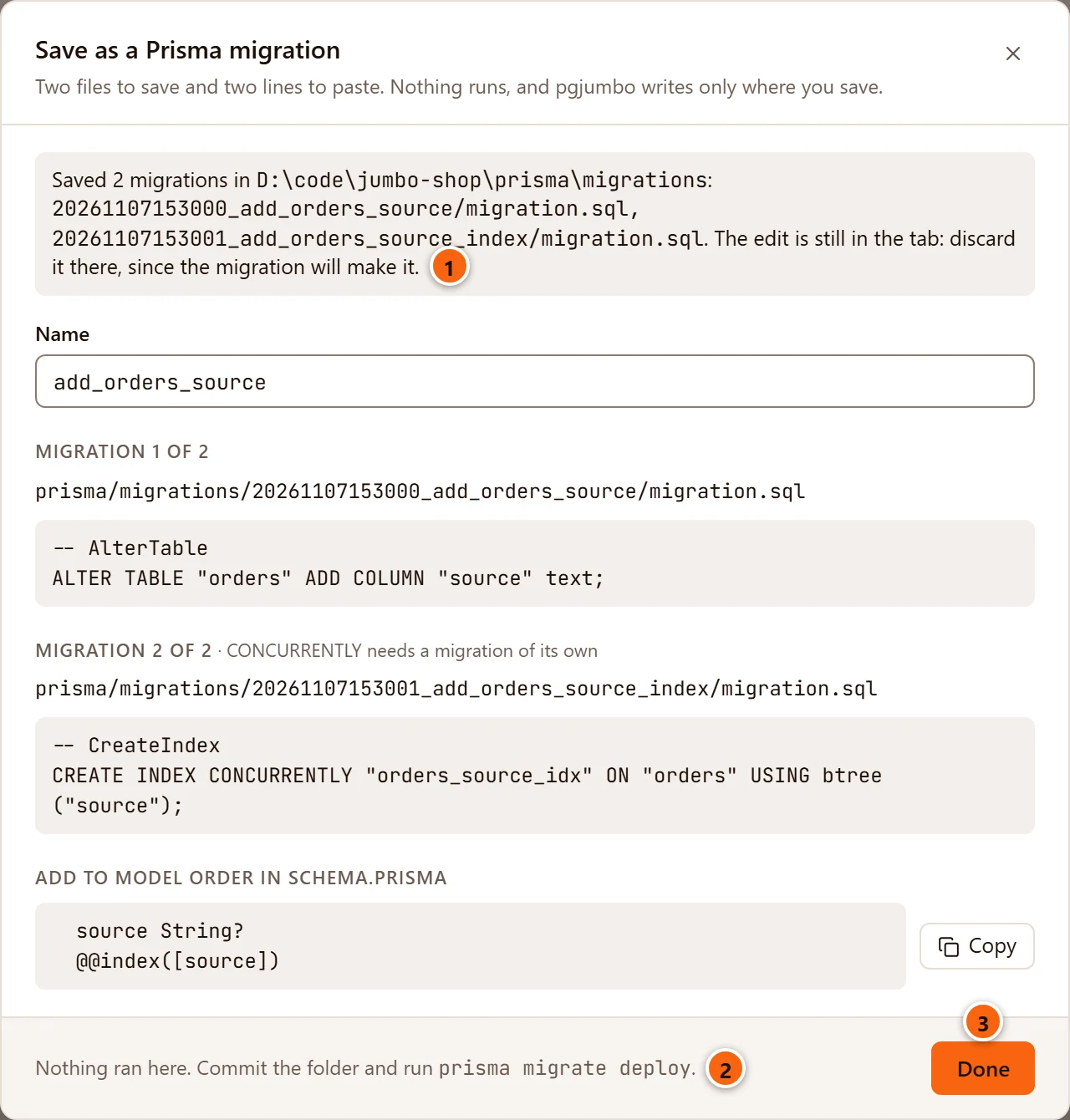
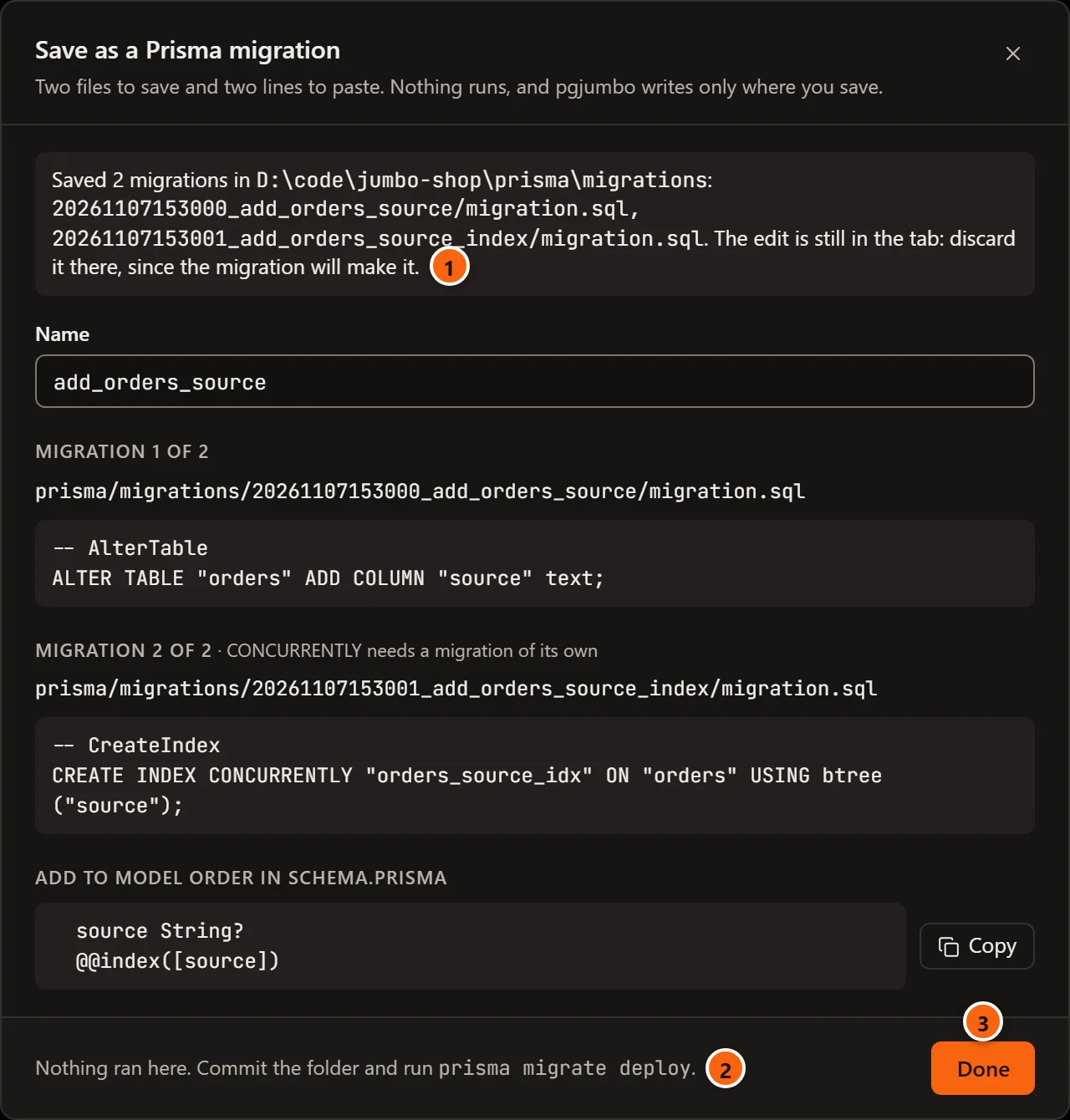
- 1 Where the migrations went, and each file written.
- 2 Nothing ran here. Commit the folder and run
prisma migrate deploy, as you deploy the others. - 3 Done closes the sheet and Review.
The change is still staged in the tab. Discard it there, since the migration will make it. Afterwards, Check drift in the database’s Migrations view shows whether the model, the migration and the database agree.
When you close the tab instead
Section titled “When you close the tab instead”Closing a table’s tab with changes asks what to do with them. Review and Save… there opens Review, and on a table Prisma manages Review says what each of its buttons then does with the tab, and with the rows you staged in the Data view.
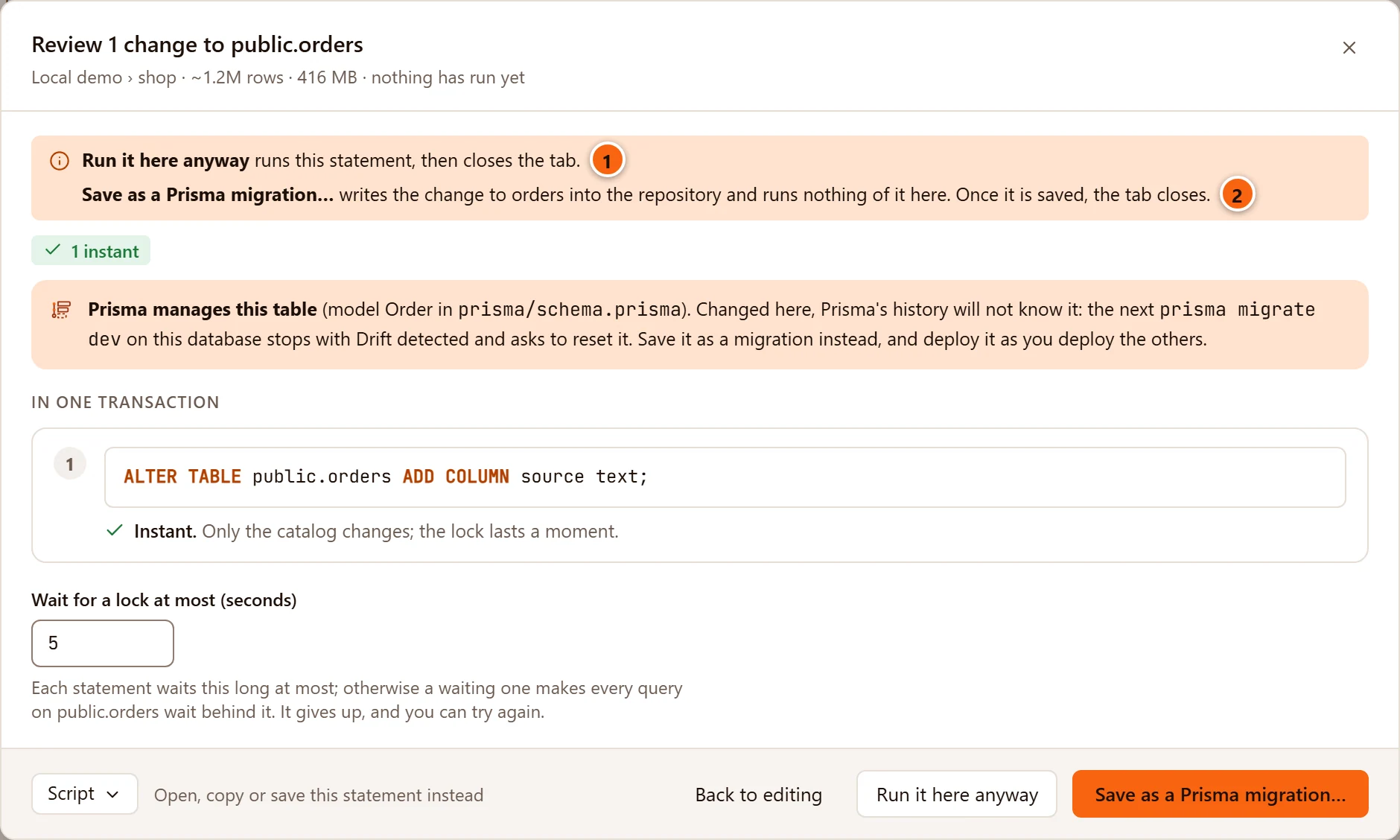
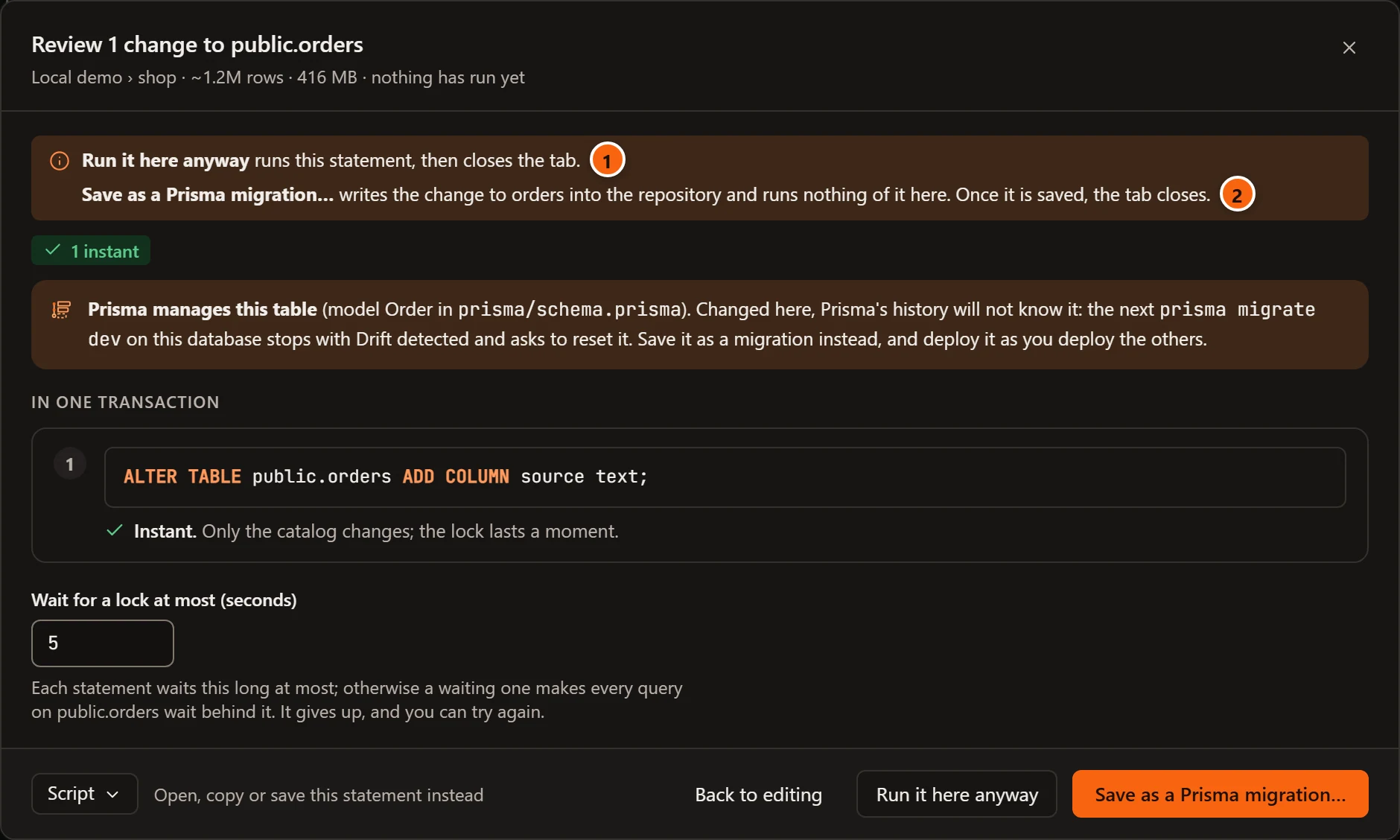
- 1 Run it here anyway saves the staged rows first when there are some, then runs the change, then closes the tab.
- 2 Save as a Prisma migration… writes the change into the repository and runs nothing of it here. Once it is saved, the staged rows are saved here and the tab closes.
After Save to the repository… has written the folder, the sheet’s last button is Save the rows and close, or Close the tab when no row is staged. It saves those rows in this database and closes the tab. The change to the table goes with the tab, since the migration will make it. Nothing of the change runs here.
If the rows are refused, the sheet says why beside the button, and the tab stays open with the rows still staged. The sheet’s × leaves the tab as it is.
Drafts, closing and quitting and Object tabs have the question itself.
A migration the Assistant wrote
Section titled “A migration the Assistant wrote”When the Assistant proposes a migration, its card has Open in Save as a Prisma migration. That opens the same sheet, with the Assistant’s name for you to change.
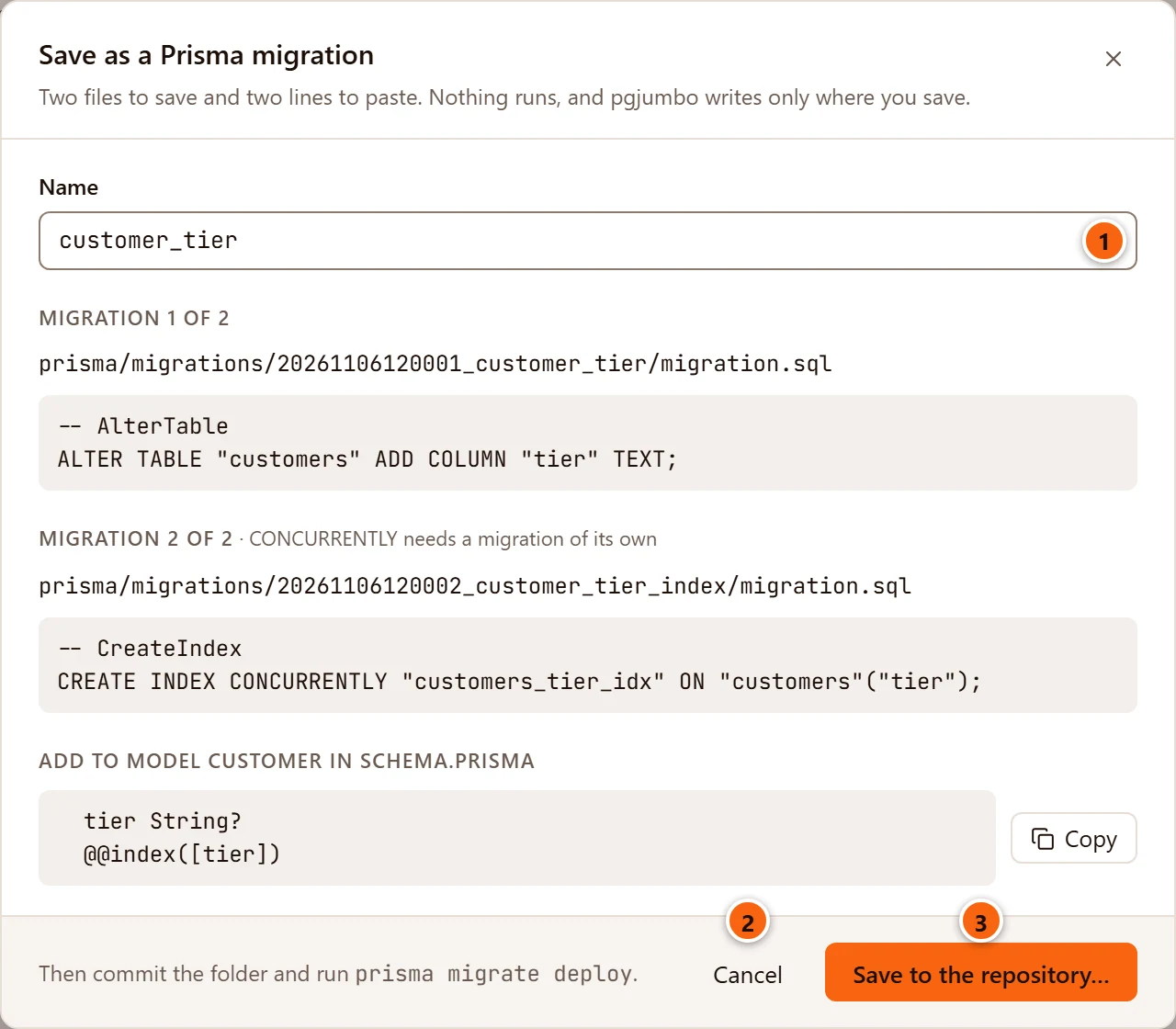
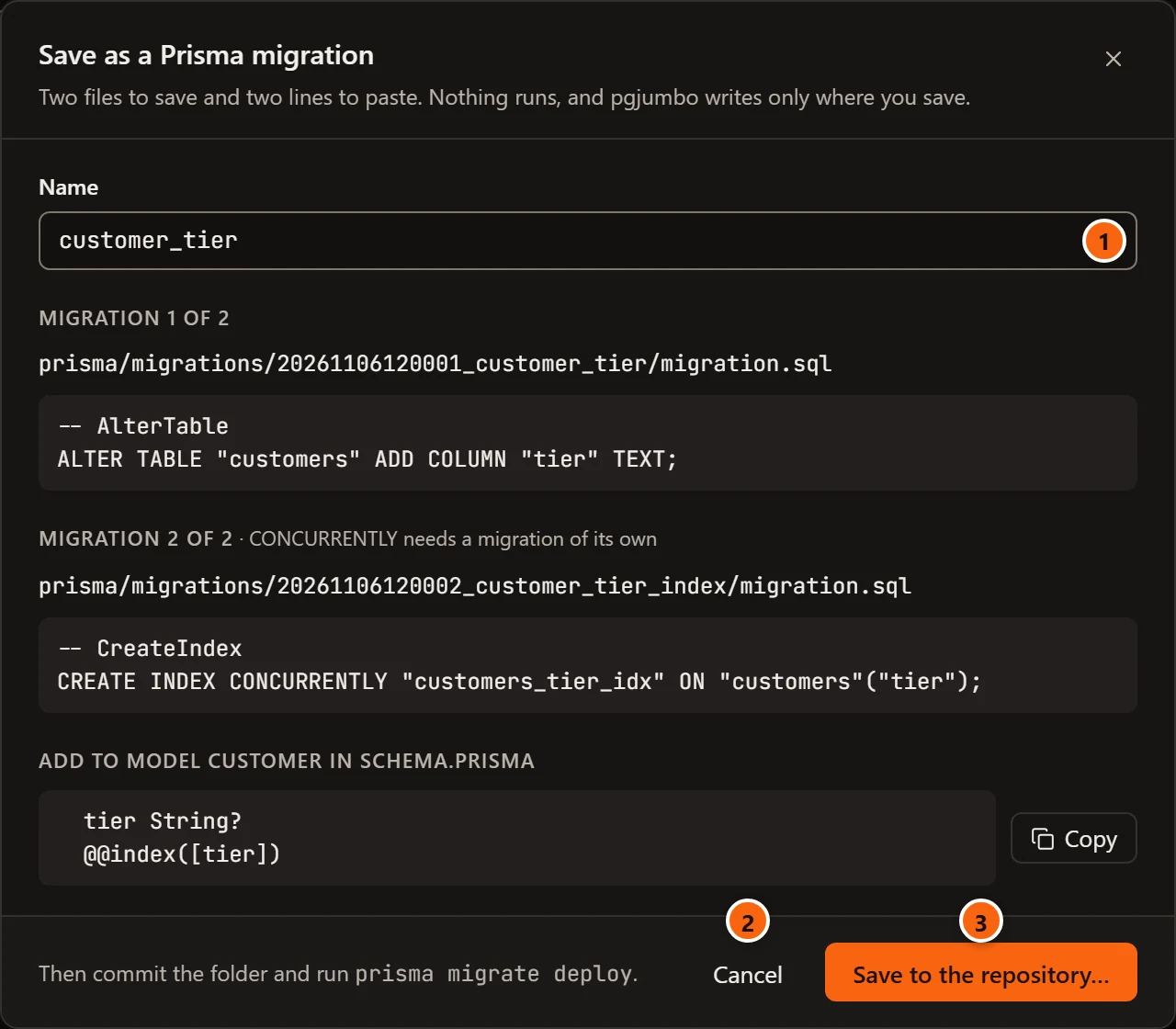
- 1 Name starts as the Assistant named the migration.
- 2 Cancel closes the sheet. There is no Review to go back to, because there is no edit in a tab.
- 3 Save to the repository… asks for the folder and writes the folders, the same way.
Nothing of it runs: not when the Assistant proposes it, and not when you save it. The Assistant and your migrations describes the card.