

Drafts, closing and quitting
pgjumbo keeps a draft of every Query Tool tab: its SQL, where the cursor is, its name, its bookmarks, its server and database, and its file. So closing a tab or quitting never loses SQL without asking, and your tabs are still there after a crash. This page covers the drafts, and every question pgjumbo asks when a Query Tool tab closes, when pgjumbo quits and when it starts again.
Your tabs come back
Section titled “Your tabs come back”A tab’s draft is saved half a second after each change, and at once when a tab closes. Drafts are kept in pgjumbo’s own data on your computer (see Where pgjumbo keeps your data).
When pgjumbo starts, the Query Tool tabs you had open are back: each in its window, in their order, the pinned ones still pinned and the tab that was in front in front again. What comes back as a tab and what waits in Drafts depends on how you answered when you quit:
| When you quit, the tab | At the next start |
|---|---|
| Was empty, or had all its SQL in its file | It is a tab again. |
| Was saved by Save and Quit | It is a tab again, with the file it was saved to. |
| Was left unticked, or you chose Keep All in Drafts | It waits in Drafts, and pgjumbo asks about it. |
Results, messages, an open transaction and a session’s settings do not come back, and neither do tabs of other kinds (a table’s rows, an object’s tab, psql, reports and the rest).
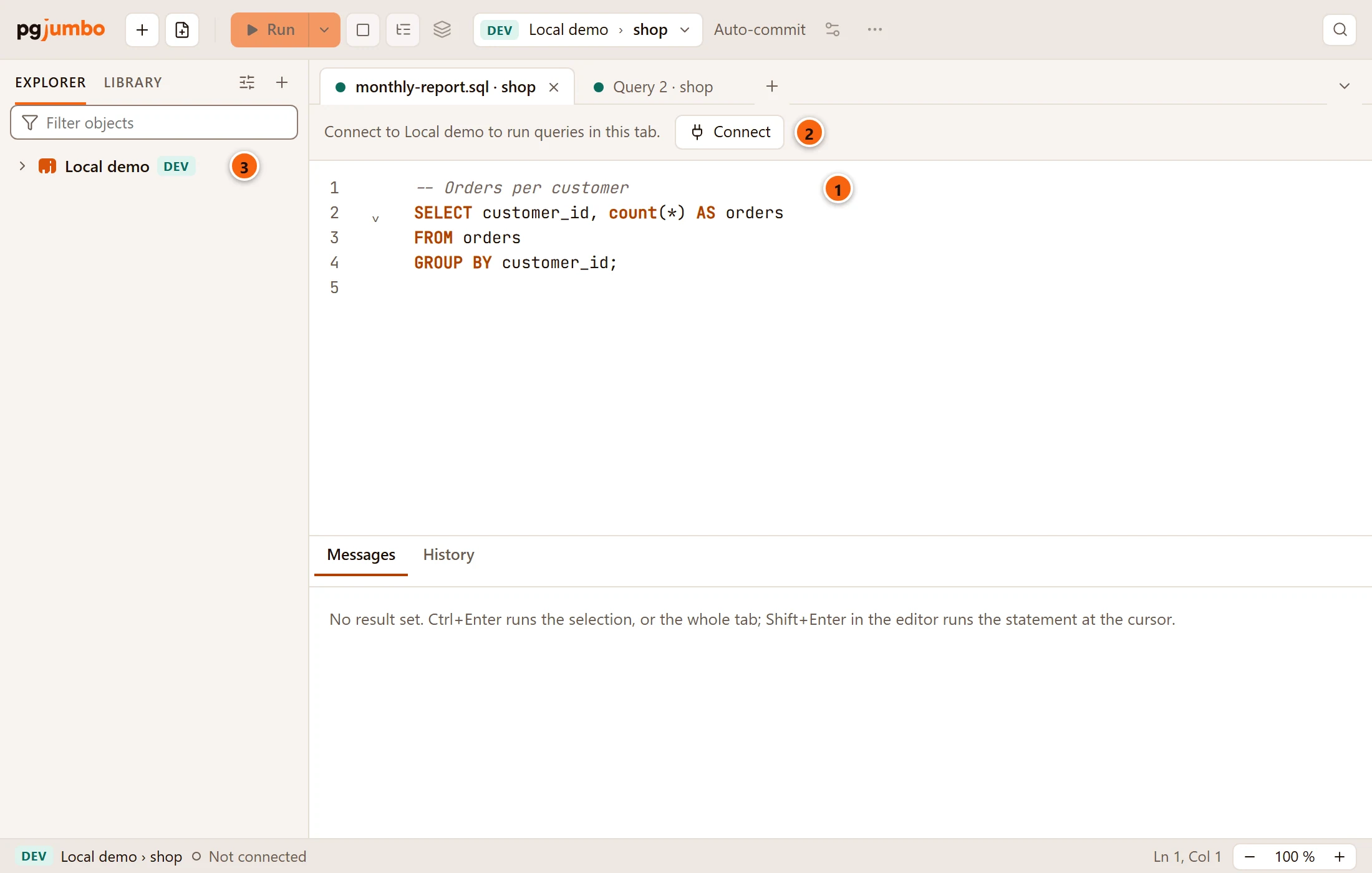
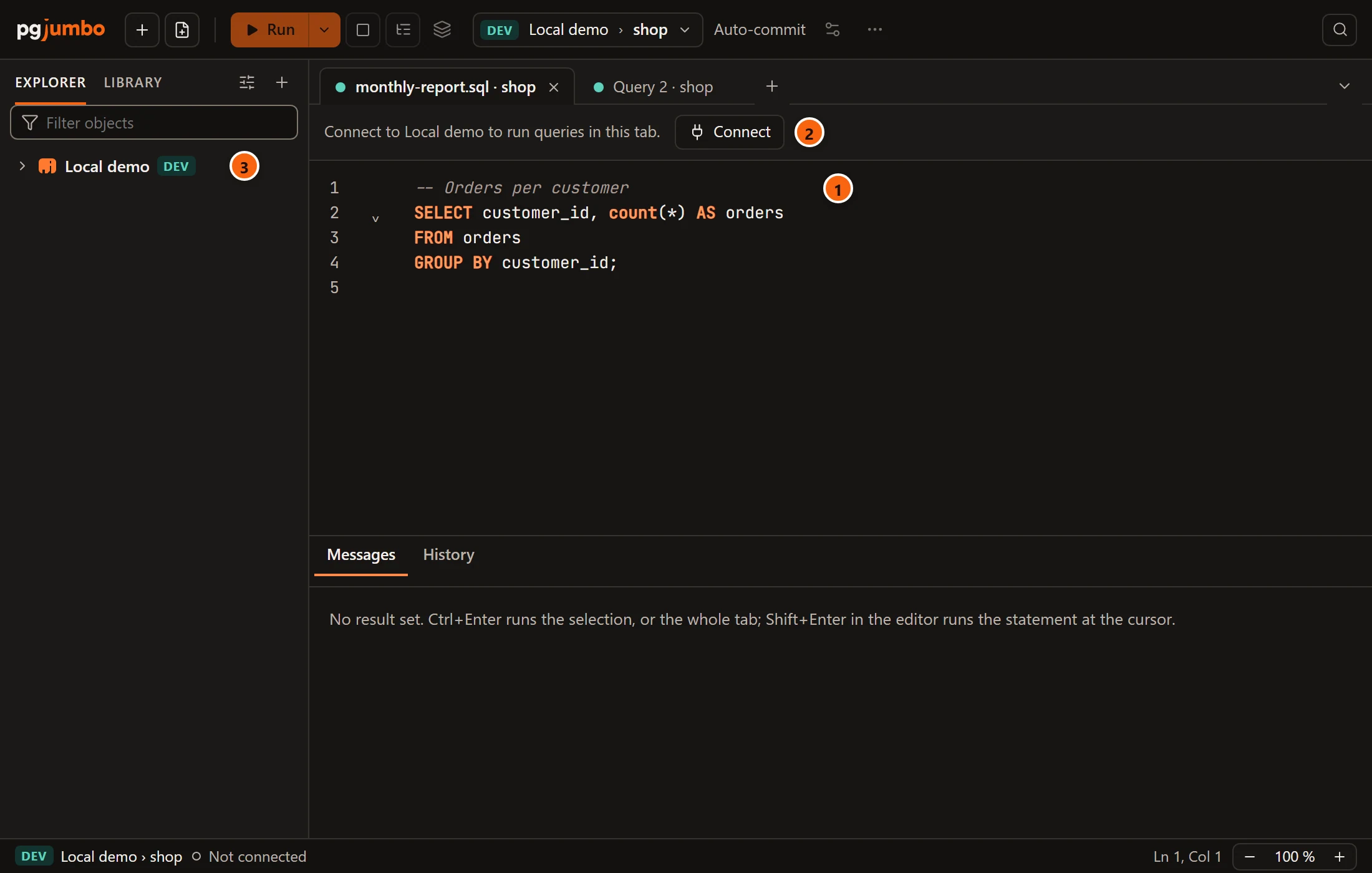
- 1 The tab is back with its text, on the same server and database.
- 2 A tab that came back does not connect by itself: nothing connects or runs until you ask. The banner says Connect to server to run queries in this tab. Click Connect, or connect the server in the Explorer: every tab of that server then opens a session of its own.
- 3 The server in the Explorer is not connected yet.
A tab whose server you deleted meanwhile keeps its SQL and offers Use Another Connection…; see A tab without a session.
Drafts that wait
Section titled “Drafts that wait”A draft waits, instead of opening as a tab, when you close its tab with Move to Drafts, leave it unsaved when you quit, or leave it unticked after pgjumbo closed unexpectedly. A waiting draft is called by its file’s name, by the name you gave its tab, or Untitled query. You find the waiting drafts in four places:
| Place | What it shows |
|---|---|
| The Library’s first section, Drafts | Every draft. See the picture below. |
| FileOpen Draft | The first 20 drafts, each as its name and database, then Show Drafts in the Library. With none, the submenu says No Drafts. |
| The start page’s Drafts card | The newest six, with Open all. See The start page. |
| Open Quickly | The drafts whose name has what you typed, marked draft. |
Opening a draft from any of them makes it a tab again, in front. Like a tab that came back, it waits for its server and connects once the server is connected. It is then an open tab like any other: closing it asks again.
With several pgjumbo windows, every window lists the same waiting drafts, and a draft is one tab in one window only. Once another window has opened a draft, it leaves the lists of the other windows; if you choose it there before the list has caught up, the Library says That draft is open in another window. and nothing opens. A draft moved to Drafts in one window waits in the others’ lists too.
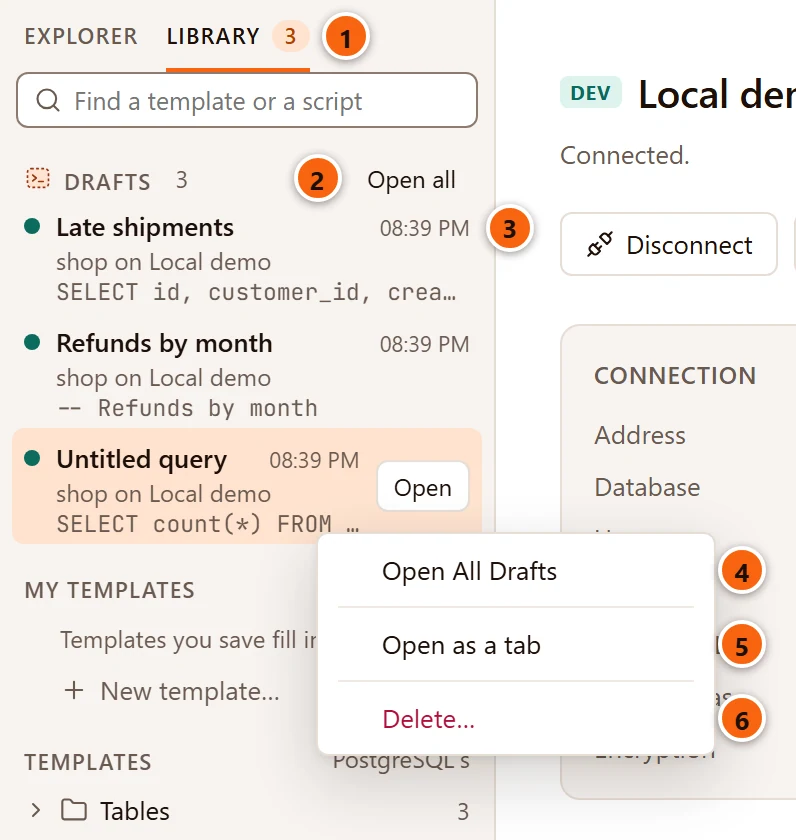
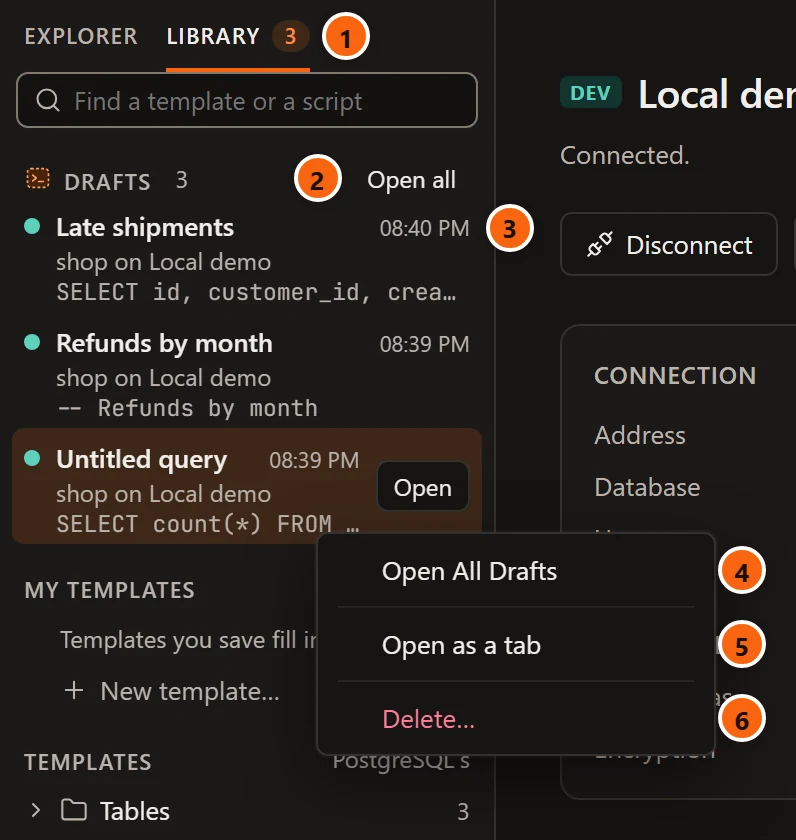
- 1 The number beside Library counts the waiting drafts, whichever side of the left pane is showing.
- 2 Open all opens every draft as a tab; the newest comes to the front. It shows when there are two or more.
- 3 Each draft shows its name, when it was kept (the time for today, Yesterday, or the date), its database and server, and the first line of its SQL. Hover to read more of the SQL. Double-click a draft, press ↩︎ (Enter on Windows and Linux) on it, or click Open on the selected one, to open it.
- 4 Open All Drafts, on the right-click menu of a draft and of the Drafts heading, does what Open all does. Shift+F10 on a draft opens this menu from the keyboard.
- 5 Open as a tab opens this draft.
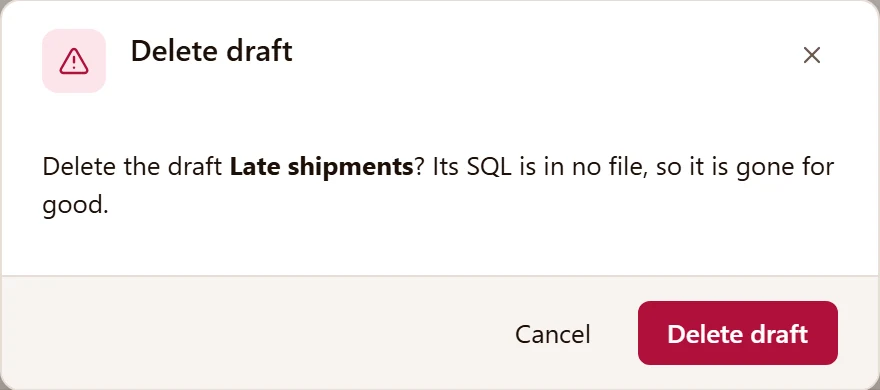
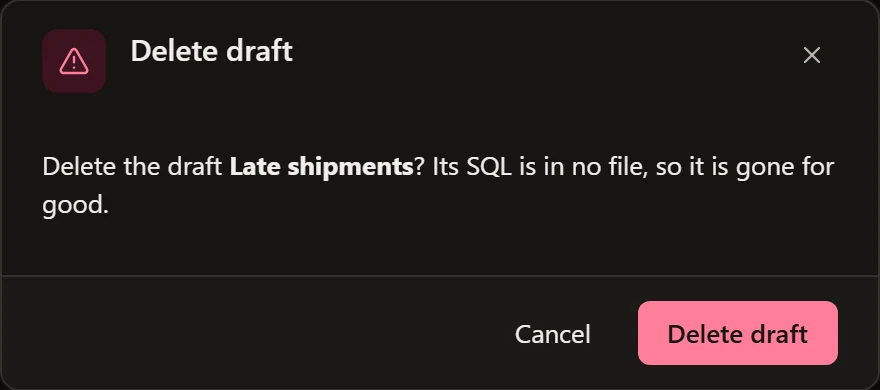
- 6 Delete… throws this draft away, after asking. Delete on a draft asks the same.
A draft whose server was deleted says its server was deleted in place of the server’s name. It still opens, with its SQL.
When pgjumbo starts
Section titled “When pgjumbo starts”When drafts are waiting, pgjumbo asks which to open, once its first window shows.
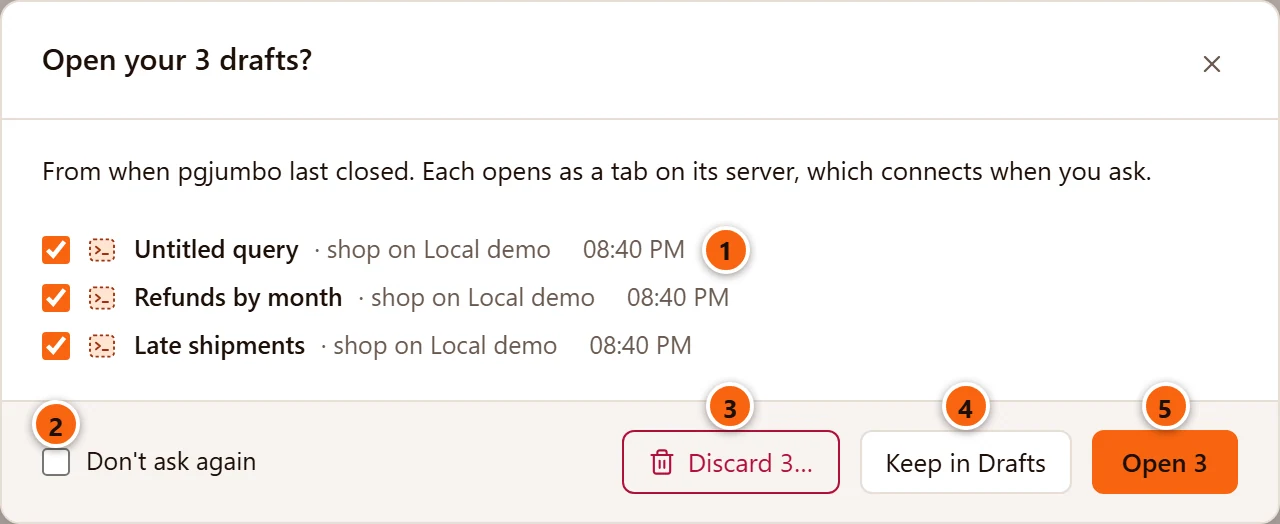
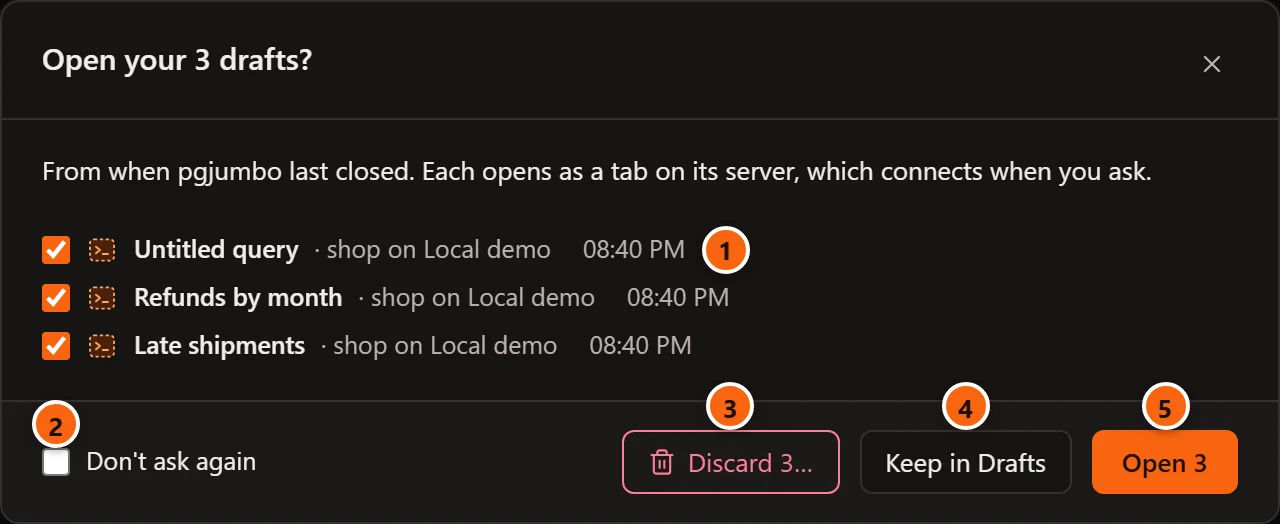
- 1 Every waiting draft, ticked, with its database and server and when it was kept. Untick the ones to leave in Drafts.
- 2 Don’t ask again remembers what you choose next, Open or Keep in Drafts, for every later start. It never remembers Discard.
- 3 Discard 3… throws the ticked drafts away, after one more question.
- 4 Keep in Drafts opens none: they all stay in Drafts. Closing the question with its × or Esc does the same.
- 5 Open 3 opens the ticked drafts as tabs; the unticked ones stay in Drafts. It is the default: ↩︎ (Enter on Windows and Linux) chooses it. The buttons count the ticked drafts, and with none ticked only Keep in Drafts is left.
Discard asks once more, naming the drafts, because they are gone for good:
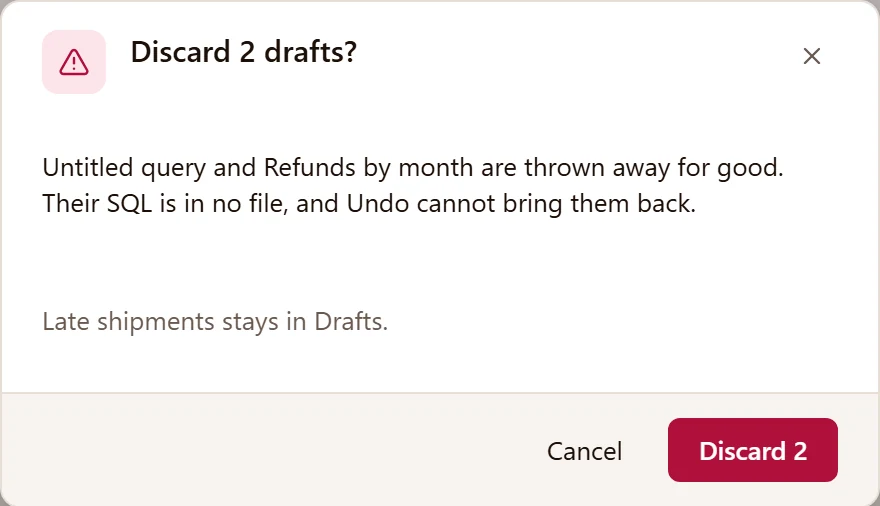
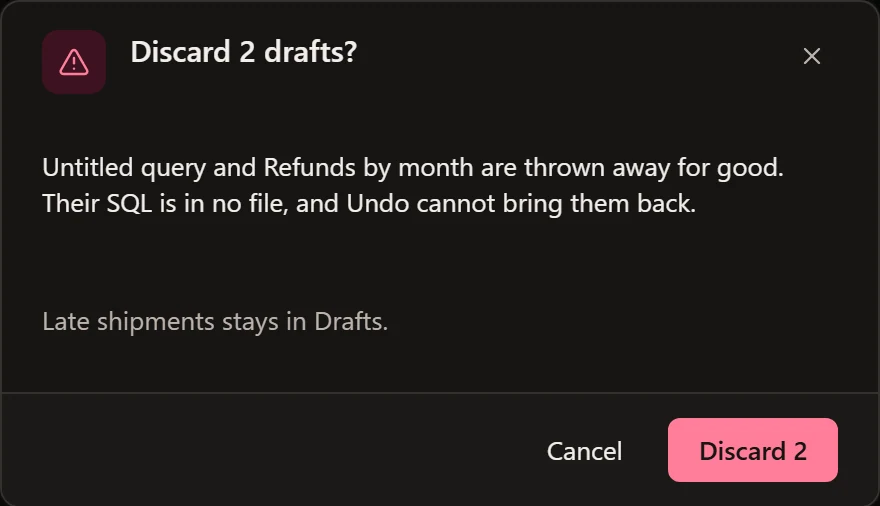
Cancel goes back to the first question. Discard 2 deletes the named drafts; the others stay in Drafts.
What Don’t ask again remembered is the setting SettingsGeneralStart and quitDrafts left from last time, where you can change it back:
| Value | What pgjumbo does at start |
|---|---|
| Ask which to open | Asks, as above. This is what pgjumbo starts with. |
| Open them all as tabs | Opens every waiting draft as a tab, without asking. |
| Keep them in Drafts | Opens none and does not ask. They wait in Drafts. |
Settings lists it with the other settings.
After pgjumbo closed unexpectedly
Section titled “After pgjumbo closed unexpectedly”If pgjumbo did not quit through its own question (a crash, a power cut, the system ending it), no draft was lost: each was saved as you typed. The next start asks about the tabs that were open with SQL not saved:
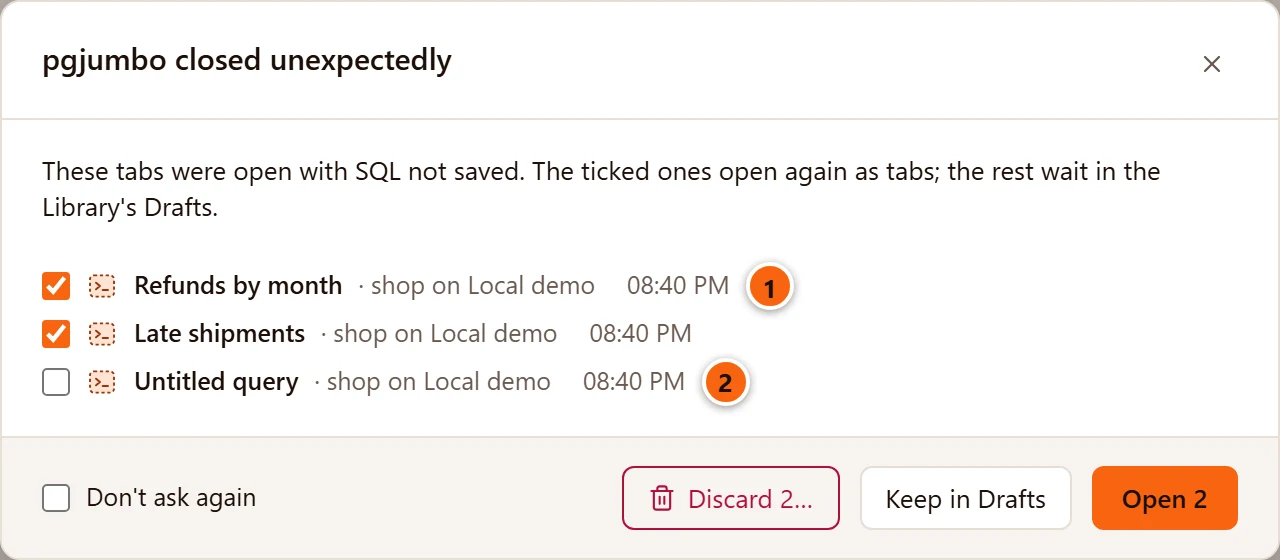
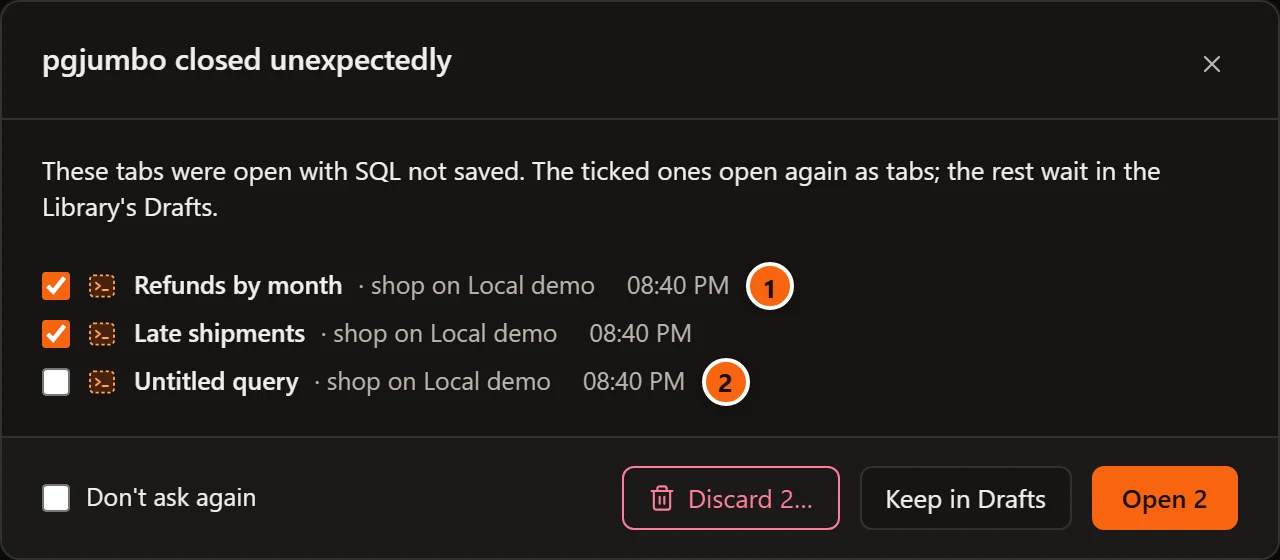
- 1 The tabs that were open with SQL in no file, or with changes their file did not have, each ticked.
- 2 Drafts that were already waiting are listed after them, not ticked.
The buttons are those of the question at start. The ticked ones open again as tabs, in the places they had; the rest wait in Drafts. Tabs whose SQL was all in their files come back as usual. pgjumbo asks this whatever Drafts left from last time says.
Close a Query Tool tab
Section titled “Close a Query Tool tab”Closing a Query Tool tab never loses work silently. Before it closes, the tab asks about one thing at a time, in this order; a tab that has none of them, such as an empty tab, closes at once.
| The tab | It asks | Its buttons |
|---|---|---|
| Is still running a query | Stop the query in Query 1? | Cancel, Stop and Close |
| Has a transaction open | Commit the transaction in Query 1? | Cancel, Roll Back, Commit |
| Has rows changed and not saved | Save changes to Query 1? | Cancel, Don’t Save, Save |
| Has a file, and changes the file does not have | Save changes to monthly-report.sql? | Cancel, Don’t Save, Save |
| Has SQL that is in no file | Save “Query 1” before closing? | Discard, Cancel, Move to Drafts, Save |
It does not matter how you close the tab: its ×, ⌘ W (Ctrl+W on Windows and Linux), a middle click, or Close, Close Others, Close to the Right and Close All in the tab’s menu (see Close a tab). In every question, Cancel, the × and Esc keep the tab open, and ↩︎ (Enter on Windows and Linux) chooses the coloured button. When several tabs close at once, each one that has something to ask comes to the front and asks in turn, and keeping one open stops the rest.
A data tab asks the first three only: it has no SQL of its own to keep. Tabs of other kinds have their own questions; Tabs says where each is explained.
A query is still running
Section titled “A query is still running”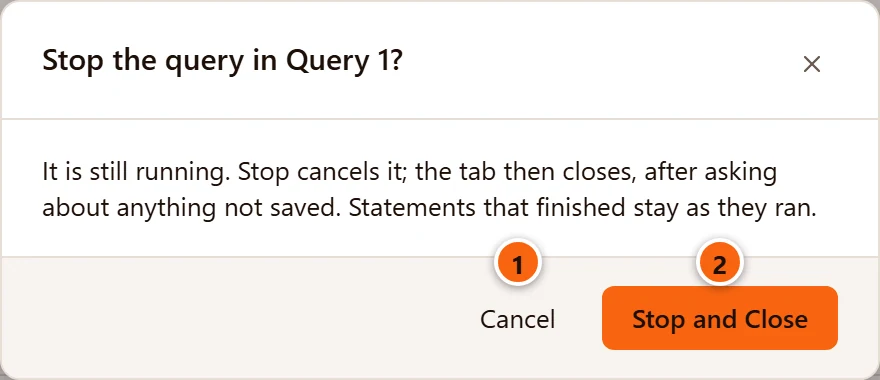
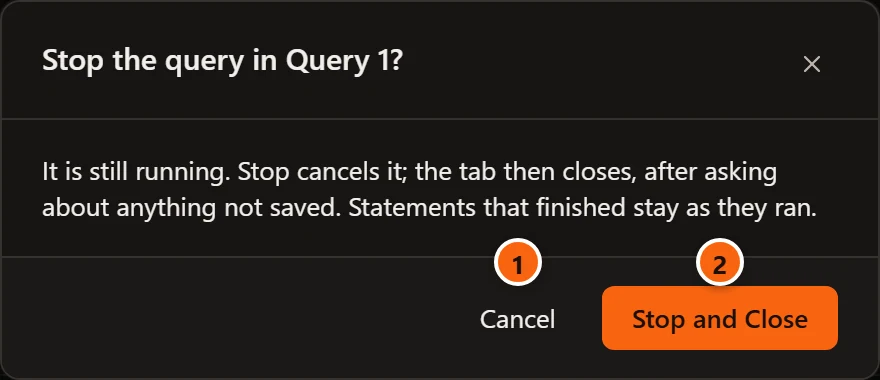
- 1 Cancel keeps the tab open and the query running.
- 2 Stop and Close cancels the query, as Stop does (see Stop a query), then goes on to the next question, if there is one. If the query has not ended after three seconds, the tab goes on anyway, and closing its connection ends the query.
Statements of a script that had already finished stay as they ran.
A transaction is open
Section titled “A transaction is open”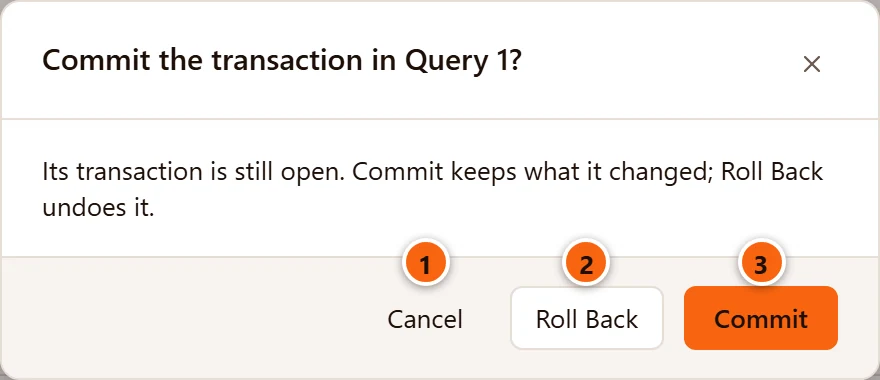
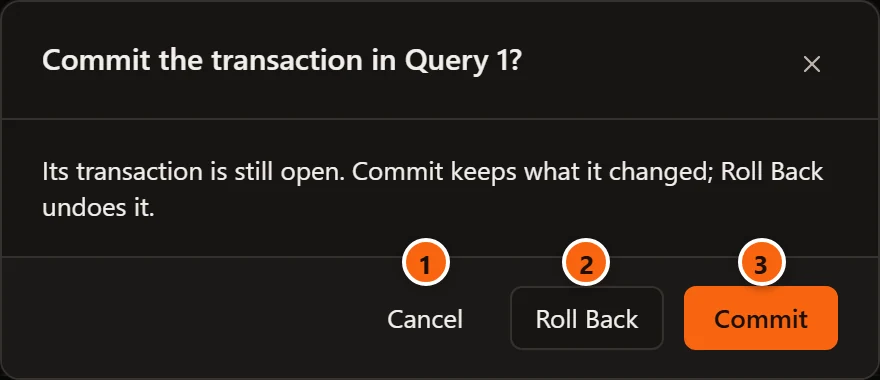
- 1 Cancel keeps the tab and its transaction open.
- 2 Roll Back undoes what the transaction changed.
- 3 Commit keeps it.
After either, the tab goes on to the next question, or closes. If the commit or the rollback does not go through, the tab stays open.
After a statement failed inside the transaction, nothing can be committed. The question is then Roll back the failed transaction in Query 1?, with Cancel and Roll Back and Close only. Transactions explains commit modes and when a transaction is open.
Rows changed and not saved
Section titled “Rows changed and not saved”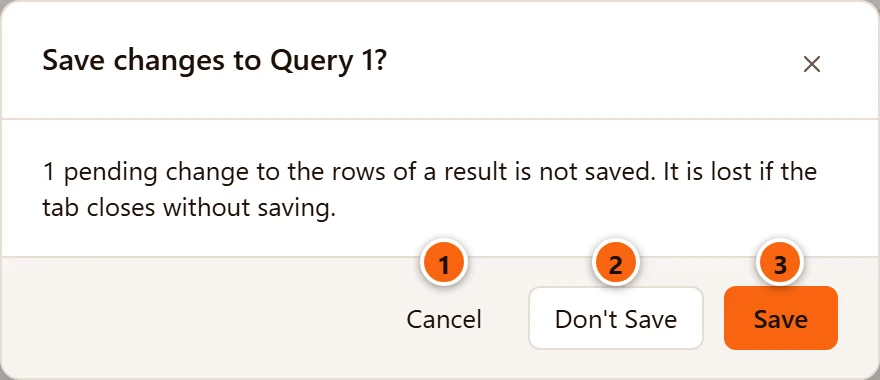
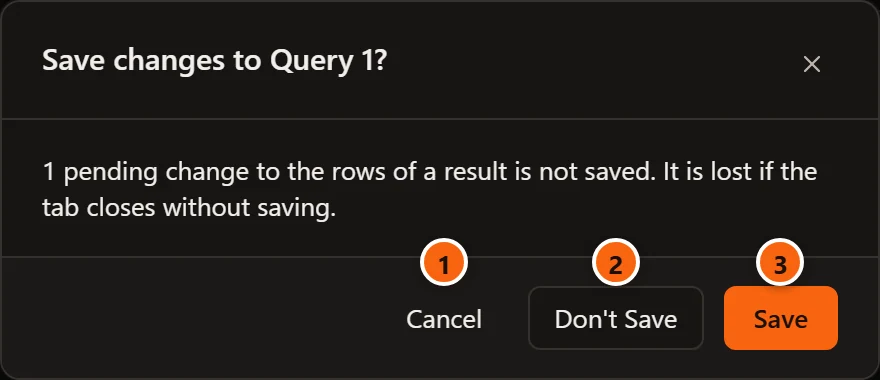
- 1 Cancel keeps the tab open, with its changes.
- 2 Don’t Save drops the changes to the rows.
- 3 Save writes them to the database. If the server refuses, the question says why and the tab stays open.
Either way the tab then asks about what is left, such as its SQL in no file. Edit data explains changing rows.
A file that is behind
Section titled “A file that is behind”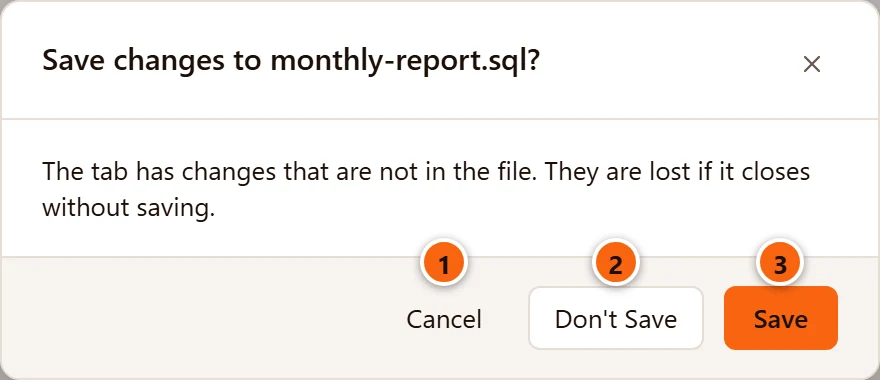
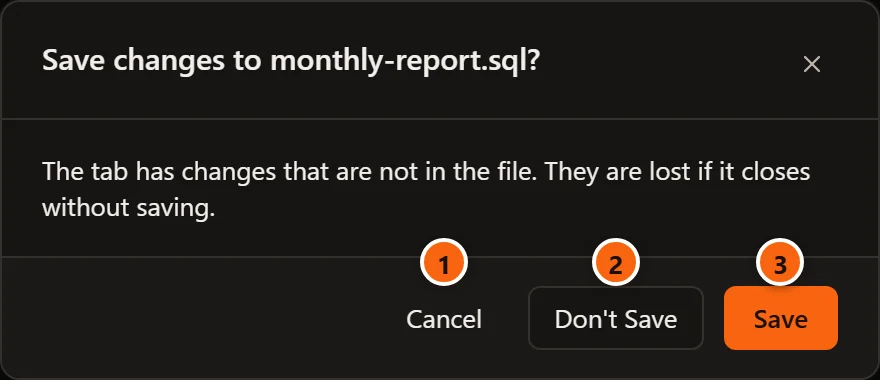
- 1 Cancel keeps the tab open.
- 2 Don’t Save closes the tab and drops the changes. The file stays as it was.
- 3 Save writes the file, as FileSave does, then closes the tab. If the file cannot be written, the tab stays open and the question says why.
SQL that is in no file
Section titled “SQL that is in no file”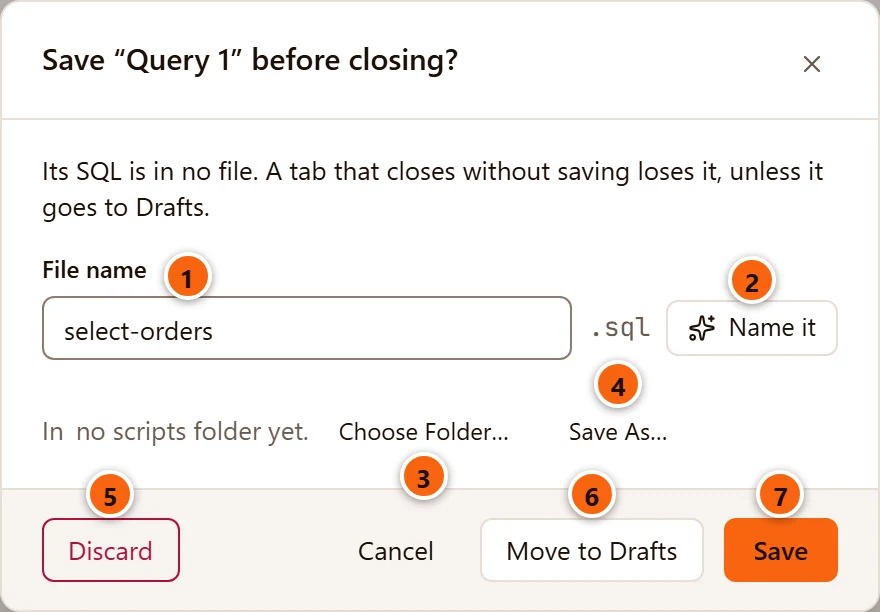
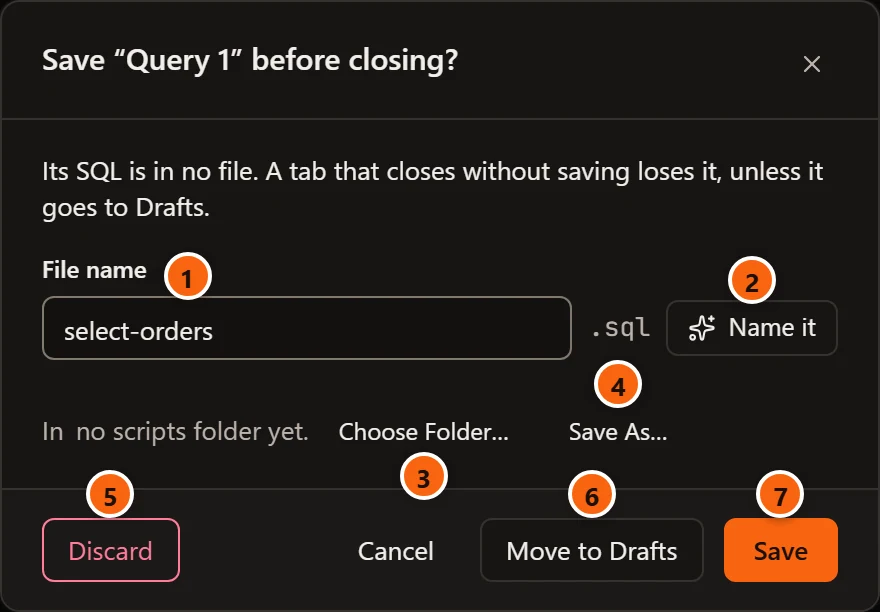
- 1 File name: the name the new file gets, without
.sql. pgjumbo offers the tab’s own name when you gave it one (Late shipmentsgiveslate-shipments). Otherwise it reads the SQL: a comment on its first line, or what the first statement does and to which table, such asselect-ordersorupdate-customers;querywhen neither says anything. - 2 Name it asks the Assistant for a name that fits the SQL. It shows only while the Assistant is on. On a server whose query text the Assistant may not read, the name stays as it is and the question says so (see Set up the Assistant).
- 3 Where Save puts the file: the folder of the Library’s My scripts. The line reads In folder · My scripts. With no scripts folder yet, as here, Choose Folder… sets one.
- 4 Save As… shows your system’s Save SQL File dialog, to save the file anywhere else.
- 5 Discard closes the tab and throws its SQL away: no file, no draft.
- 6 Move to Drafts closes the tab and keeps its SQL as a draft that waits.
- 7 Save writes the SQL as a new file in My scripts under the name beside it, then closes the tab. With no scripts folder, it shows the Save SQL File dialog instead, with the name filled in. It is greyed out while the name is empty.
Save never writes over a file that is already in My scripts: a name taken there gets -2 (then -3, and so on),
such as select-orders-2.sql.
Quit pgjumbo
Section titled “Quit pgjumbo”You quit with FileExit on Windows, FileQuit on Linux, pgjumboQuit pgjumbo on a Mac, with ⌘ Q (Ctrl+Q on Windows and Linux), or by closing the last pgjumbo window. With nothing to ask about, pgjumbo quits at once. Otherwise it asks in this order:
- Every tab that sits in a window of its own goes back to its pgjumbo window, so that it is asked about too.
- Each tab with rows changed and not saved asks its own questions, as closing it would, and then closes. So does each tab of another kind with something not saved: an object’s tab, a server’s tab with changed settings, a knowledge file. Cancel on any of them keeps pgjumbo open.
- Save before quitting? lists every Query Tool tab whose SQL is in no file, or whose file is behind.
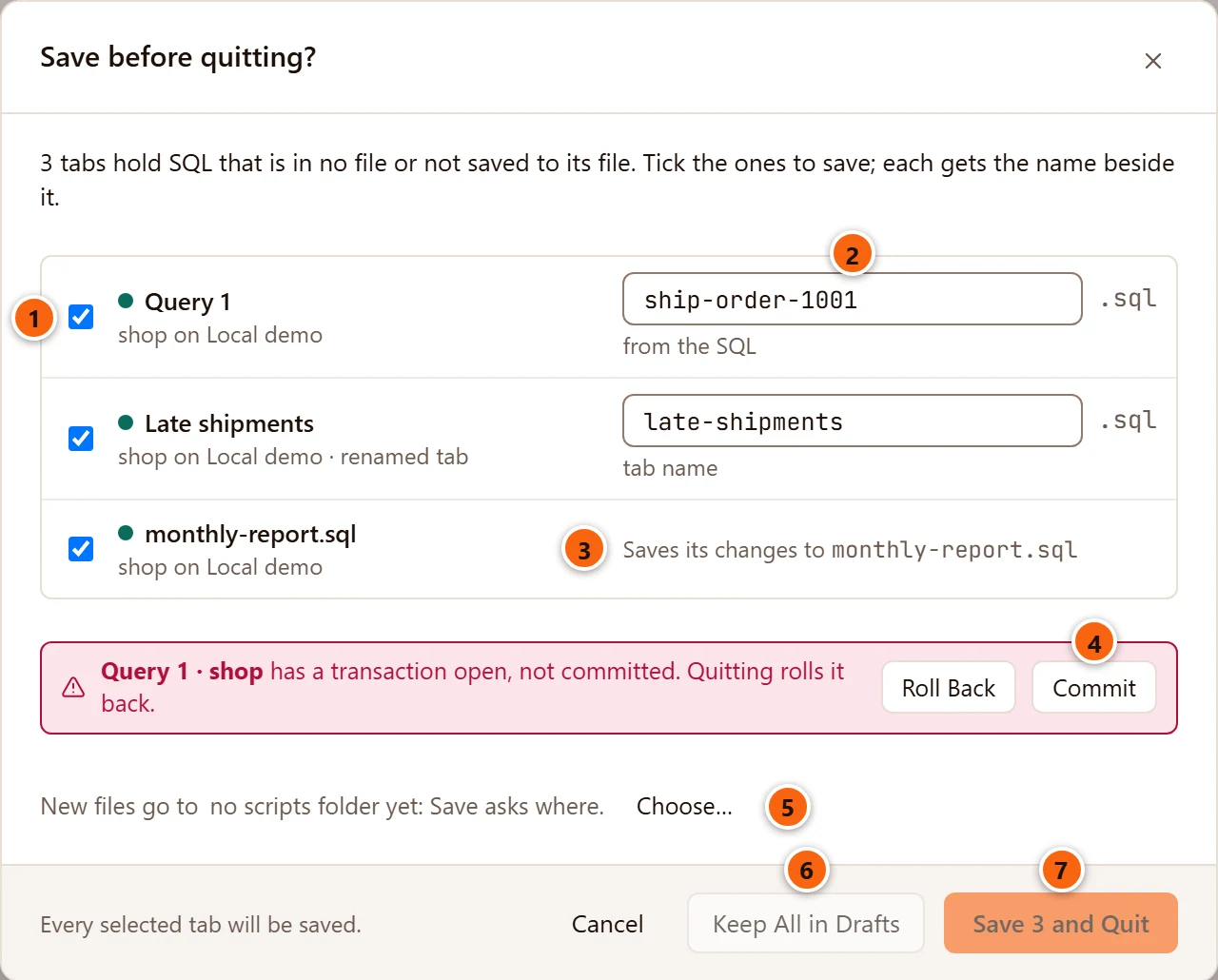
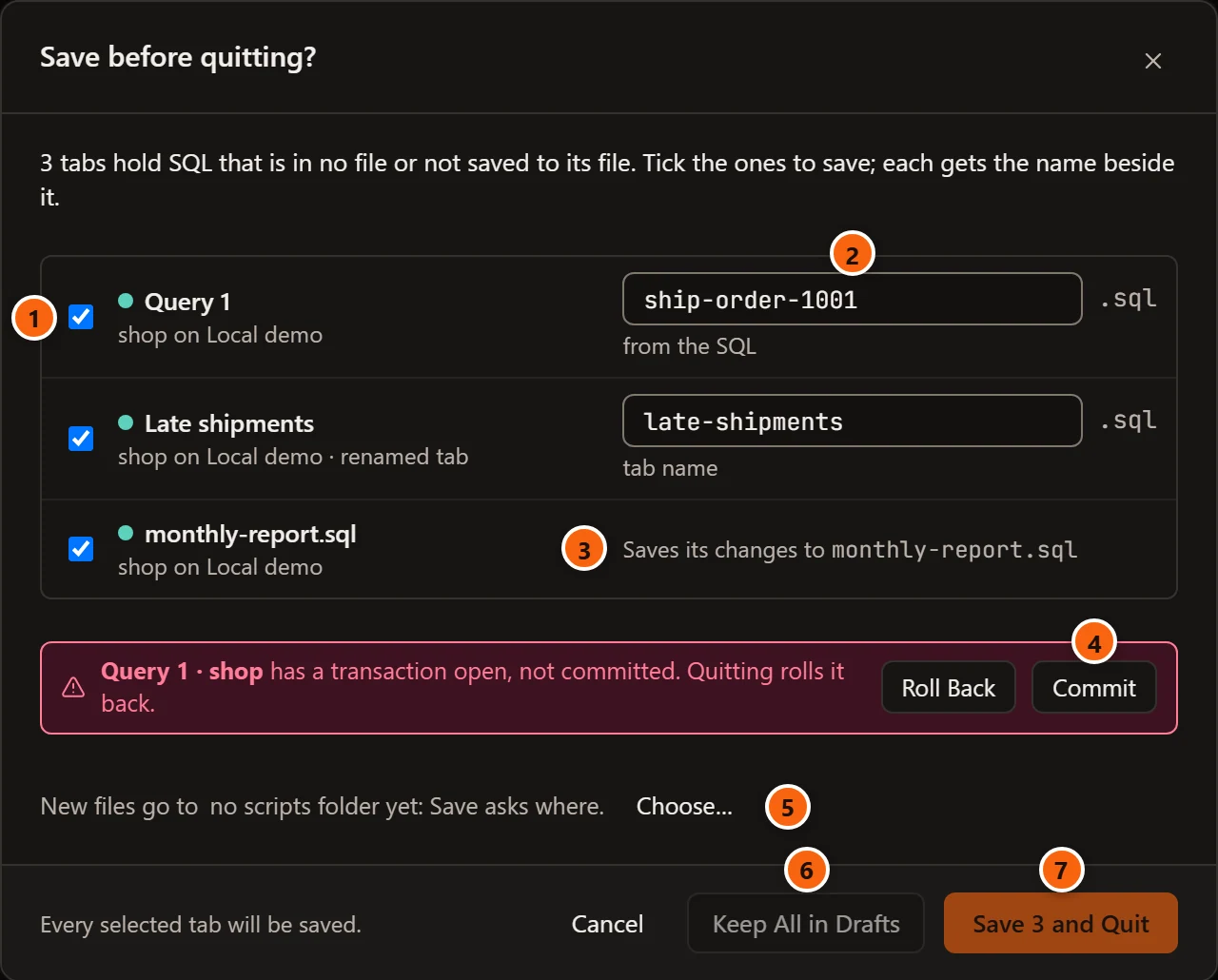
- 1 Each tab has a box, ticked to start with. A ticked tab is saved; an unticked one is kept in Drafts. The row names the tab, its database and server, and says renamed tab when you named it. A tab on a Production server has its PROD tag.
- 2 A tab without a file gets a new file in the Library’s My scripts, under the name in this field. Under the field is where the name came from: from the SQL, tab name, typed once you change it, or Assistant. The names are worked out as for a closing tab.
- 3 A tab with a file says Saves its changes to and the file’s name.
- 4 A tab with a transaction open is named in red. Answer it with Roll Back or Commit; until every transaction is answered, Keep All in Drafts and Save and Quit are greyed out, as in the picture. A failed transaction offers Roll Back only.
- 5 New files go to names the folder of My scripts, with Change… to choose another. With no folder yet it says no scripts folder yet: Save asks where, with Choose…. While the Assistant is on, Name them with the Assistant on the same line proposes a name for every new file at once; a name you typed stays.
- 6 Keep All in Drafts saves no file: every listed tab goes to Drafts, and pgjumbo quits.
- 7 Save 3 and Quit saves the ticked tabs, keeps the others in Drafts, and quits. The button counts the ticked tabs. It is greyed out when none is ticked.
Cancel, the × and Esc keep pgjumbo open, with every tab as it was. The line at the bottom left says what happens to the tabs you did not tick: Every selected tab will be saved., The other tab goes to Drafts. or The other 2 tabs go to Drafts.
What Save and Quit does with each listed tab:
| The tab | What happens |
|---|---|
| Ticked, with a file | Its changes are written to the file. |
| Ticked, without a file | Its SQL is saved as a new file in My scripts, under the name beside it. A name taken there gets -2. With no scripts folder yet, pgjumbo asks for one first; if you choose none, nothing is saved and the question says “Choose a folder for My scripts to save the new tabs in, or untick them to keep them in Drafts.” |
| Not ticked | It is kept in Drafts. |
If a file cannot be written, pgjumbo does not quit: the question says why and lists the tabs that are still not saved.
Queries and jobs that are still running
Section titled “Queries and jobs that are still running”Under the list, Save before quitting? also names what quitting would stop:
- A tab that is still running a query: Query 2 · shop is still running. Quitting stops it., with Stop to cancel it now.
- A job that is still running, such as a backup, a restore, Copy Database, maintenance or an import: The job name is still running. Quitting stops it.
Neither holds you back: Save and Quit goes on, and Cancel keeps pgjumbo open and the query or the job running.
A running job is asked about even when nothing else is left to ask, and with no tab open:
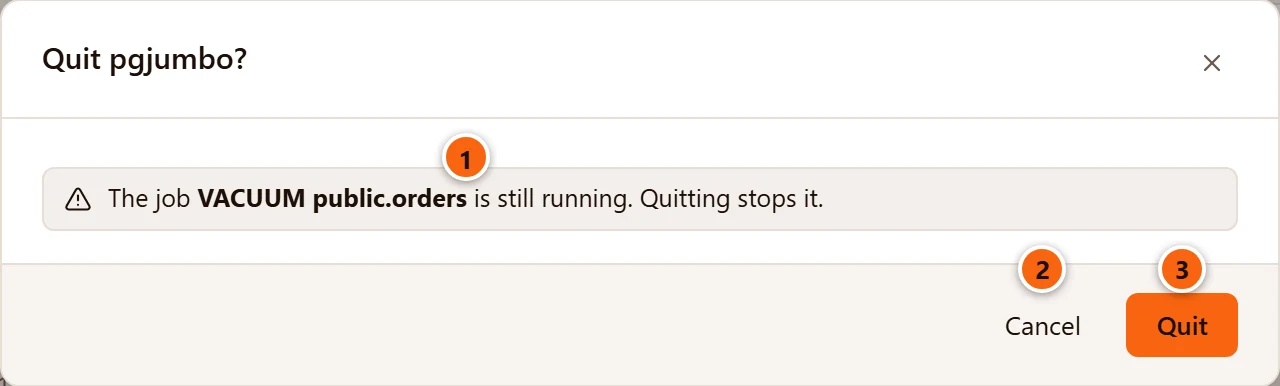
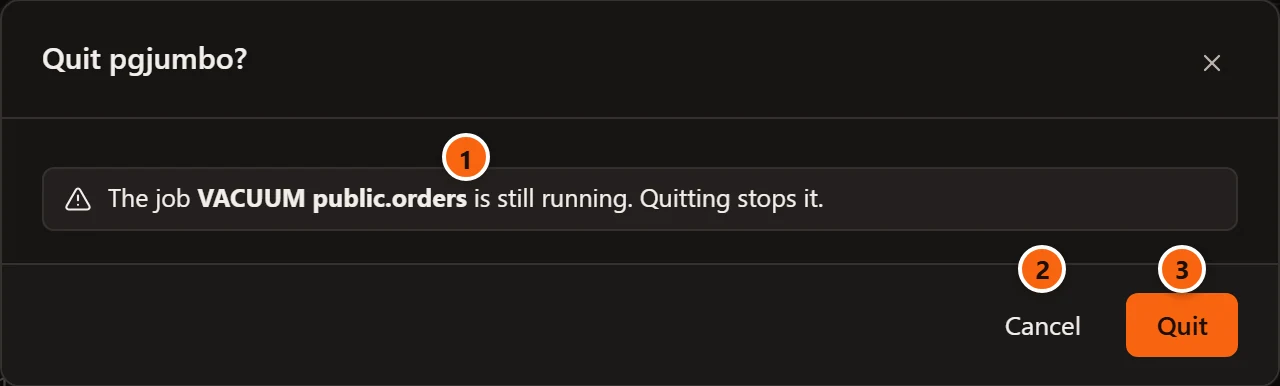
- 1 Each job still running, by the name the Jobs panel gives it.
- 2 Cancel keeps pgjumbo open and the job running.
- 3 Quit stops the job and quits.
With no tab to save, the question is titled Quit pgjumbo?, as here, and its last button is Quit. An open transaction in a tab whose SQL is saved asks under the same title.
Several windows
Section titled “Several windows”With several pgjumbo windows open, each window asks about its own tabs in turn. Cancel in any of them keeps pgjumbo open. Closing one of several windows asks about that window’s tabs only, one tab at a time; see Several windows.
When a window does not answer
Section titled “When a window does not answer”A window that hangs must not keep pgjumbo from quitting. If a window does not take up the request to quit within three seconds, pgjumbo quits anyway. Nothing is lost: the drafts are saved as you type, and the next start asks about the tabs as after pgjumbo closed unexpectedly.
Restarting to update
Section titled “Restarting to update”Restart to update asks the same questions, worded for a restart. See Updates.
A file that changed on disk
Section titled “A file that changed on disk”pgjumbo never writes over a file another program changed since the tab read it, also not on the way out (see When the file changes on disk).
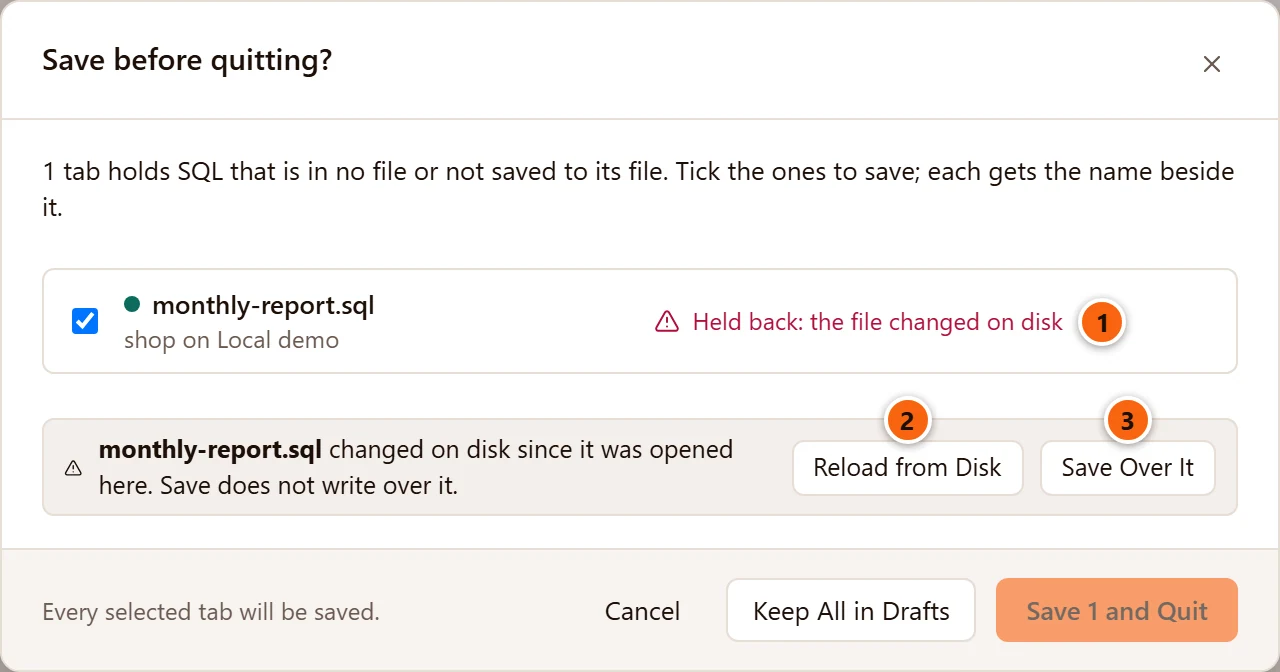
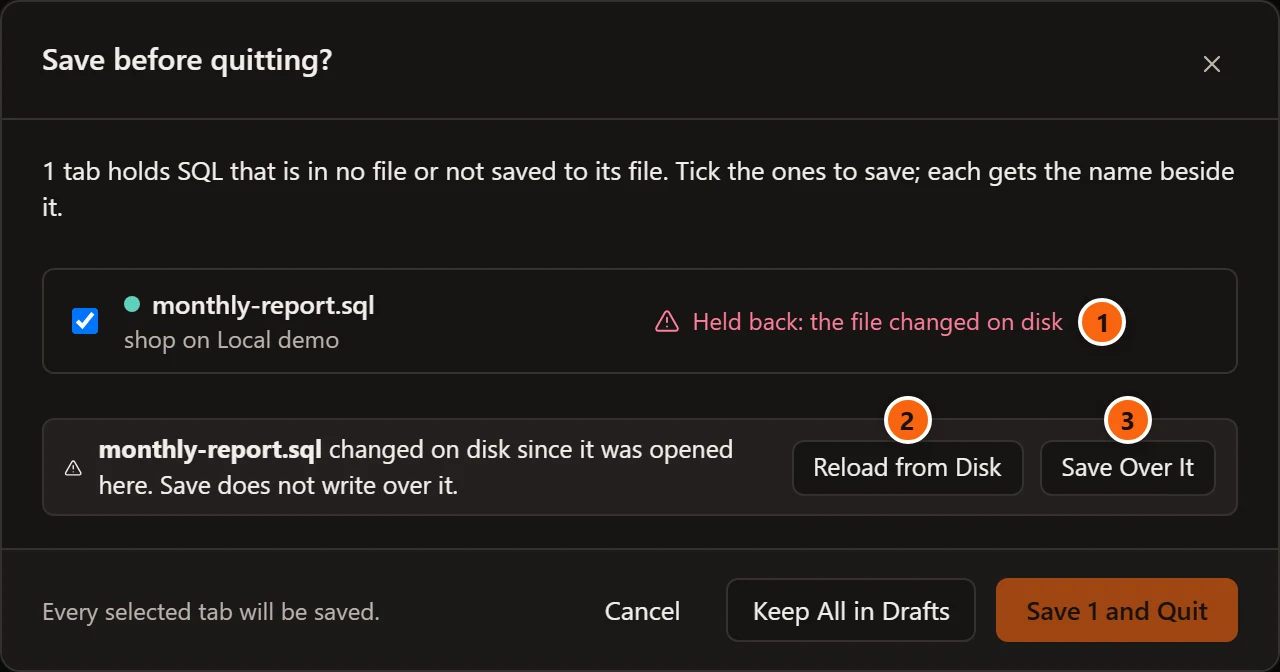
- 1 In Save before quitting?, a ticked tab whose file changed says Held back: the file changed on disk, and Save and Quit is greyed out until you settle it.
- 2 Reload from Disk takes the file’s text; the tab’s changes are dropped, and the tab leaves the list.
- 3 Save Over It writes the tab’s text over the other program’s change now.
Or untick the tab to keep it in Drafts, or choose Keep All in Drafts: the file stays as the other program left it, and the tab’s text waits in Drafts.
When you close such a tab, Save in Save changes to …? does not write the file either: the question says the file was not saved, the tab stays open, and Save over …? asks what to do, as it does for FileSave.
When a draft cannot be saved
Section titled “When a draft cannot be saved”SQL that is in no file is safe only while its draft is. If pgjumbo cannot save a draft, the status bar says Drafts not saved: and the reason, in red, until a save works again. Save your SQL to a file meanwhile.
One reason is size: a tab holding more than 16 MiB of SQL is not kept as a draft, and the status bar says “This tab’s SQL is larger than 16 MiB, too large to keep as a draft. Save it to a file.”
A draft holds the editor’s text as you typed it, a password included. Query history masks passwords; a draft and a file do not.